Choose the Right Office Tool and Version
Use the free version directly, or choose the membership version to remove processing limits and unlock all features.
Use without registration or login
Process up to 5 records at a time
Free upgrades and technical support
Download Free Version
Account registration required
Internet connection required for registration and login
No limit on processing quantity
No limit on any functions
Can change computers
Free upgrades and technical support
Electronic invoices available
Buy Membership
Built for office file workflows across industries
Our tools are commonly used for education materials, business document archives, sales file maintenance, content asset handling, and multimedia file management. Users can batch process files locally on their computers, reducing repetitive work while avoiding uploads of sensitive materials to third-party platforms.



HeSoft Doc Batch Tool - Software Introduction
Built for office file workflows across industries
Our tools are commonly used for education materials, business document archives, sales file maintenance, content asset handling, and multimedia file management. Users can batch process files locally on their computers, reducing repetitive work while avoiding uploads of sensitive materials to third-party platforms.
HeSoft FlyDisc - Software Introduction

Use without registration or login
View up to 100 files
Free upgrades and technical support
Download Free Version
Account registration required
Internet connection required for registration and login
No limit on processing quantity
No limit on any functions
Can change computers
Free upgrades and technical support
Electronic invoices available
Buy Membership
Built for office file workflows across industries
Our tools are commonly used for education materials, business document archives, sales file maintenance, content asset handling, and multimedia file management. Users can batch process files locally on their computers, reducing repetitive work while avoiding uploads of sensitive materials to third-party platforms.

HeSoft Multi-function Media Album Viewer - Software Introduction
Use without registration or login
Use up to 5 times a day
Free upgrades and technical support
Download Free Version
Account registration required
Internet connection required for registration and login
No limit on processing quantity
No limit on any functions
Can change computers
Free upgrades and technical support
Electronic invoices available
Buy Membership
Built for office file workflows across industries
Our tools are commonly used for education materials, business document archives, sales file maintenance, content asset handling, and multimedia file management. Users can batch process files locally on their computers, reducing repetitive work while avoiding uploads of sensitive materials to third-party platforms.

HeSoft Copy Paste Assistant - Software Introduction
Use without registration or login
Process up to 5 records at a time
Free upgrades and technical support
Download Free Version
Account registration required
Internet connection required for registration and login
No limit on processing quantity
No limit on any functions
Can change computers
Free upgrades and technical support
Electronic invoices available
Buy Membership
Built for office file workflows across industries
Our tools are commonly used for education materials, business document archives, sales file maintenance, content asset handling, and multimedia file management. Users can batch process files locally on their computers, reducing repetitive work while avoiding uploads of sensitive materials to third-party platforms.

HeSoft Batch Image Annotation Tool - Software Introduction
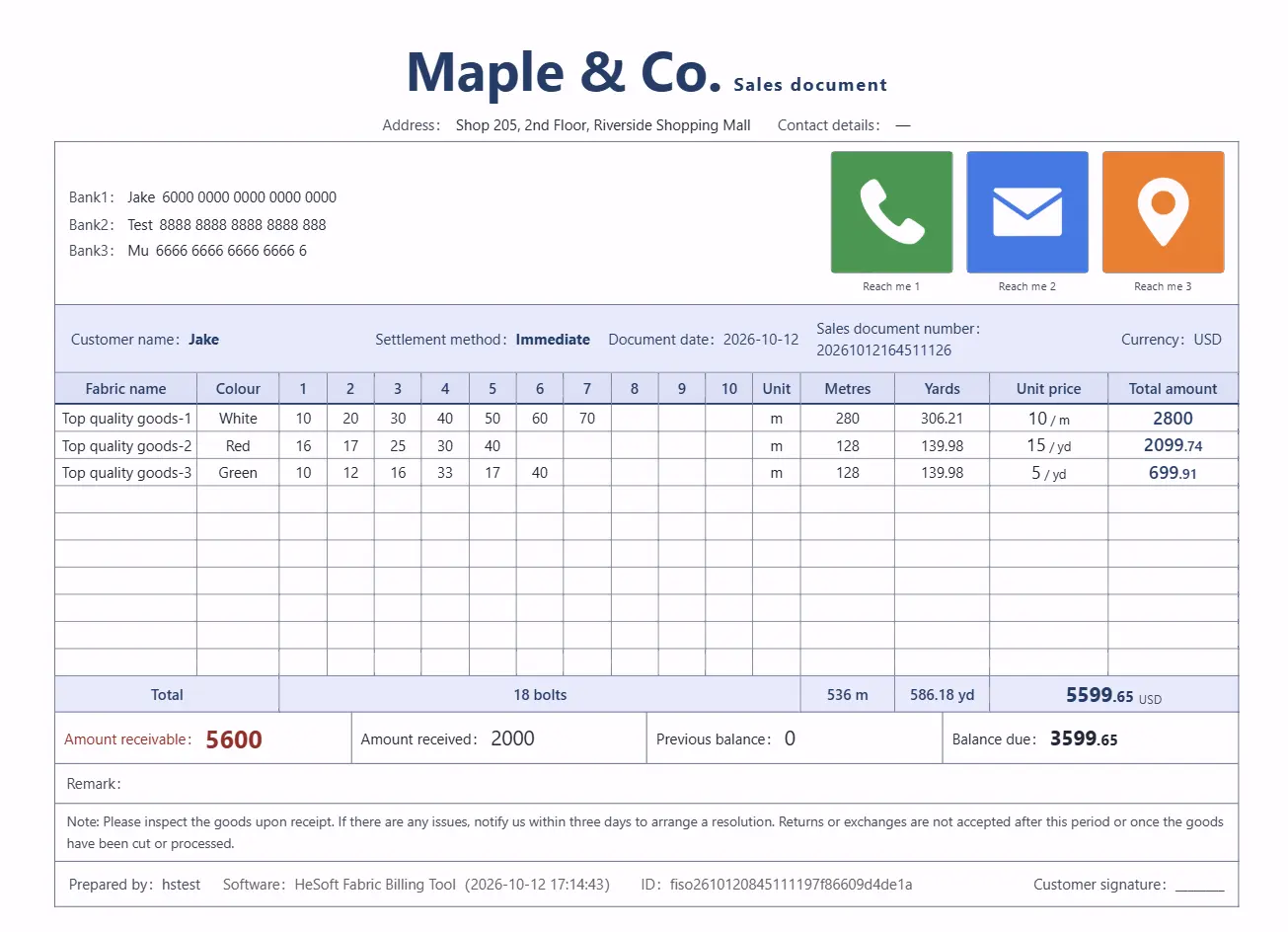
Up to 50 sales orders
Free upgrades and technical support
Open Web App
Account registration required
Internet connection required for registration and login
No limit on any functions
Free upgrades and technical support
Electronic invoices available
Buy Membership
Built for office file workflows across industries
Our tools are commonly used for education materials, business document archives, sales file maintenance, content asset handling, and multimedia file management. Users can batch process files locally on their computers, reducing repetitive work while avoiding uploads of sensitive materials to third-party platforms.
HeSoft Fabric Billing Tool - Software Introduction