Batch Convert a Large Number of Word Documents to Mobi E-Book Format Compatible with Older Kindle Devices
Translation:EnglishFrançaisDeutschEspañol日本語한국어,Update Time:2025-06-07 20:22:17
In doc, docx, and other format files, the content is all text-based without complex layout. To adapt the file for Kindle devices, if the device is an older Kindle model (such as Kindle 1-4, Kindle DX), you can convert the Word document to Mobi format. As Amazon's early Kindle e-book format, it ensures that the content displays properly on older Kindles without complex layout, allowing for faster transfer and testing.
1. Use Cases
When using older Kindle devices or when you need to quickly generate a Kindle-compatible format, you can batch convert Office Word documents into the Mobi format efficiently.
2. Preview
Before Processing:

After Processing:

3. Steps
Open【 HeSoft Doc Batch Tool 】, and select【Word Tools】-【Word to Mobi】.
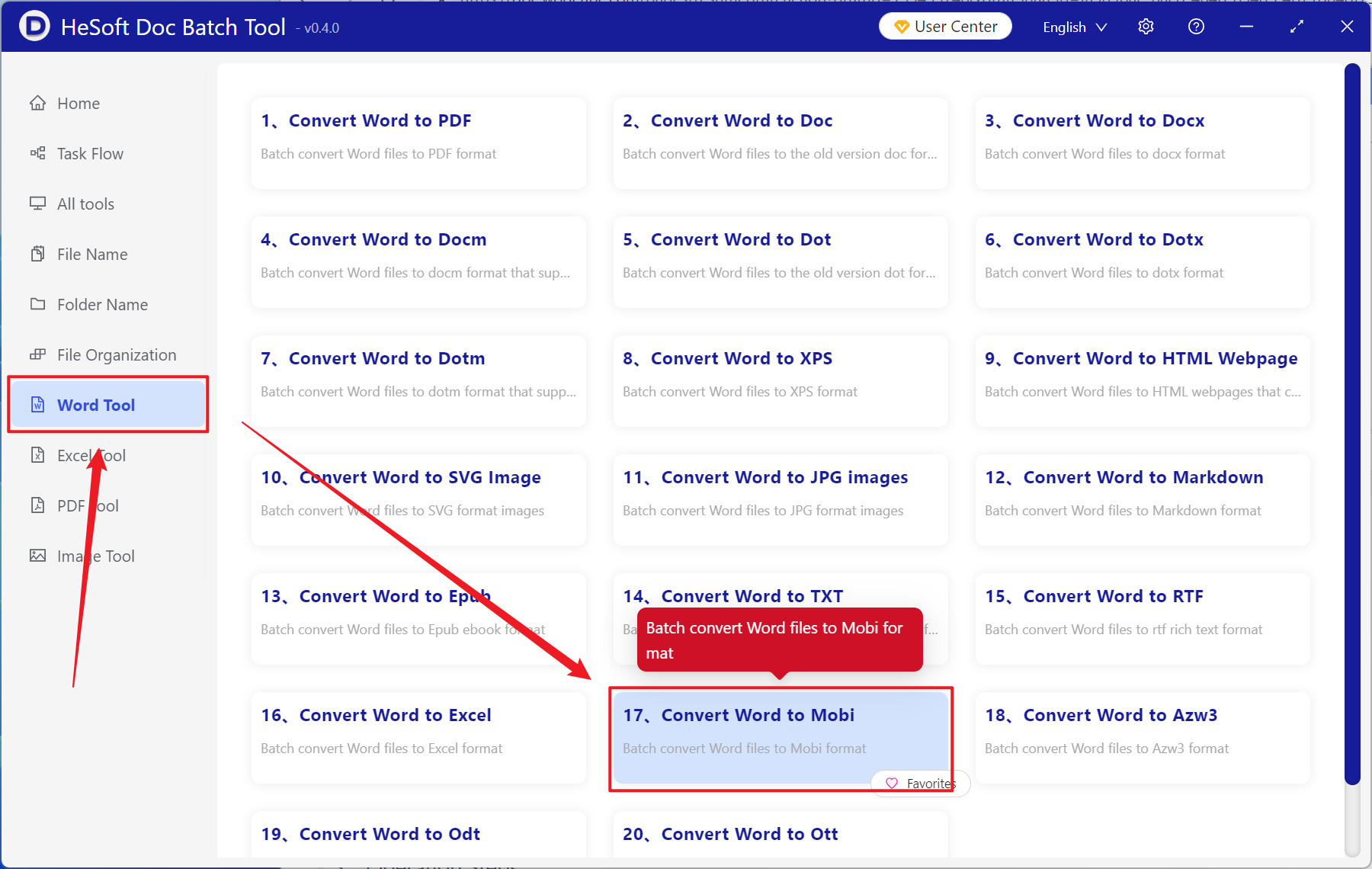
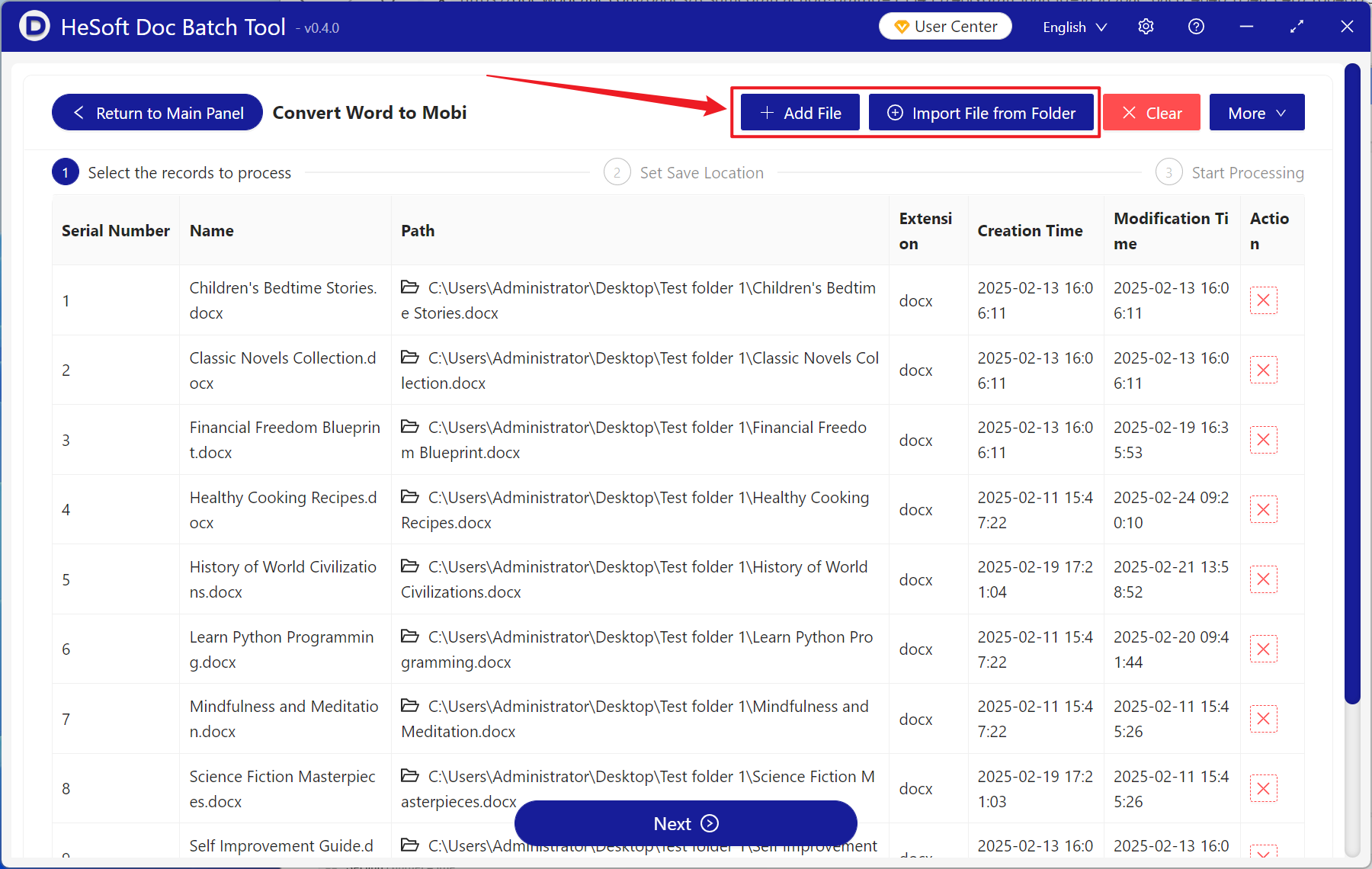
【Add Files】Select and add one or multiple Word documents to be converted to the Mobi ebook format.
【Import Files From Folder】Add an entire folder containing Word documents to be converted to the Mobi ebook format.
The imported files can be viewed in the red box below.
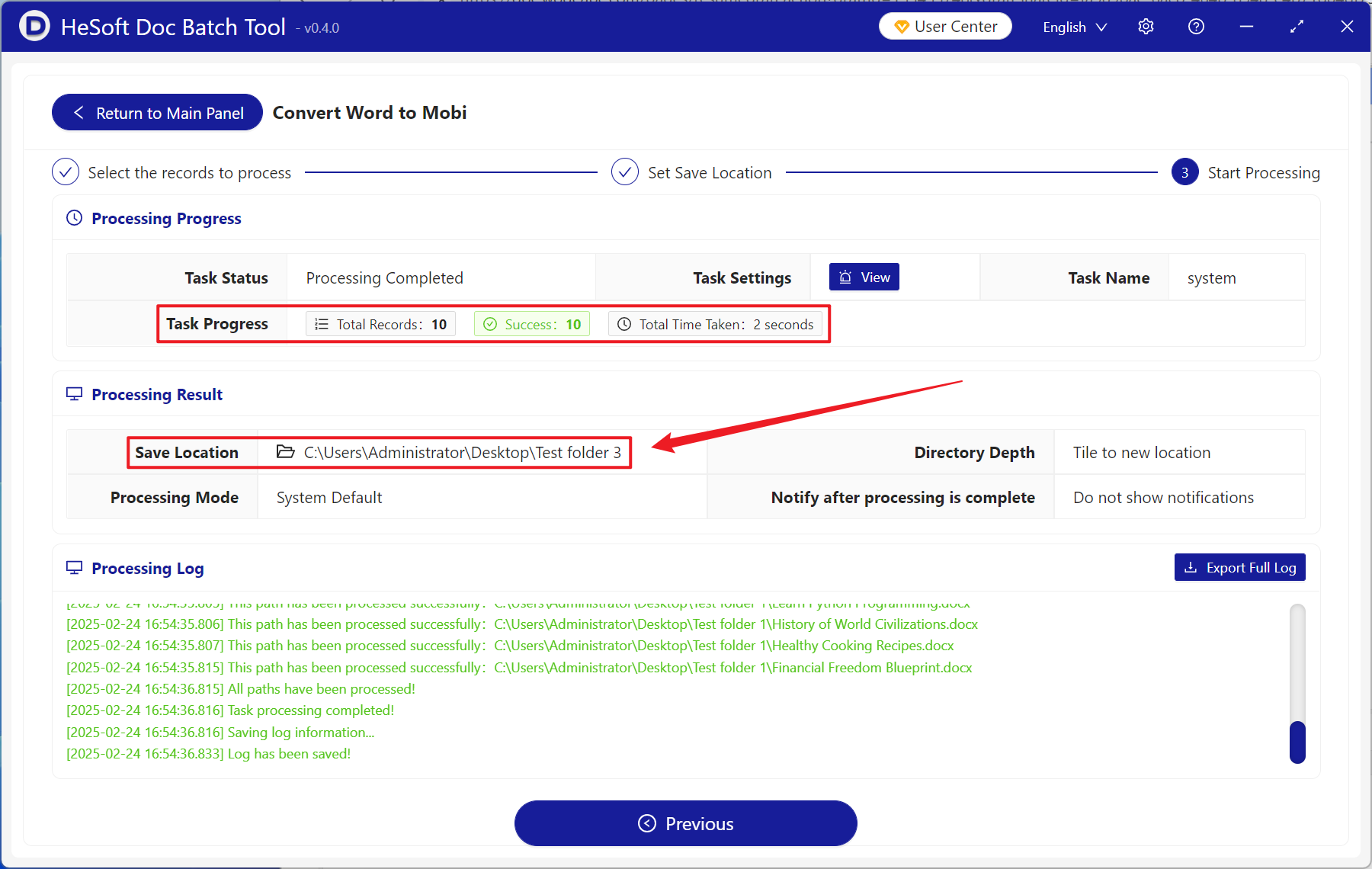
After processing is complete, click the save location to view the converted Mobi format files.