Batch conversion of a large number of PDF files into HTML web page files
Translation:EnglishFrançaisDeutschEspañol日本語한국어,Update Time:2025-06-07 20:20:56
When the content in a PDF file needs to be published on a webpage or blog, converting it to HTML webpage format makes it easier to browse and share online. As the standard format for web pages, HTML is supported by all browsers, ensuring that documents display consistently across different devices and systems. When you need to improve the search engine ranking of webpage content, HTML files can be crawled and indexed by search engines, making SEO optimization easier. This explains how to batch convert a large number of PDF files into HTML webpage files, enhancing file compatibility and editability, and meeting the needs of various webpage content creation.
1. Use Cases
When you have many PDF files and need to publish their content to web pages or blogs, or distribute them to multiple different systems and devices, batch converting them to HTML web page format can solve these issues. They can be directly embedded into web pages and ensure they can be opened and viewed using browsers on different systems and devices.
2. Effect Preview
Before processing:

After processing:

3. Operation Steps
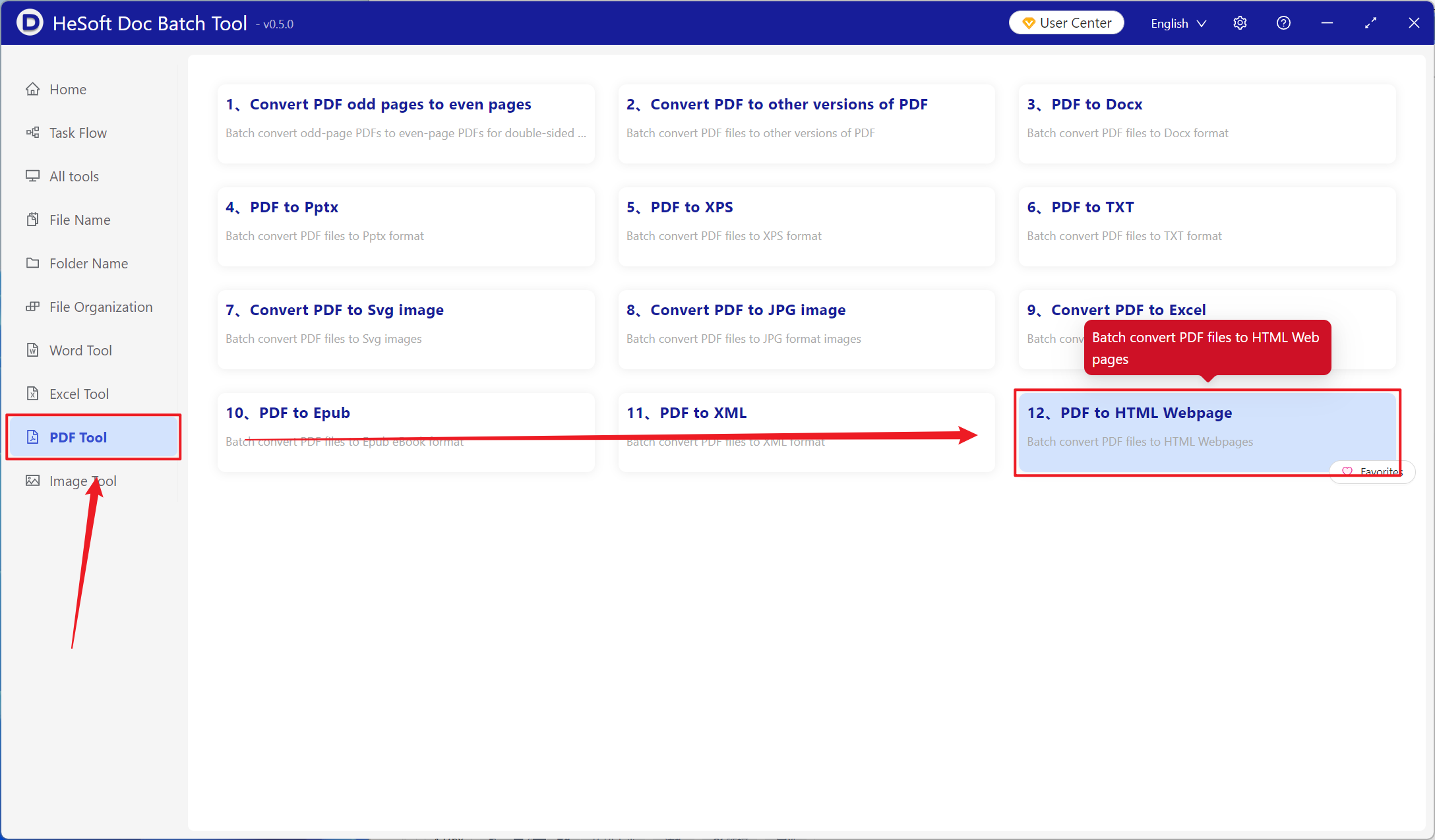
Open 【 HeSoft Doc Batch Tool 】. Select 【PDF Tools】-【PDF to HTML Web Page】.
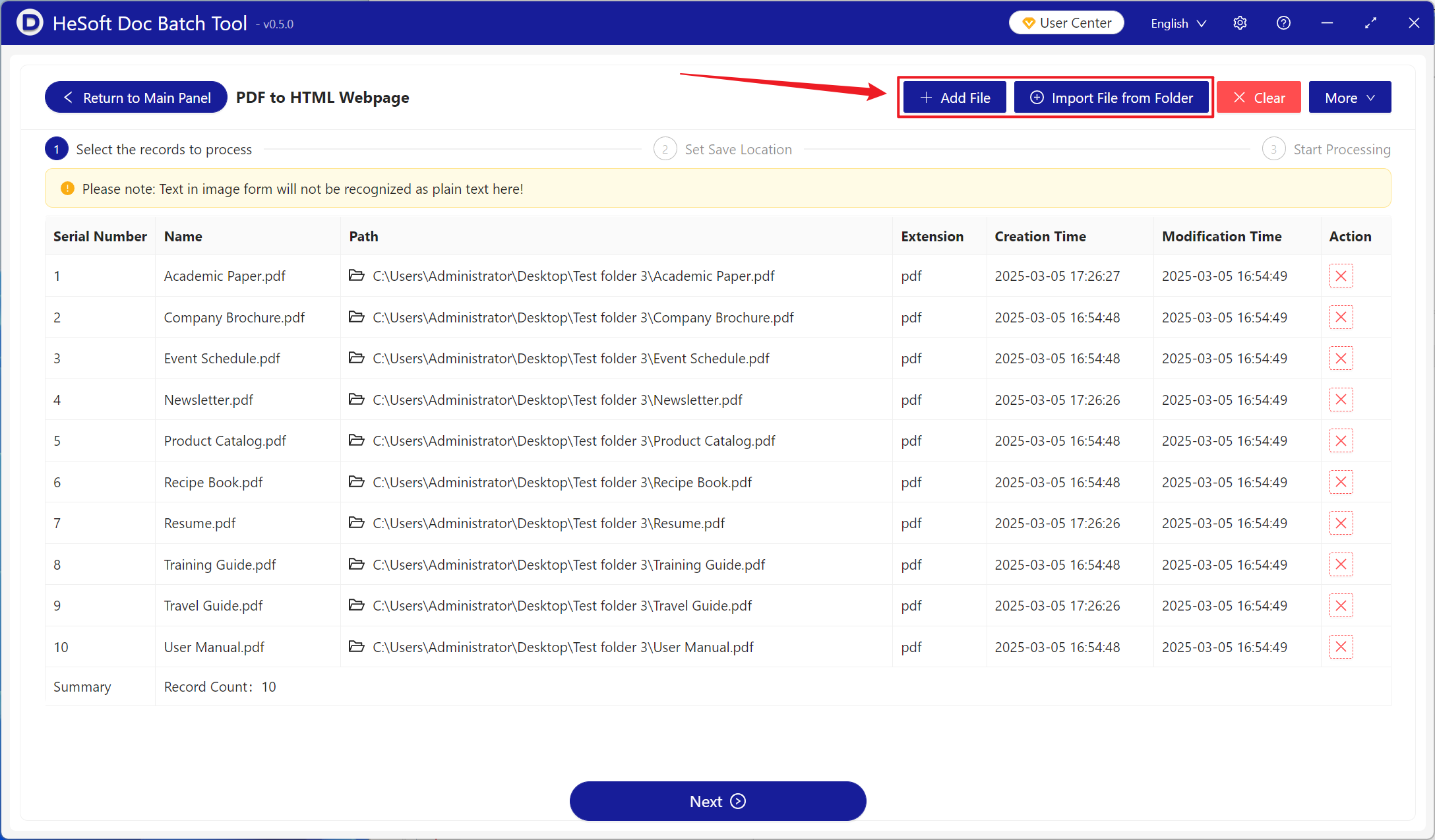
【Add Files】Add single or multiple PDF files that need to be converted to HTML web pages.
【Import Files from Folder】Import all PDF files in the selected folder.
You can view the imported files below.
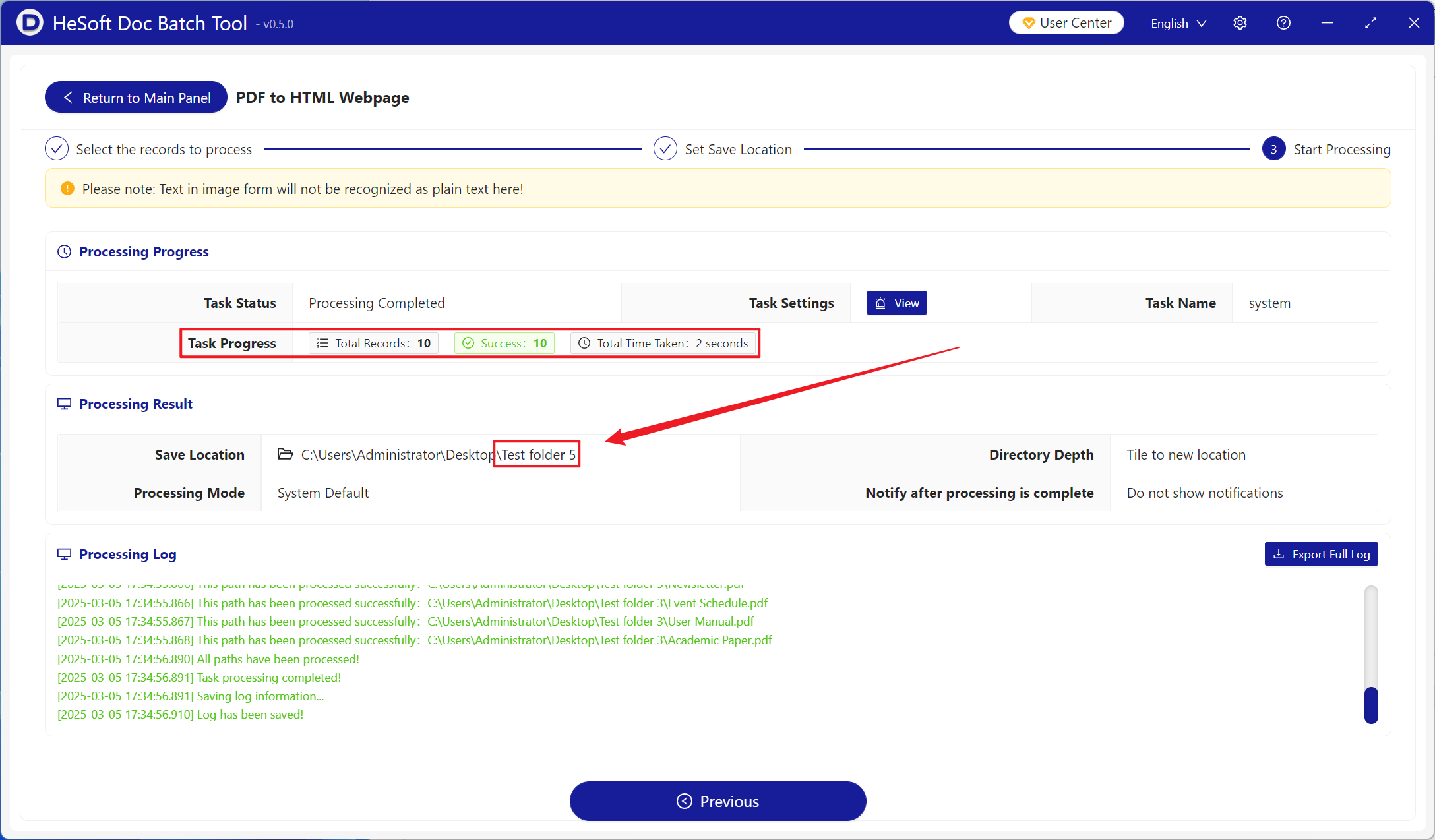
After processing is complete, click the save location to view the converted HTML web page files.