Convert thousands of Office Word document files in formats such as doc, dot, and dotx into docx format files at once
Translation:EnglishFrançaisDeutschEspañol日本語한국어,Update Time:2025-06-07 20:21:57
The usage of Word documents is extremely widespread, and among them, there are many Word document files with different extensions, each representing different purposes. For example, doc is the file extension for older versions, compatible with older software; dot and dotx format extension files are template document files compatible with older and newer versions respectively, different from regular documents in docx format. They are suitable for document formats that are reused, typically used for letter templates, invoice templates, contract templates, and other content without specific writing. When you need to uniformly convert these types of files into regular documents in the docx format, how should you proceed? The following explains how to quickly batch convert hundreds or even thousands of Word document format files with different extensions into the docx suffix format.
1. Usage Scenario
Convert Word document files with extensions doc, dot, dotx, docm, dotm into docx format files.
2. Effect Preview
Before processing:

After processing:

3. Operation Steps
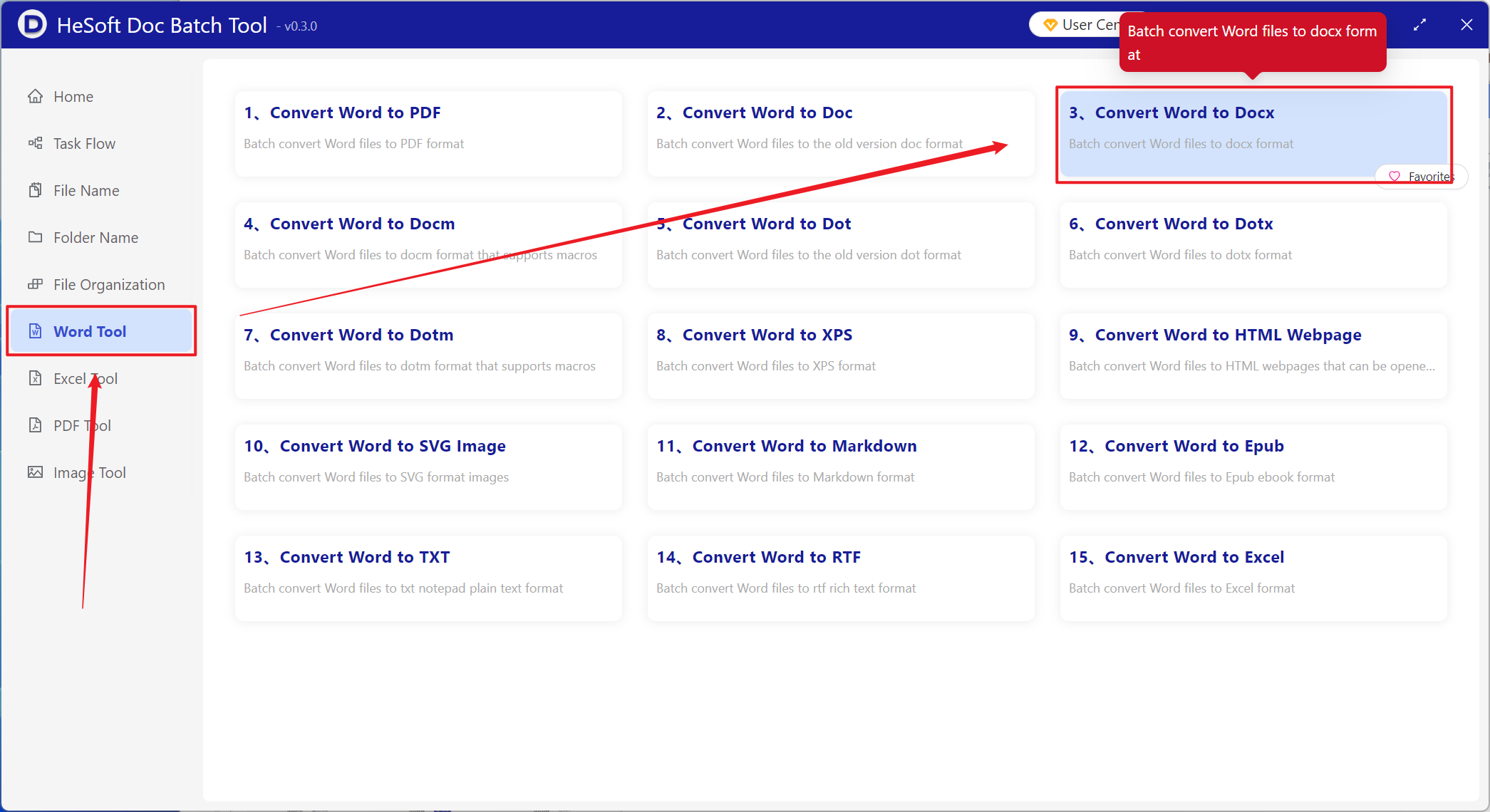
Open 【 HeSoft Doc Batch Tool 】, select 【Word Tools】-【Word to Docx】.
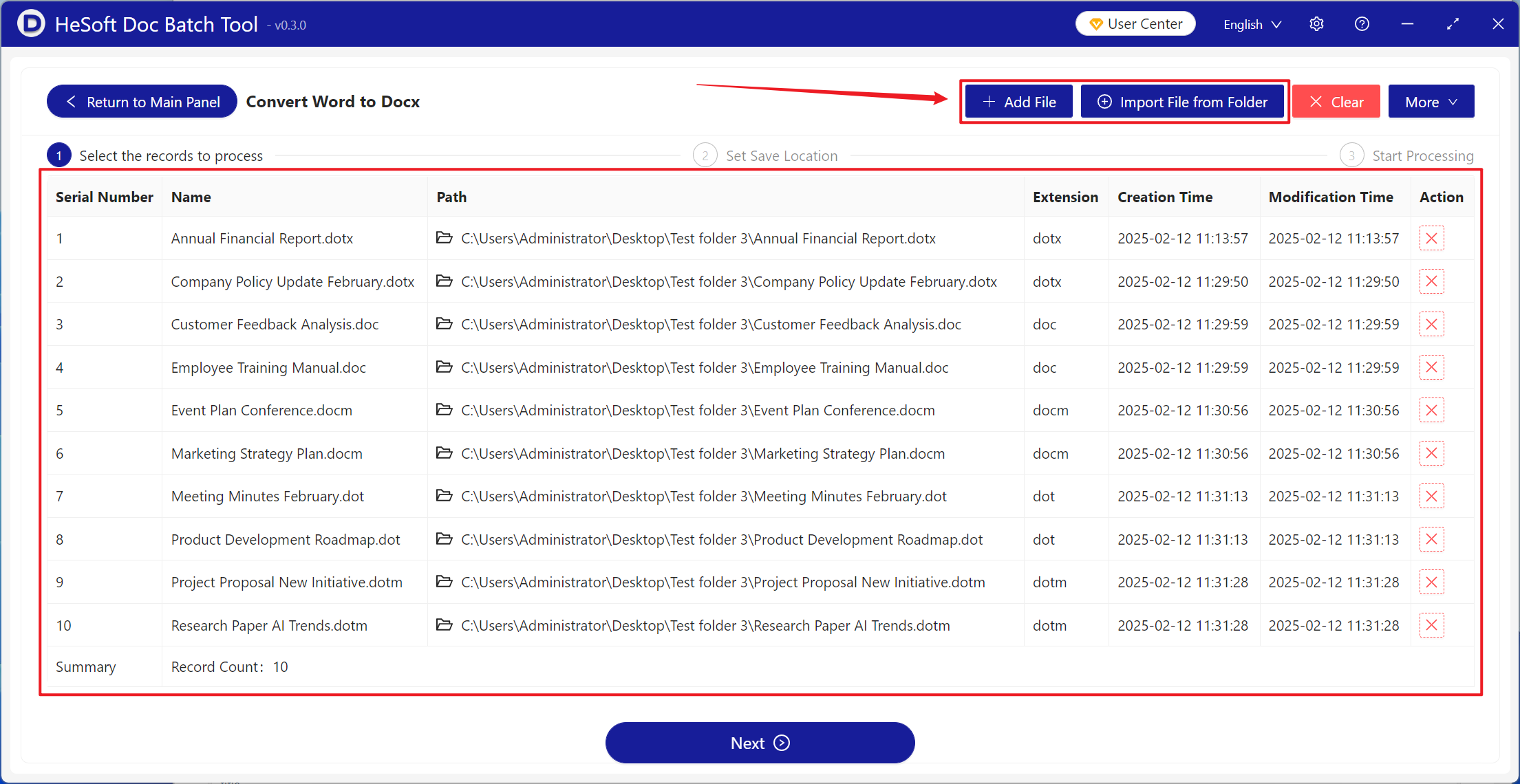
【Add Files】Add one or multiple Word documents that need to be converted to docx format.
【Import Files from Folder】Add the entire folder containing Word documents that need to be converted to docx format.
The files in the red box below are those successfully imported.
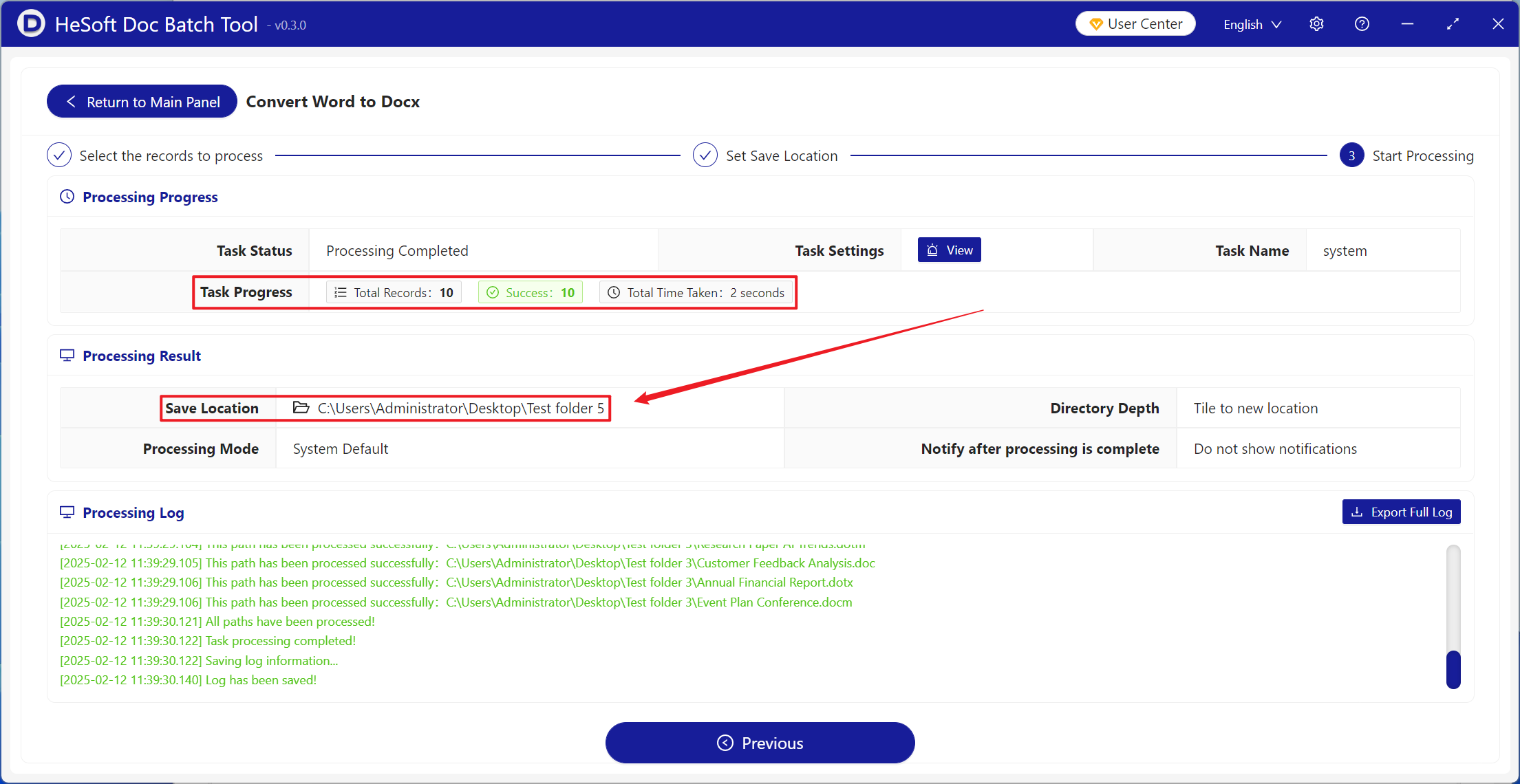
Wait for processing to complete, click the save location to view the successfully converted files.