Batch convert a large number of Word documents to the macro-enabled docm format extension
Translation:EnglishFrançaisDeutschEspañol日本語한국어,Update Time:2025-06-07 20:21:56
When working with Word documents, if you encounter situations requiring the addition of automation features, performing the same tasks across multiple files, generating dynamic documents, etc., you need to use macros (VBA scripts) in the documents to implement automation and dynamic functionality. However, docx is a format that does not support macros. To achieve the above, you need to convert it into the docm file extension format to enable macro functionality. The following explains how to quickly batch convert a large number of docx format files into the docm format that supports macro functionality, and it also supports doc, docx, dot, dotx, and dotm extension formats.
1. Use Case
Convert docx format files in Word documents into docm format files that allow arbitrary additions and preserve macro functionality.
2. Effect Preview
Before processing:

After processing:

3. Operation Steps
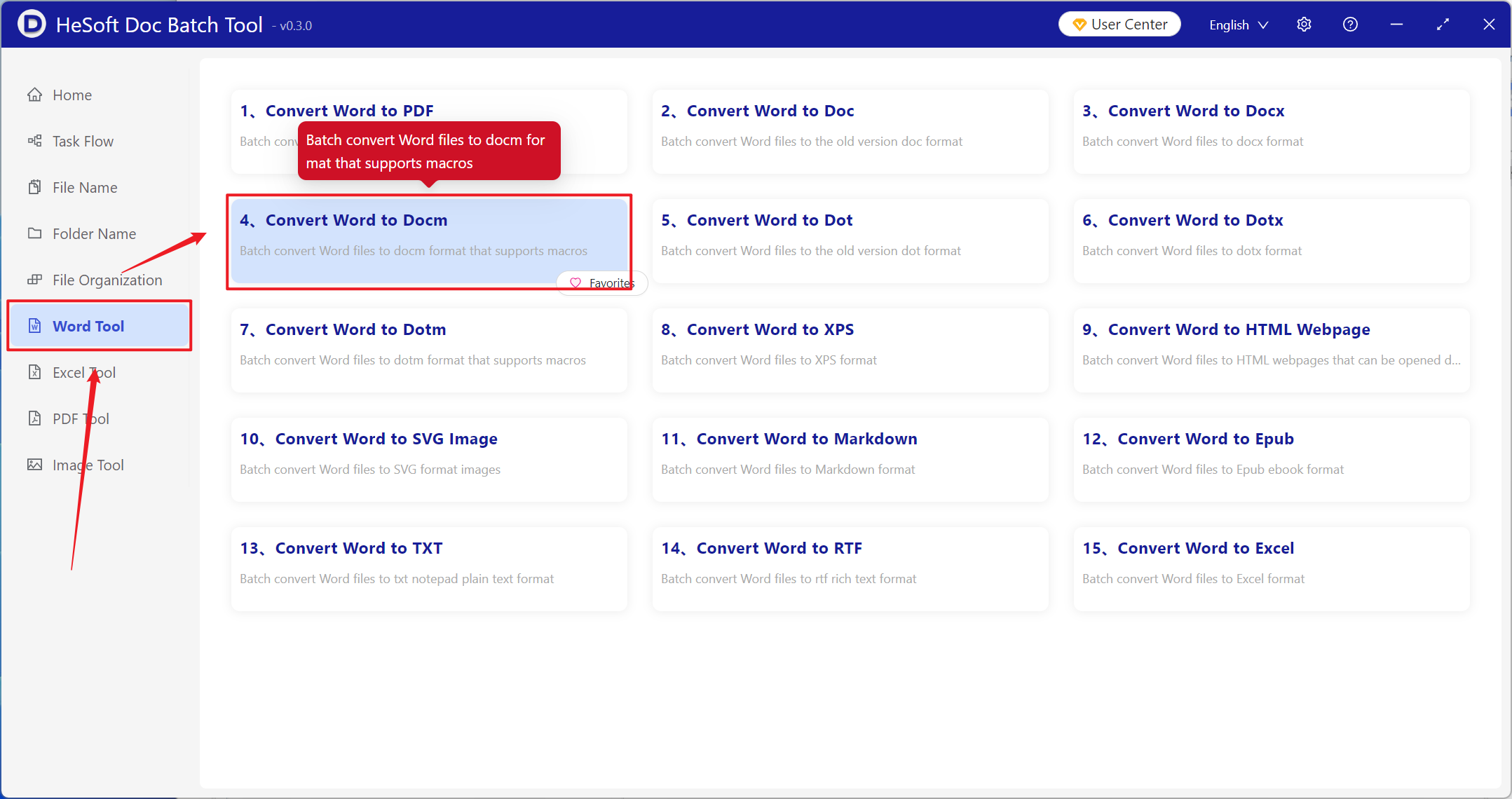
Open【 HeSoft Doc Batch Tool 】, select【Excel Tools】-【Word to Docm】.
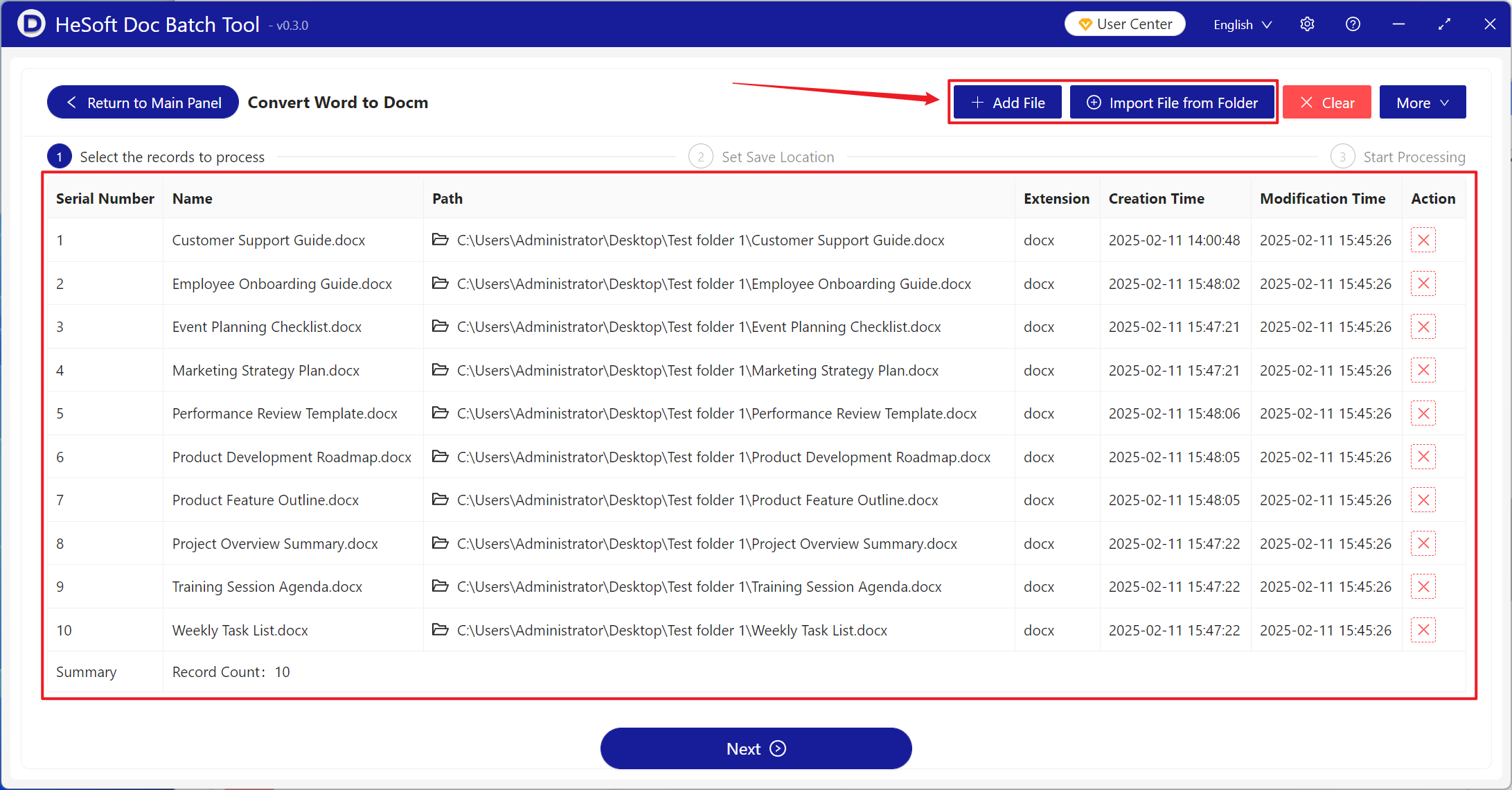
【Add Files】Add single or multiple docx files that need to be converted to docm format.
【Import Files from Folder】Add the entire folder containing docx files that need to be converted to docm format.
The files successfully imported are shown in the red box below.
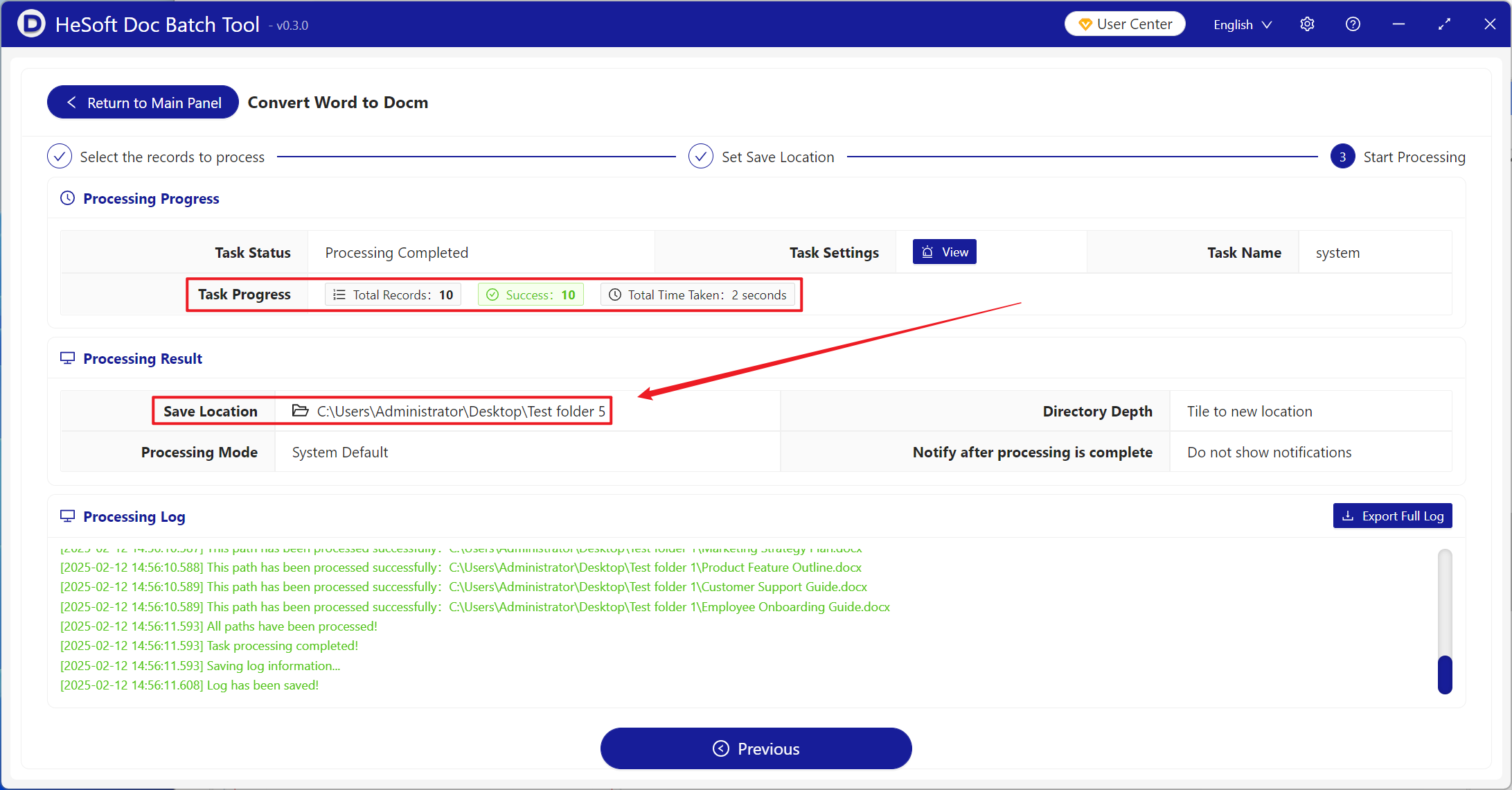
Wait for processing to complete, click the save location to view the converted files.