Batch Convert Multiple Word Documents to RTF Rich Text Format Simultaneously
Translation:EnglishFrançaisDeutschEspañol日本語한국어,Update Time:2025-06-07 20:22:22
RTF is a universal rich text format supported by most word processing software. It helps preserve basic formatting compatibility across different applications or older versions and avoids version conflicts. When a Word document needs to ensure that basic formatting (such as fonts, paragraphs, tables, etc.) is retained and can be opened normally across software, systems, or versions without relying on advanced features. The following introduces how to quickly batch convert Word documents to RTF rich text format files, supporting doc, docx, dot, dotx, docm, and dotm formats.
1. Usage Scenarios
Batch convert all formats such as doc and docx in Office Word documents into RTF rich text format files uniformly.
2. Effect Preview
Before processing:

After processing:

3. Operation Steps
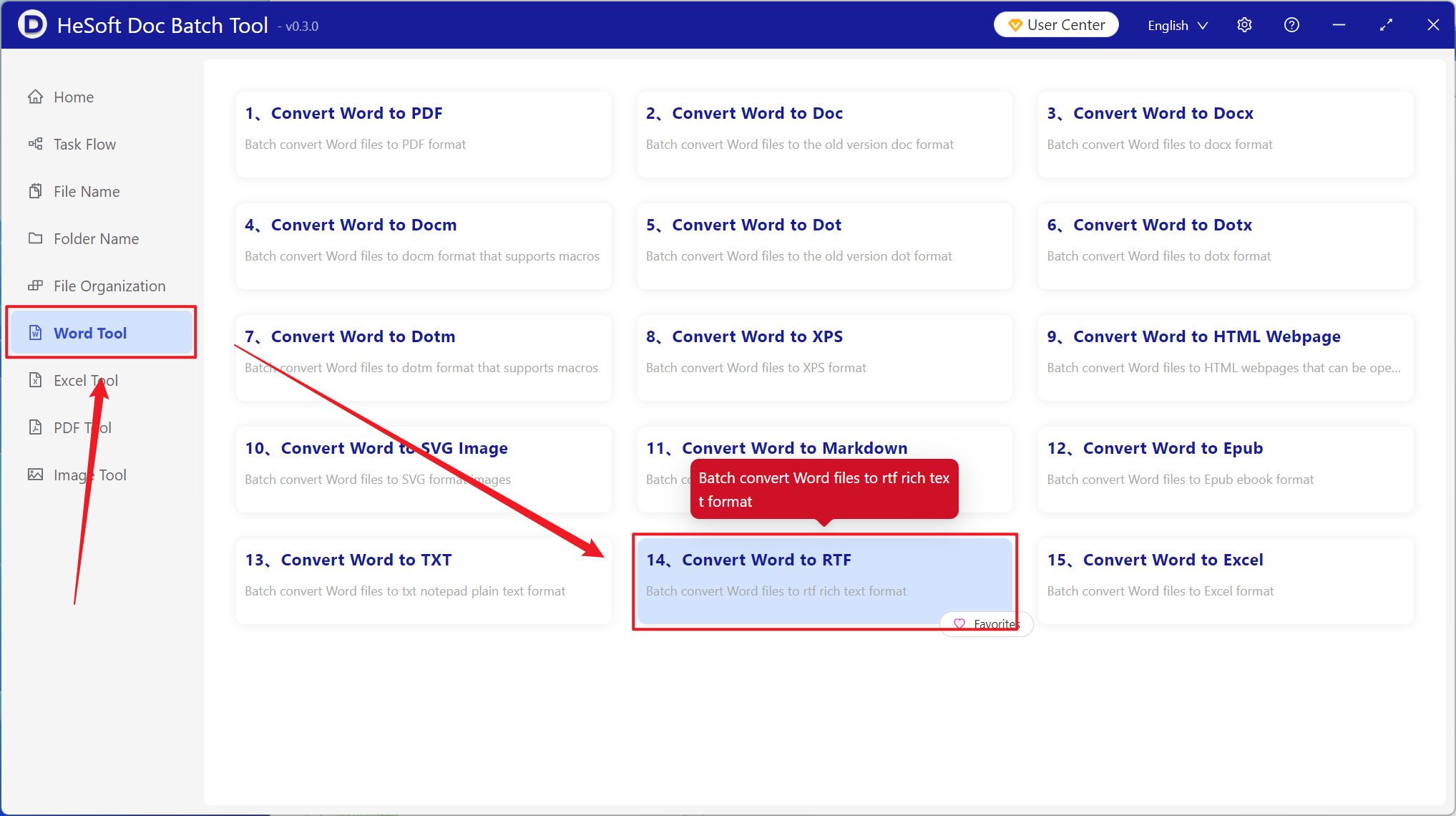
Open 【 HeSoft Doc Batch Tool 】, select 【Word Tools】 - 【Word to RTF】.
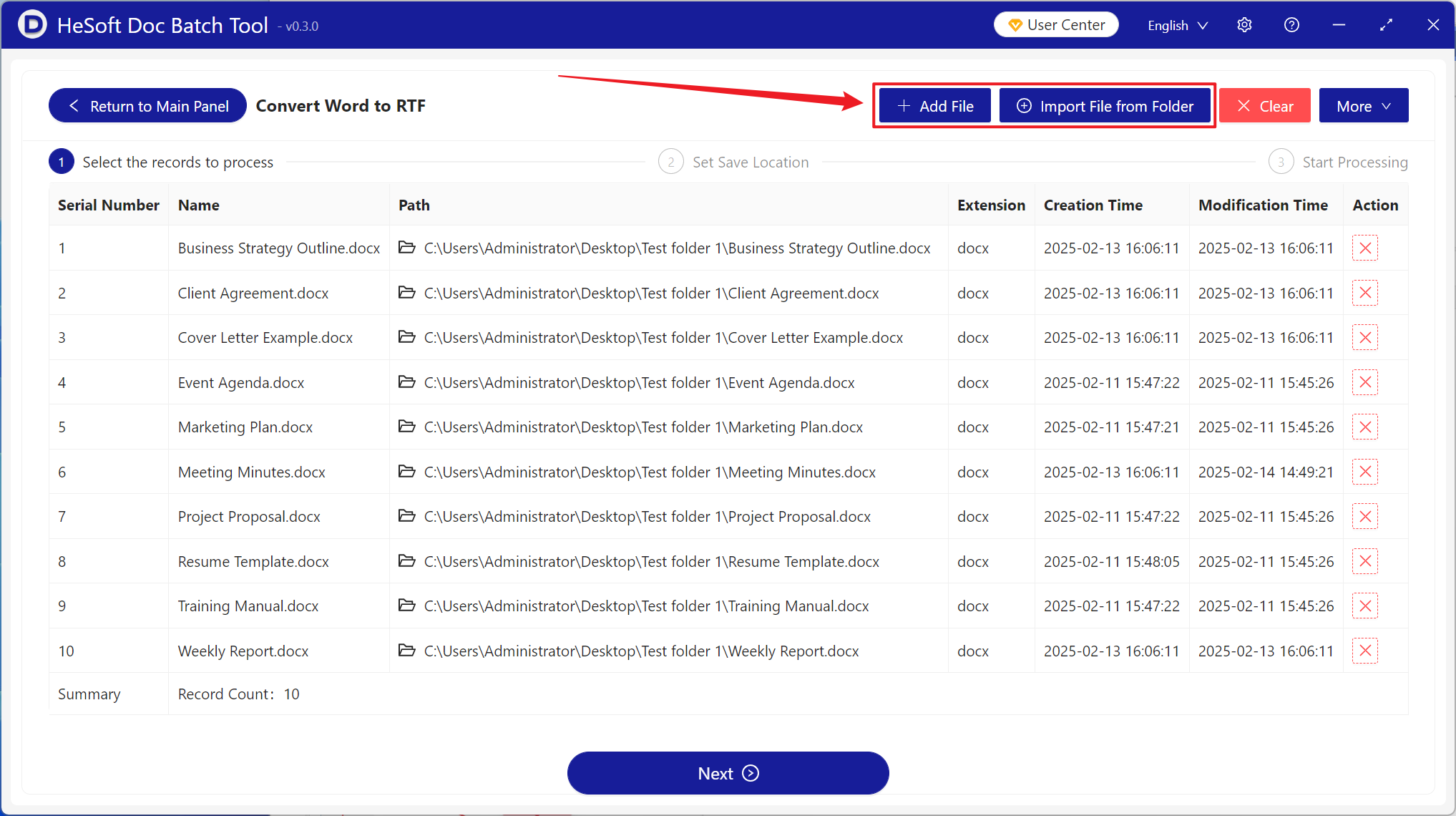
【Add Files】Add single or multiple Word documents that need to be converted to RTF rich text format.
【Import Files from Folder】Add the entire folder containing Word documents that need to be converted to RTF rich text format.
You can also drag files below to view the imported files.
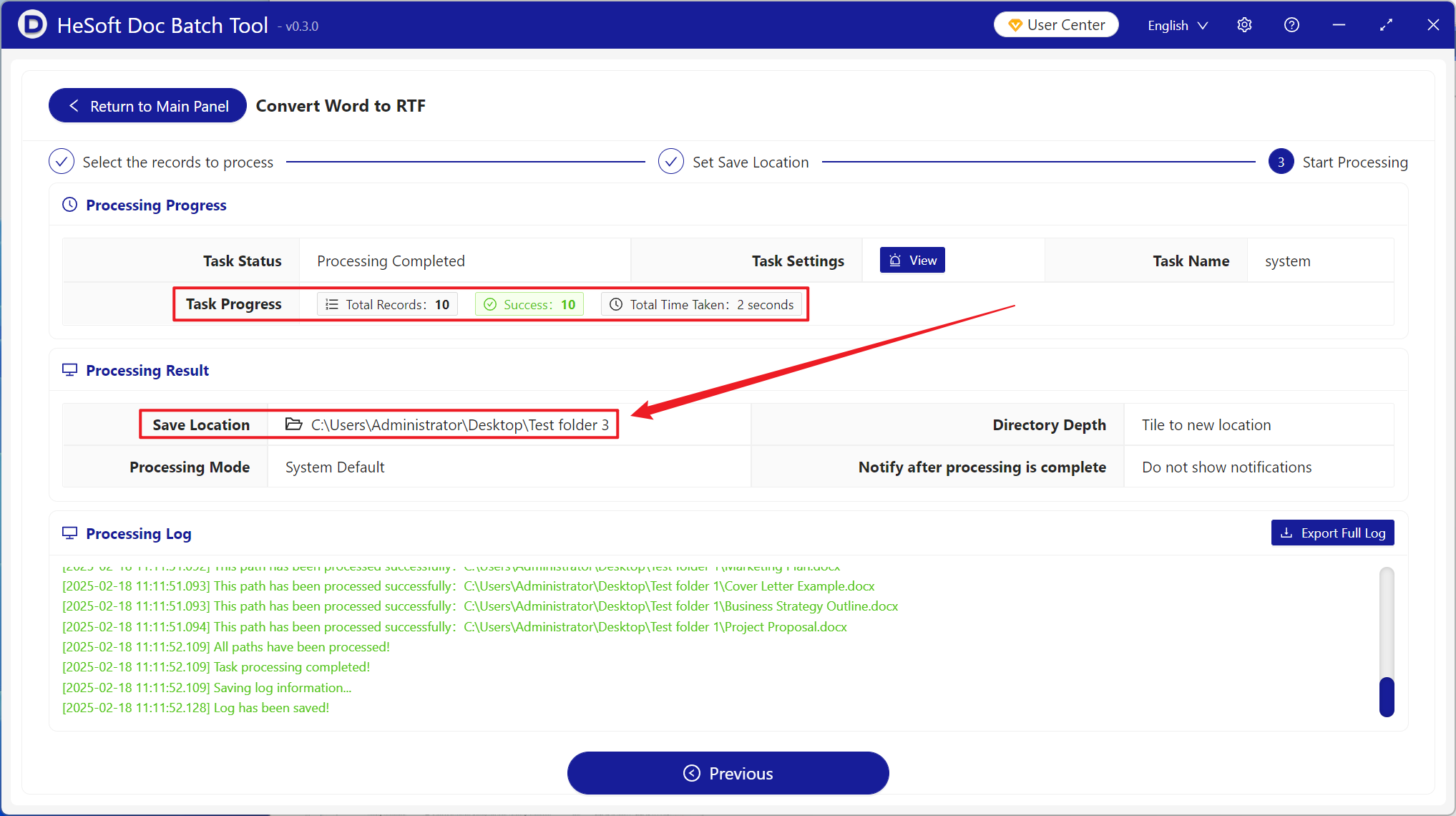
After processing is complete, click the save location to view the converted files.