Batch convert multiple PDF files into accessible PDF/UA format at once
Translation:EnglishFrançaisDeutschEspañol日本語한국어,Update Time:2025-06-07 20:21:15
PDF/UA is a format specifically designed for accessibility, suitable for providing visually impaired users with an accessible reading experience, and supports screen readers and font adjustment. When submitting documents, certain legal and institutional entities may also require PDF/UA format. Meanwhile, the PDF/UA format ensures clear document content structure, and when uploading contracts, certificates, or important reports, it guarantees the integrity of the document content. Below explains how to quickly batch convert PDF to PDF/UA format to enhance document accessibility and compatibility.
1. Use Cases
When a large number of PDF files need to be distributed to visually impaired or disabled users for browsing, or must be submitted in an accessible format to educational institutions, public sectors, etc., batch convert them to the universal accessible PDF/UA format to provide an accessible reading experience for visually impaired and disabled users, ensuring the files are user-friendly for all.
2. Steps
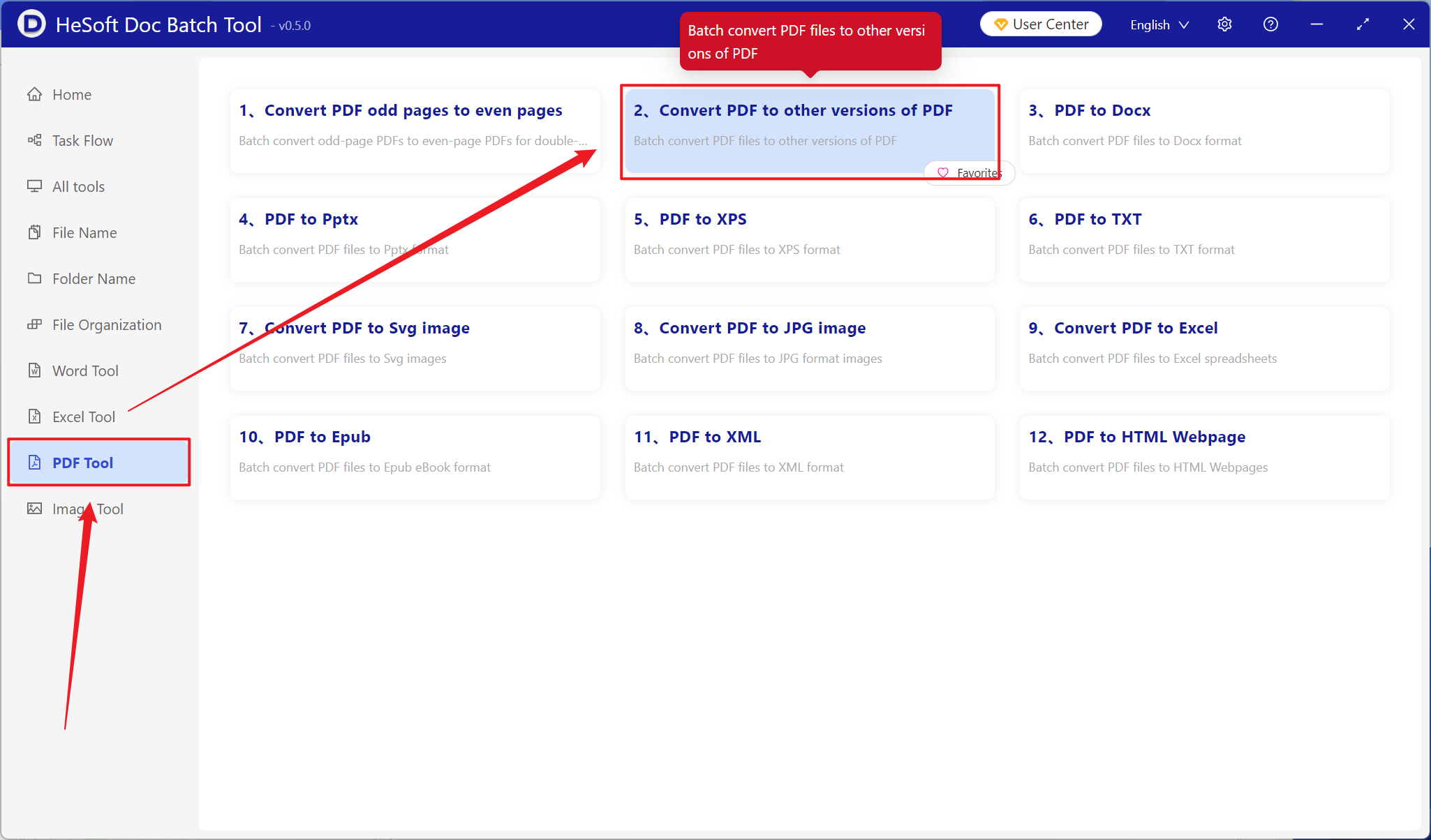
Open [ HeSoft Doc Batch Tool ], select [PDF Tools] - [Convert PDF to Other Versions of PDF].
[Add Files] Add one or multiple PDF files that need to be converted to PDF/UA version.
[Import Files from Folder] Import all PDF files from the selected folder.
You can view the imported files below.

Select the PDF/UA-1 version for conversion.

After processing is complete, click the save location to view the successfully converted PDF file.
