Batch convert hundreds of PDF files into the PDF/X format specifically designed for print production
Translation:EnglishFrançaisDeutschEspañol日本語한국어,Update Time:2025-06-07 20:21:16
Compared to various versions of PDF, PDF/X is a format specifically designed for printing and publishing, suitable for high-quality printing while ensuring consistency in color, fonts, and graphics. Printing houses or publishing organizations typically require files to be submitted in PDF/X format to avoid errors during the printing process. Additionally, the PDF/X format supports the CMYK color mode, making it ideal for professional printing. Below are the steps for batch converting a large number of PDF files to PDF/X.
1. Use Cases
When you have a large number of PDF files (such as posters, brochures, magazines, etc.) that need high-quality printing or need to be submitted to a print shop or publisher in a specific print format, you can quickly batch convert these PDF files to PDF/X format to ensure file compatibility and avoid printing errors.
2. Steps
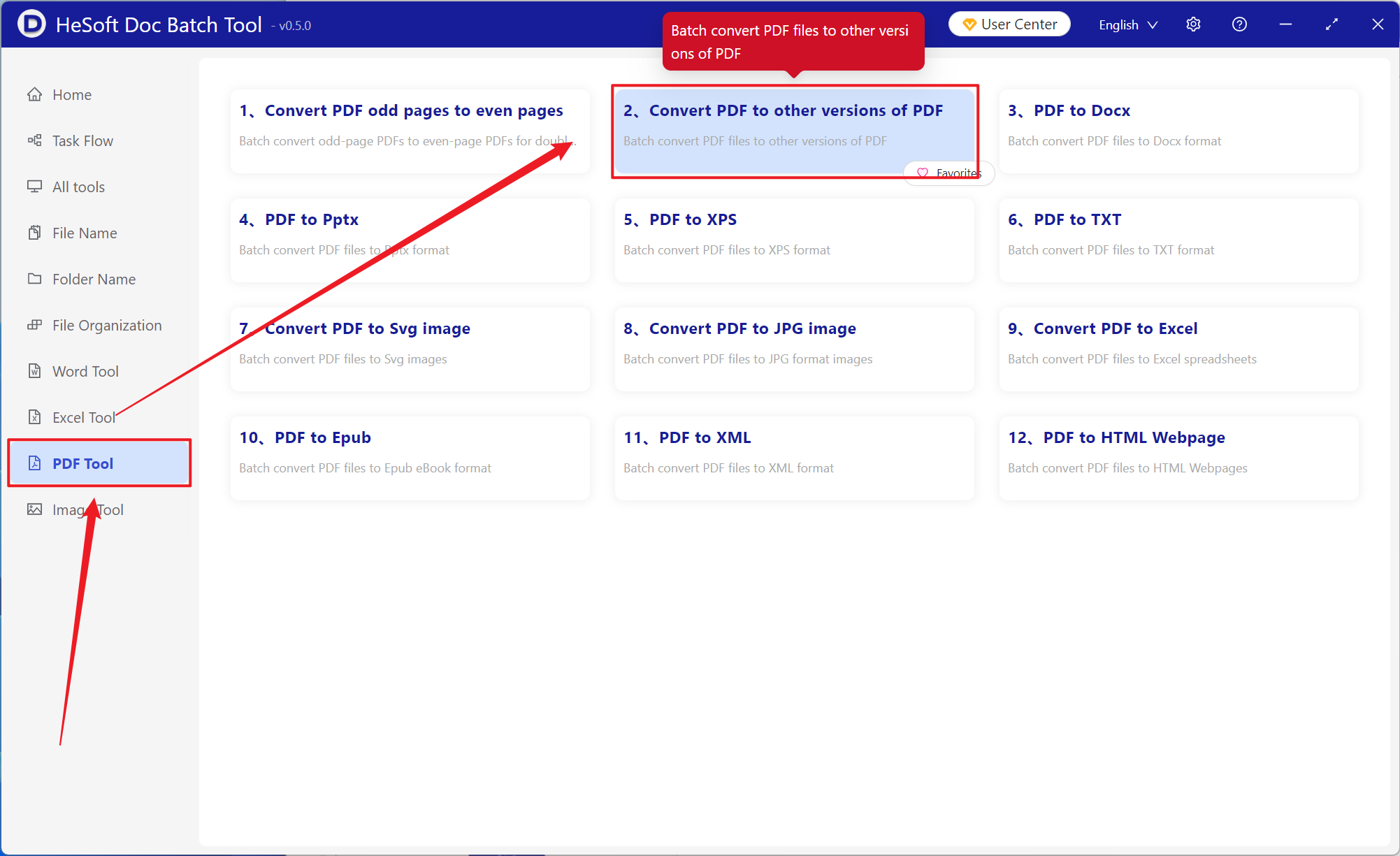
Open 【 HeSoft Doc Batch Tool 】, select 【PDF Tools】-【Convert PDF to Other PDF Versions】.
【Add Files】Add one or more PDF files to be converted to the PDF/X print version.
【Import Files from Folder】Import all PDF files from a selected folder.
Imported files can be viewed below.

Select from PDF/X-1a, PDF/X-1a:2001, or PDF/X-3 versions to convert the PDF.

After processing, click the save location to view the successfully converted PDF file.
