Batch convert hundreds of Excel spreadsheets to Numbers format for the Apple ecosystem in a short time
Translation:EnglishFrançaisDeutschEspañol日本語한국어,Update Time:2025-06-07 20:20:31
Numbers is a native application within Apple's ecosystem. When you need to view or edit Excel spreadsheets on a Mac, iPhone, or iPad, converting them to the Numbers format offers better compatibility, supports iCloud syncing, and facilitates cross-device collaboration. Additionally, the Numbers interface is streamlined and intuitive, with a variety of built-in beautiful templates and chart styles, allowing users unfamiliar with Excel's complex features to get started quickly.
1. Use Cases
When you receive or download many Xls, Xlsx, or other Excel spreadsheet files and need to use them on Apple devices or collaborate with Apple users, you can batch convert them to Numbers format for better compatibility and performance.
2. Effect Preview
Before processing:

After processing:

3. Steps
Open【 HeSoft Doc Batch Tool 】, and select【Excel Tools】-【Convert Excel to Numbers Spreadsheet】.

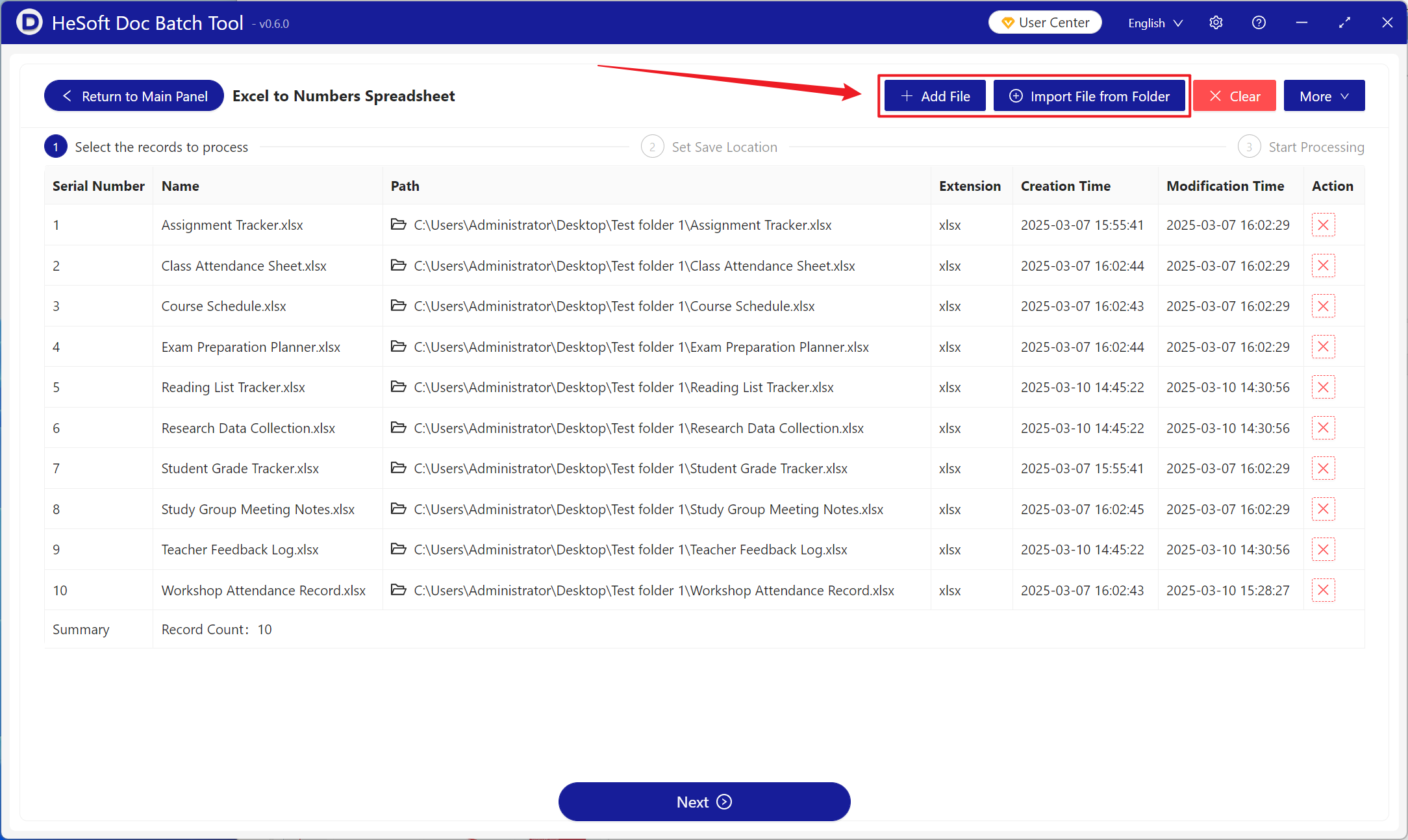
【Add Files】Add single or multiple Excel files to be converted to Numbers spreadsheets.
【Import Files from Folder】Import all Excel files from the selected folder.
Imported files are displayed below.
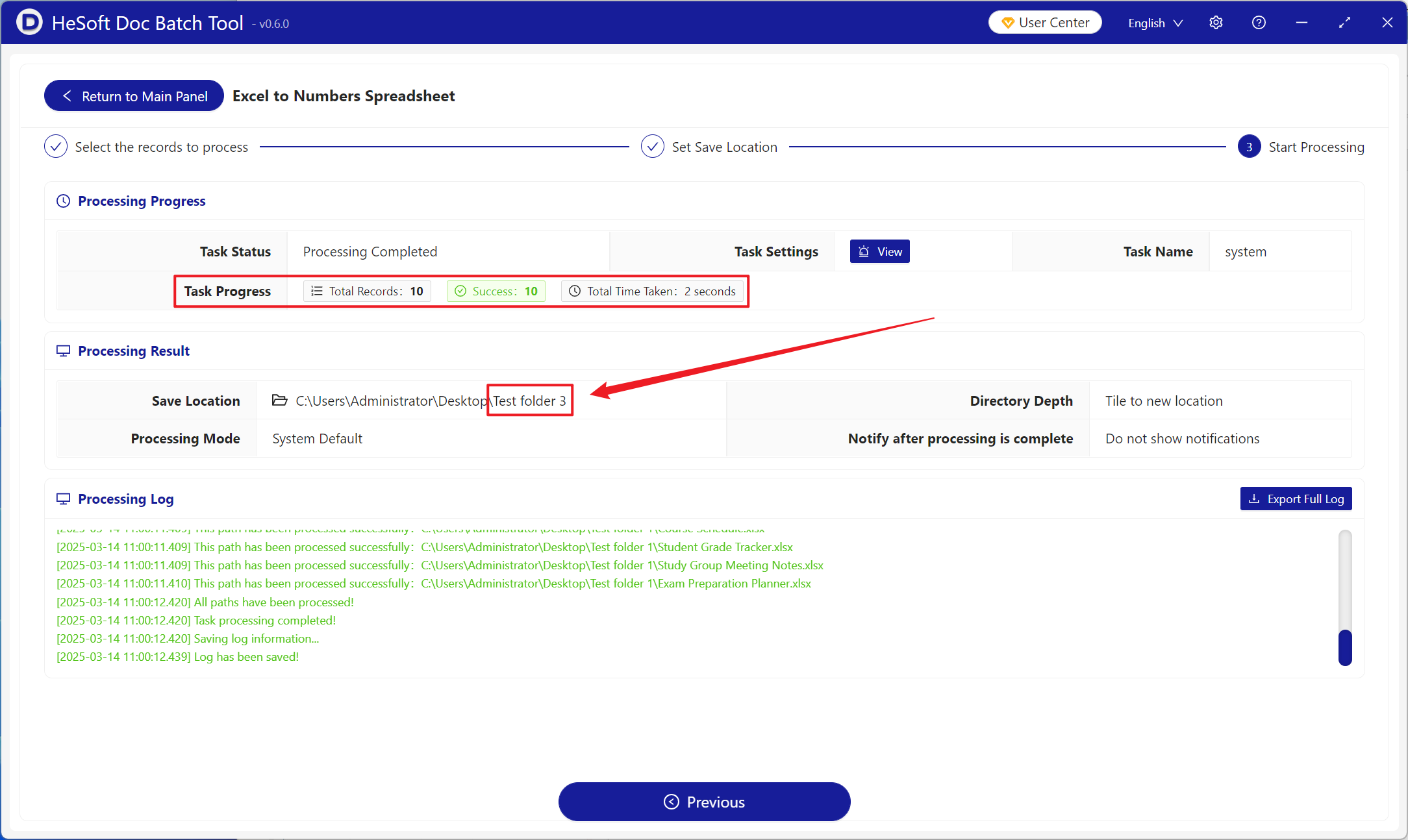
Once processing is complete, click the save location to view the successfully converted Numbers spreadsheet files.