Add the name of the parent folder one level up in the path to the beginning of a large number of file names
Translation:EnglishFrançaisDeutschEspañol日本語한국어,Update Time:2025-06-07 20:23:51
When you have a large number of files that need to be removed from their original folder structure but still require the original classification information to be preserved, adding the parent folder's name to the beginning of the file name can quickly resolve the issue of prefix confusion after moving files. In sharing scenarios, batch archiving, or automated processing, this ensures that recipients can quickly identify file ownership. If files are copied to different locations, adding the source folder name also helps avoid version conflicts and clarifies the file's origin. The following explains how to batch-add the parent folder's name to both the front and end of the file names for thousands of files, supporting multiple file formats such as Word, Excel, JPG, PPT, and PDF.
1. Use Cases
When hundreds of files need to be centrally shared, transferred, backed up, or archived, you can batch add the parent folder name to the beginning or end of the file names. After moving the files to the same directory, the parent folder name included in the file name preserves the original information, prevents file confusion, and facilitates subsequent retrieval.
2. Preview
Before processing:

After processing:

3. Steps
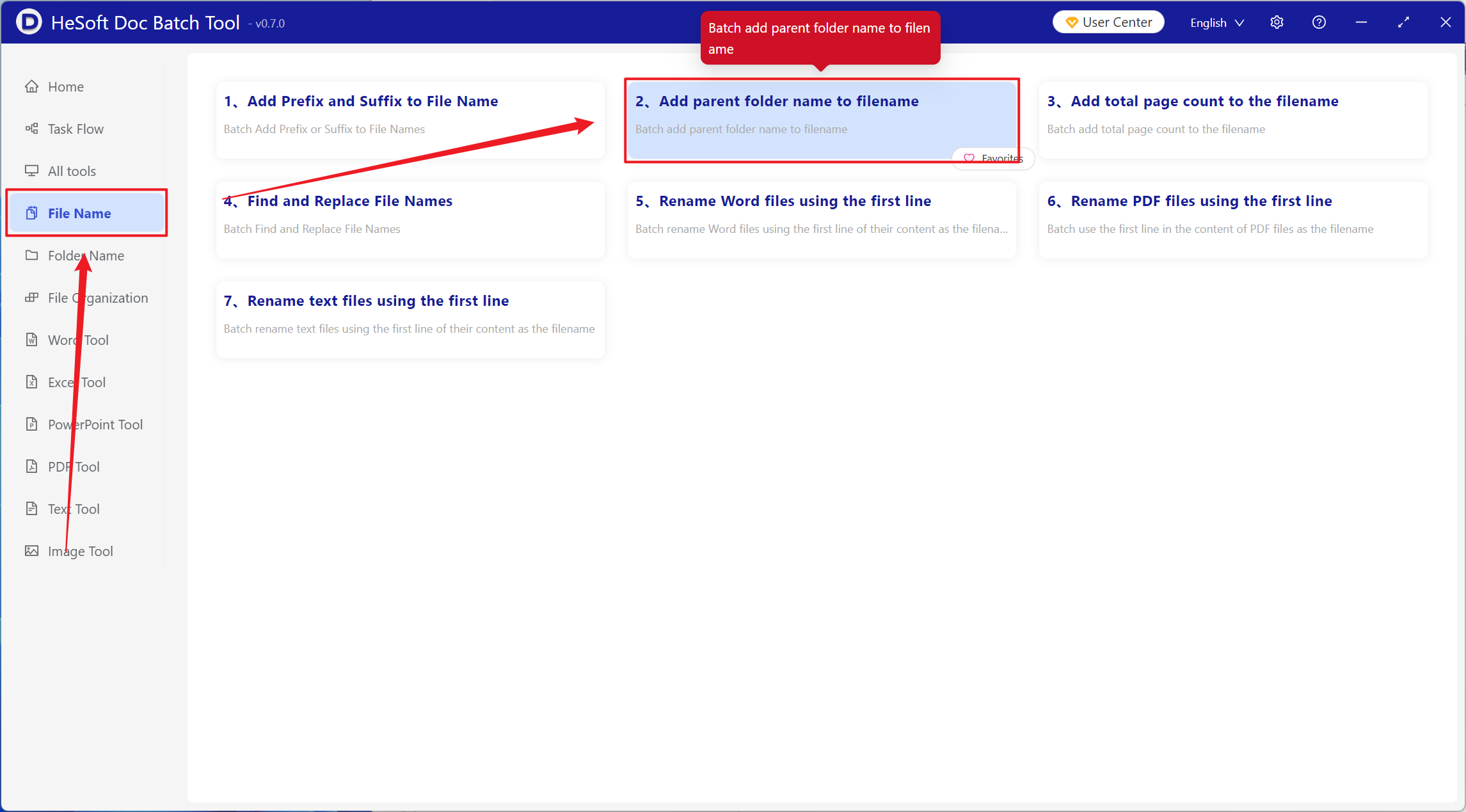
Open【 HeSoft Doc Batch Tool 】, select【File Name】-【Add Parent Folder Name to File Name】.
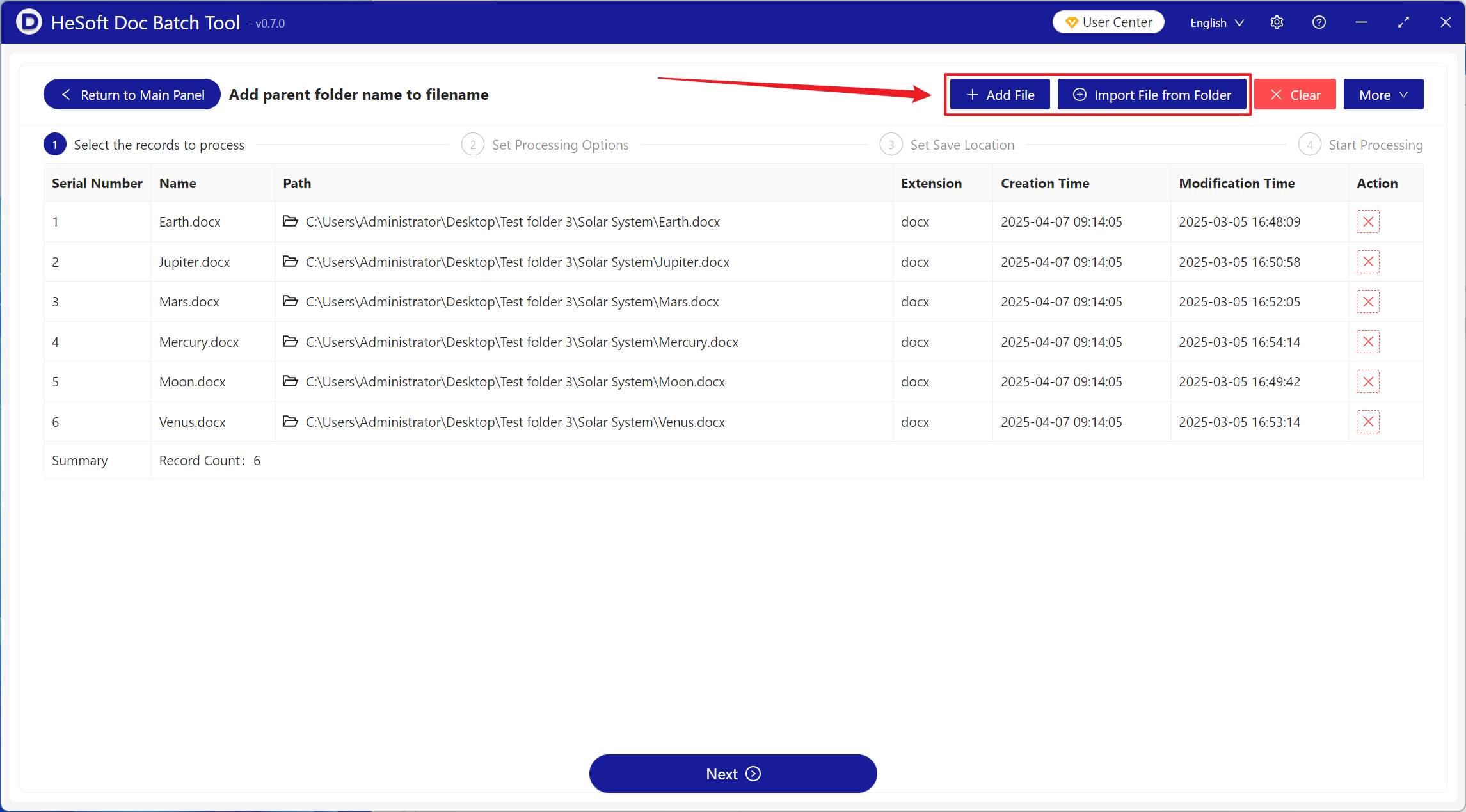
【Add Files】Add one or more files that need the parent folder name added to the beginning or end of the file name.
【Import Files from Folder】Import folders containing a large number of files that need the parent folder name added to the beginning or end of the file name.
You can view the imported files below.
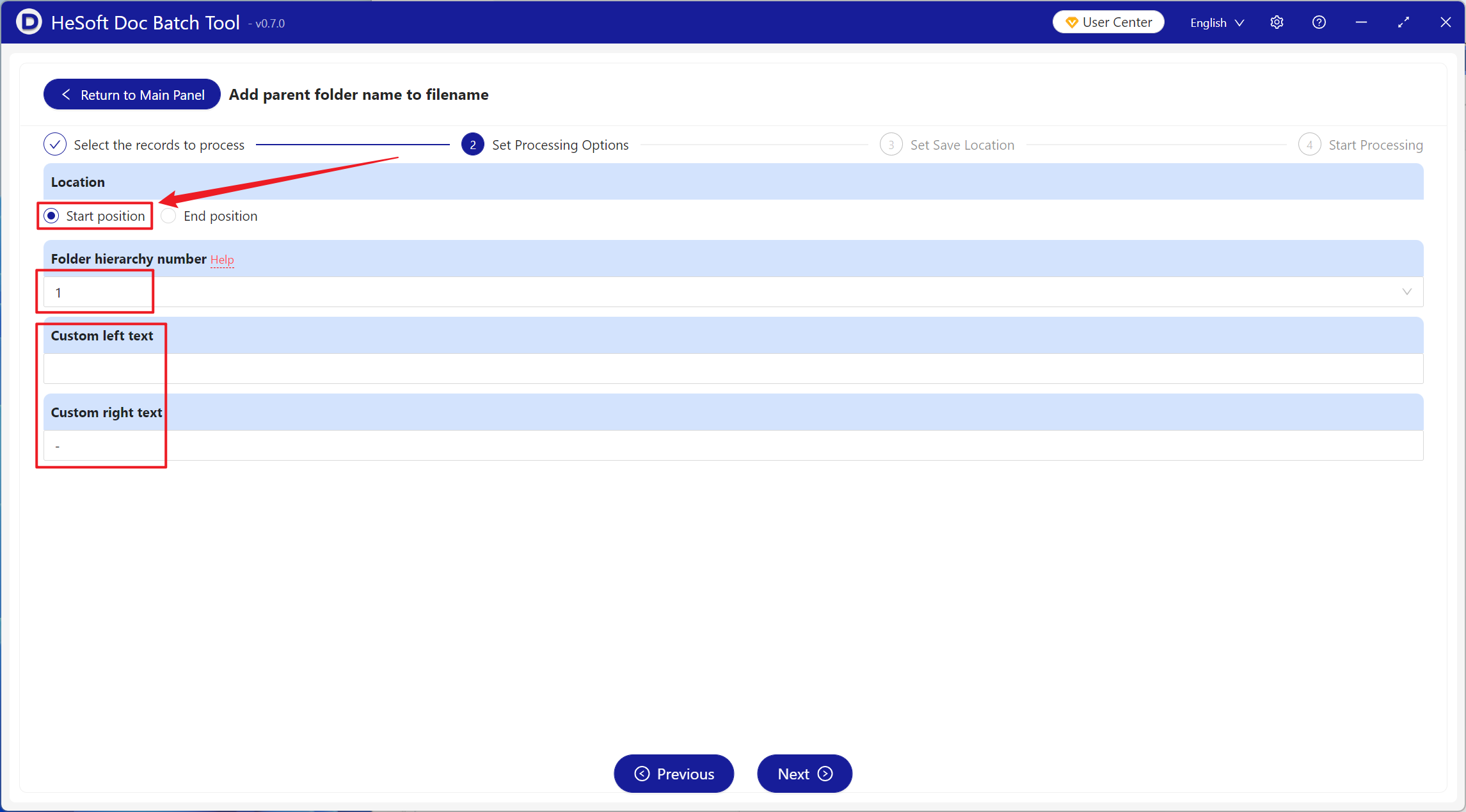
【Position】Start Position: Adds the parent folder name at the very beginning of the file name. End Position: Adds the parent folder name at the very end of the file name.
【Folder Level Number】The level number is the position index of the folder within the path. For example, for the file path:【d:\a\b\c.txt】, 1 represents b, 2 represents a, and so on.
【Custom Text Left】Add custom content to the left of the appended parent folder name.
【Custom Text Right】Add custom content to the right of the appended parent folder name.
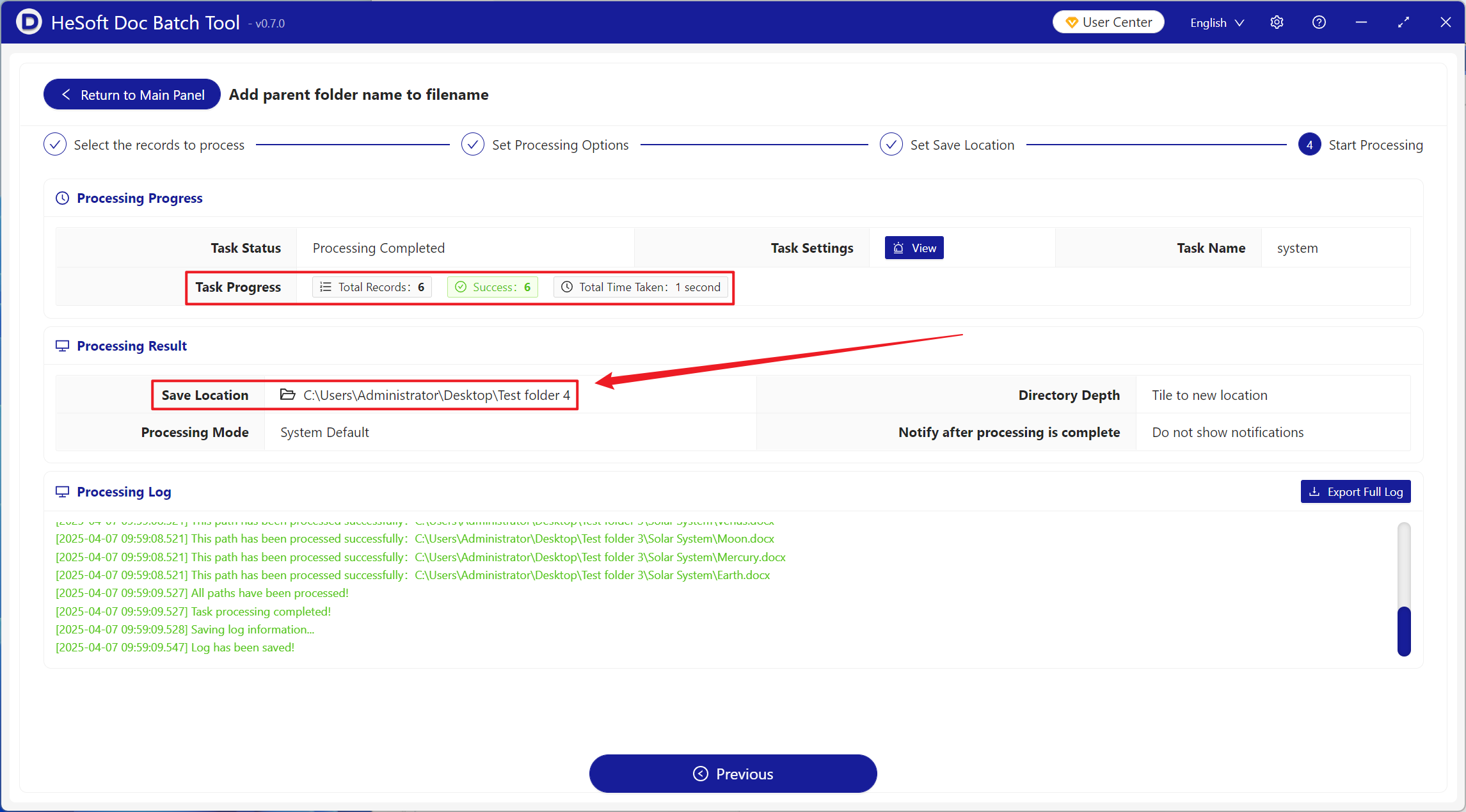
After processing is complete, click the path after the save location to view the files with the added names.