Convert a large number of PowerPoint slide files into POT template format compatible with the older Office 2003 version in batch
Translation:EnglishFrançaisDeutschEspañol日本語한국어,Update Time:2025-06-07 20:21:36
In the process of creating corporate presentations, converting PPT to POT template format is a key solution to improve document management efficiency. It ensures strict uniformity of brand elements, version formatting, and font specifications for a company or institution, achieving standardization of presentations. For enterprises that are still using older versions like Office 2003, the POT format also offers full compatibility, preserving core elements such as basic layouts and color schemes, thus resolving compatibility issues between different versions of Office presentations. Here is how to batch convert hundreds of PPT slides into POT template format at once, supporting various formats including PPT, PPTX, PPS, PPSX, POTX, and more.
1. Use Cases
When government agencies, educational institutions, or enterprise organizations approve the final version of a PowerPoint presentation, to ensure all employees consistently use the same layout, color scheme, and fonts, these presentations can be batch-converted to the POT template format, enhancing compatibility while ensuring presentation consistency.
2. Effect Preview
Before processing:

After processing:

3. Operation Steps
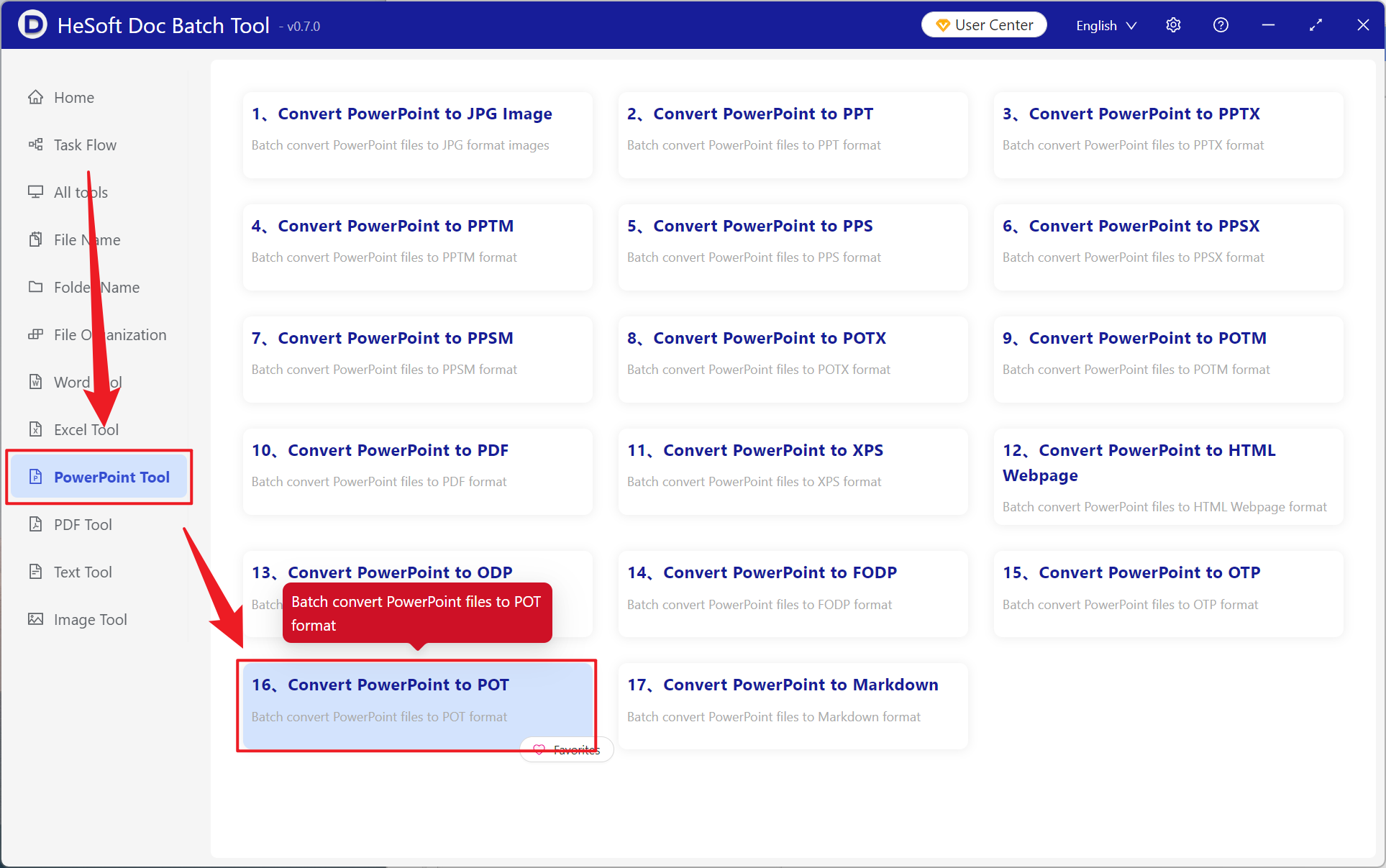
Open 【 HeSoft Doc Batch Tool 】, select 【PowerPoint Tools】-【Convert PowerPoint to POT】.
【Add Files】 allows you to manually select PowerPoint format files for conversion.
【Import Files from Folder】 imports all PowerPoint slides from a selected folder.
View imported files below.

After processing is complete, click the path next to the save location to view the converted files.
