Convert hundreds or thousands of slides in PPT, PPTX, and other presentation formats into the Office 2003 legacy POT template format in a short time
Translation:EnglishFrançaisDeutschEspañol日本語한국어,Update Time:2025-06-07 20:21:36
When using basic template designs in legacy systems or older software versions, the POT format is suitable for creating simple templates that do not include complex animations, 3D models, or advanced features of newer PowerPoint versions (such as meeting minutes, proposal reports, etc.), ensuring proper display in low-version environments. It is an essential choice for industrial control or specific legacy devices. Additionally, the POT format, as an early international standard format, is suitable for template files requiring ultra-long-term archiving. The following explains how to uniformly convert multiple slide files such as PPT and PPTX into POT template format files, supporting various formats including PPT, PPTX, PPS, PPSX, POTX, and more.
1. Use Cases
When you need to transfer or store large numbers of PPTX, POTX, and other slide formats to devices with inconsistent system versions, you can batch convert them to the older 2003 POT template format. This ensures templates can be opened and used normally, avoiding compatibility issues with newer versions of PowerPoint.
2. Preview
Before:

After:

3. Steps
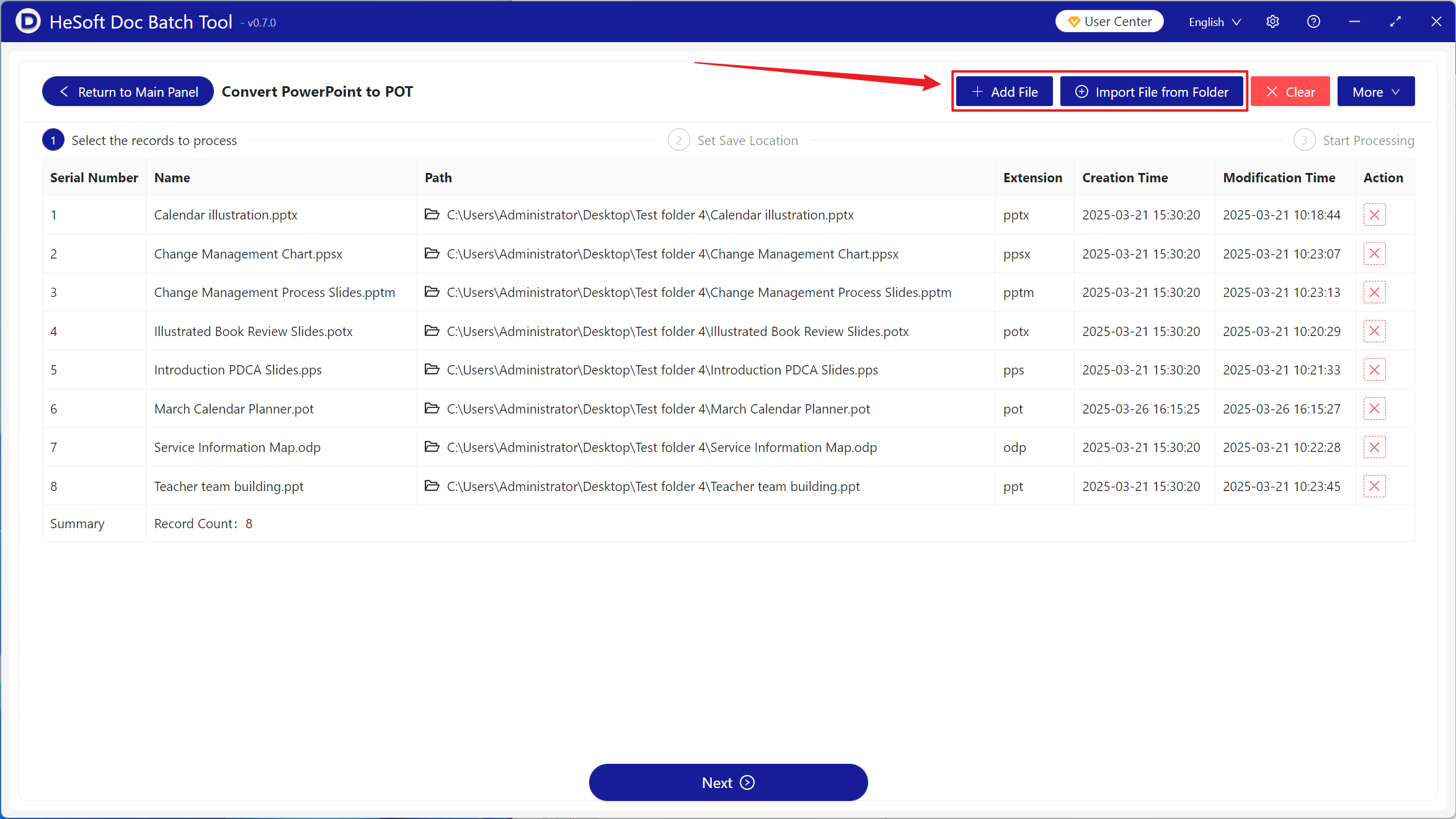
Open [ HeSoft Doc Batch Tool ], select [PowerPoint Tools] - [PowerPoint to POT].

[Add Files] Add single or multiple PowerPoint slide files to be converted to the older POT format.
[Import from Folder] Import all PowerPoint slide files from a selected folder.
You can view imported files below.
Once processing is complete, click the save location to view the successfully converted POT files.
