Convert a large number of PPT and PPTX files into the new version of auto-playing PPSX slideshow format in batch
Translation:EnglishFrançaisDeutschEspañol日本語한국어,Update Time:2025-06-07 20:21:45
When giving a PPT presentation, it is often the case that you rush to find the play button, wasting a lot of time before the speech. In fact, converting PPT or PPTX formats to PPSX format allows you to quickly enter presentation mode. As a professional playback format for PowerPoint, PPSX allows you to double-click the file directly to start a full-screen presentation, avoiding the need to enter the interface and perform complicated operations. When explaining products to important clients, double-clicking a PPSX file starts playback immediately, eliminating the need for extra steps and preventing accidental clicks on other functions. In scenarios such as exhibitions and ad projections, the auto-play feature of the PPSX format also avoids manual operation, delivering significant results even when unattended. Although the PPTX format is powerful, in professional presentations and auto-play situations, the stability and portability of PPSX offer irreplaceable advantages. The following describes how to batch convert a large number of PPT and PPTX slides uniformly into the Office 2007 PPSX format, with support for various presentation formats such as PPS, POT, and POTX.
1. Usage Scenarios
When multiple PowerPoint files need to be played in a loop on electronic displays at exhibitions, shopping malls, or public venues, you can convert them to PPSX format. Compared to PPTX, it eliminates many cumbersome operations—simply clicking the file will automatically play it in full screen without requiring supervision, making it more suitable for long-term, stable operation.
2. Effect Preview
Before processing:

After processing:

3. Operation Steps
Open【 HeSoft Doc Batch Tool 】, select【PowerPoint Tools】-【Convert PowerPoint to PPSX】.

【Add Files】manually select and add the PPT, PPTX slides you want to convert.
【Import Files from Folder】imports all PowerPoint files from the selected folder.
View the imported files below.

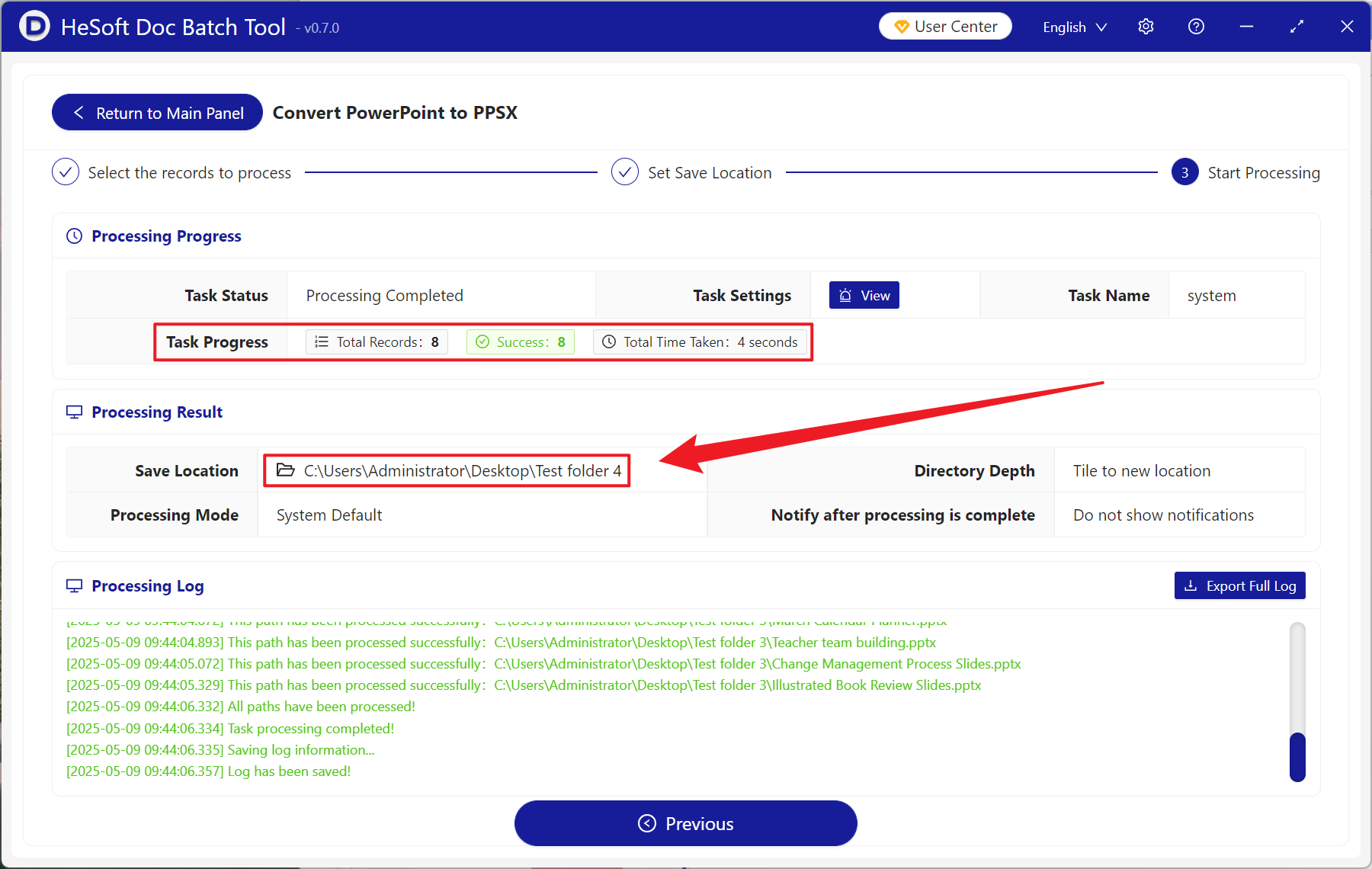
After processing, click the save location to view the converted files.