How to batch search and replace letters and symbols in folder names for a large number of folders
Translation:EnglishFrançaisDeutschEspañol日本語한국어,Update Time:2025-06-07 20:24:11
In handling various tasks for work or projects, most files have been organized and classified, with the sorted files uniformly placed into corresponding folders. When folder names are already categorized alphabetically or by keywords, and you need to batch update and replace multiple folder names, how can you quickly find and replace the content within the file names of the folders?
1. Use Cases
Find letters, symbols, and words in folder names and replace them with any content you enter.
For example: three folder names A-Project Management, A-Budget Reports, A-Client Contracts
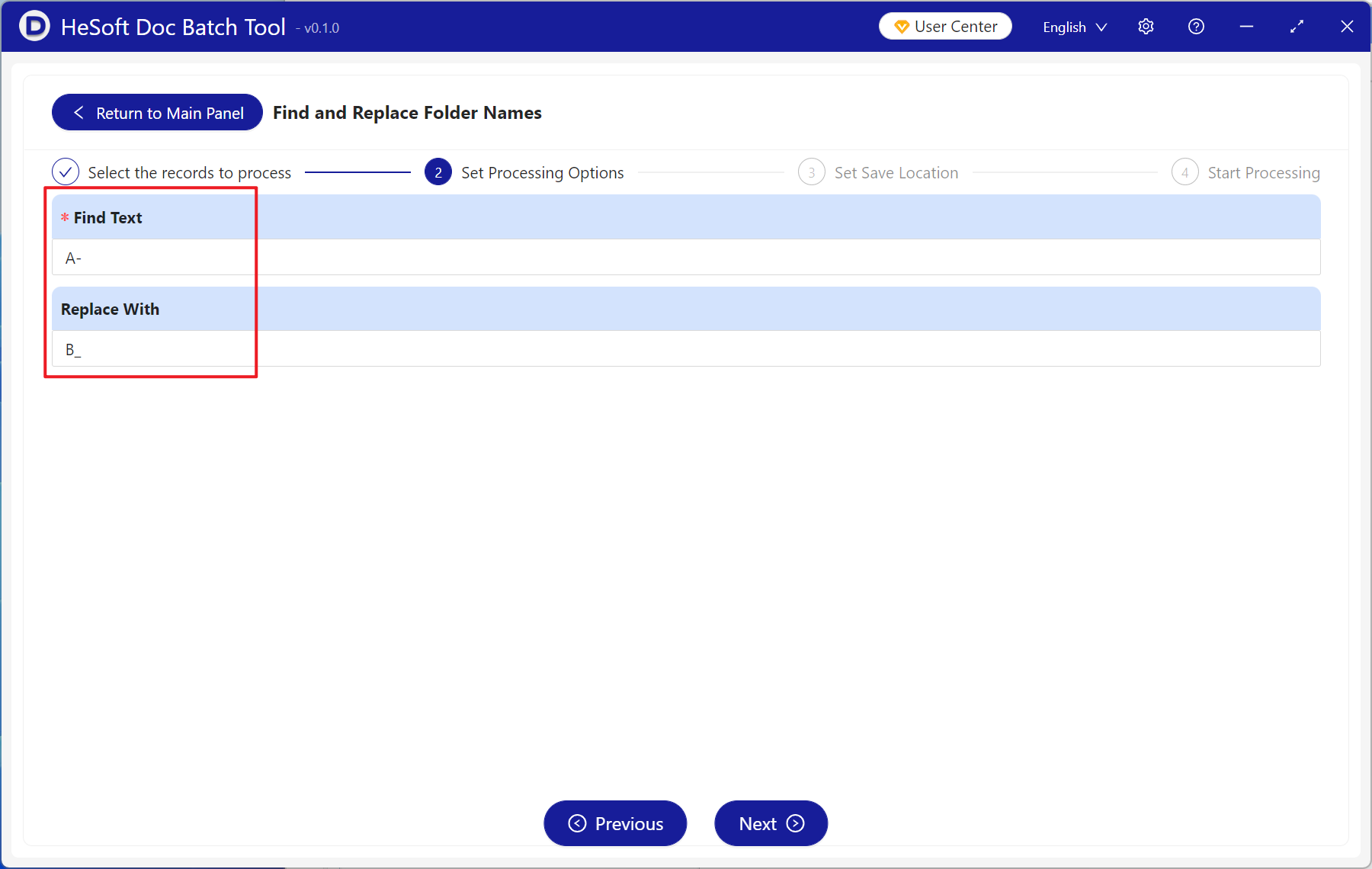
You need to batch find "A-" in the names and replace it with "B_"
After replacement, they become B_Project Management, B_Budget Reports, B_Client Contracts
2. Effect Preview
Before processing:

After processing:

3. Operation Steps
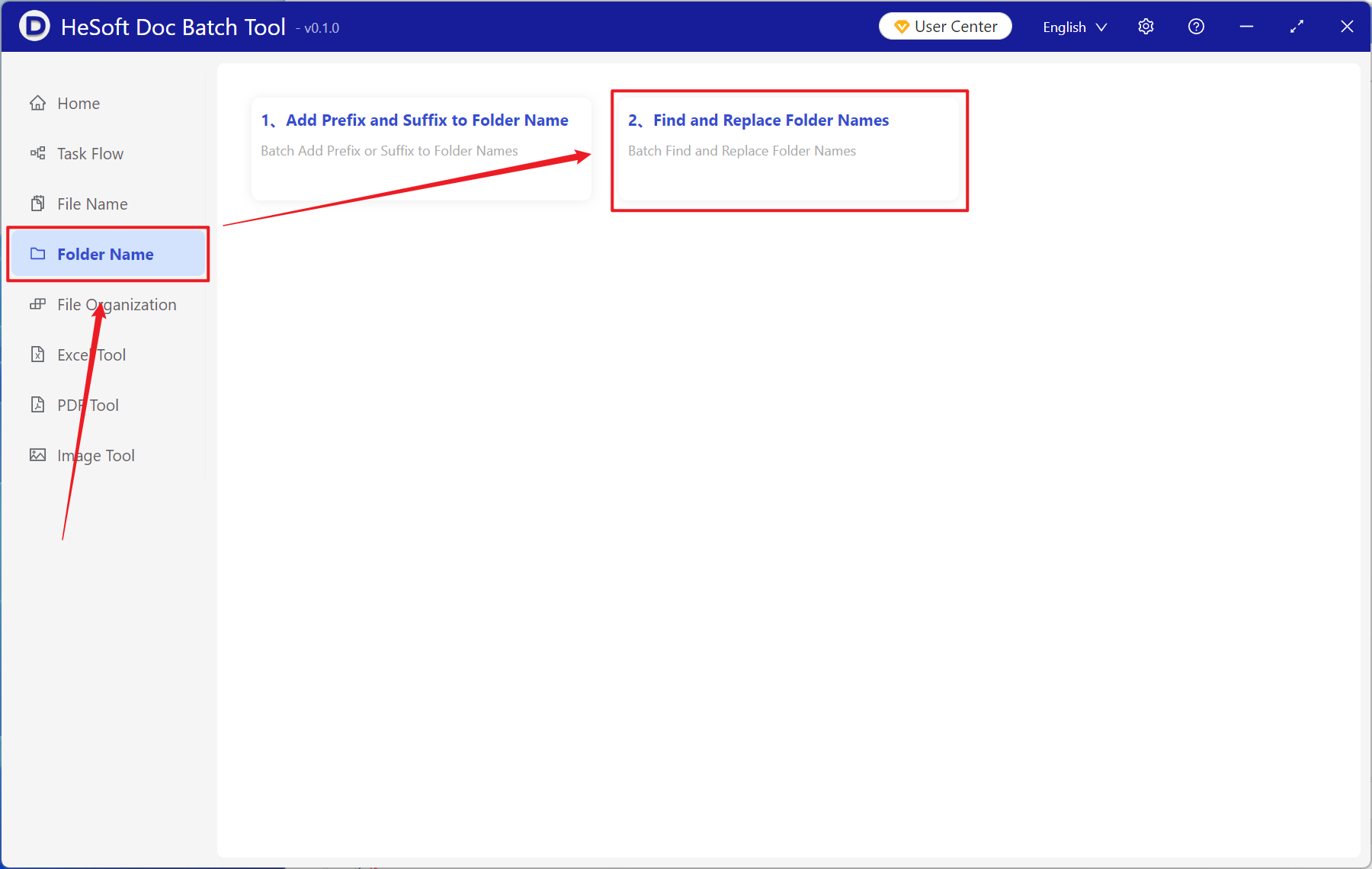
Open【 HeSoft Doc Batch Tool 】, select【Folder Name】-【Find and Replace Folder Name】.
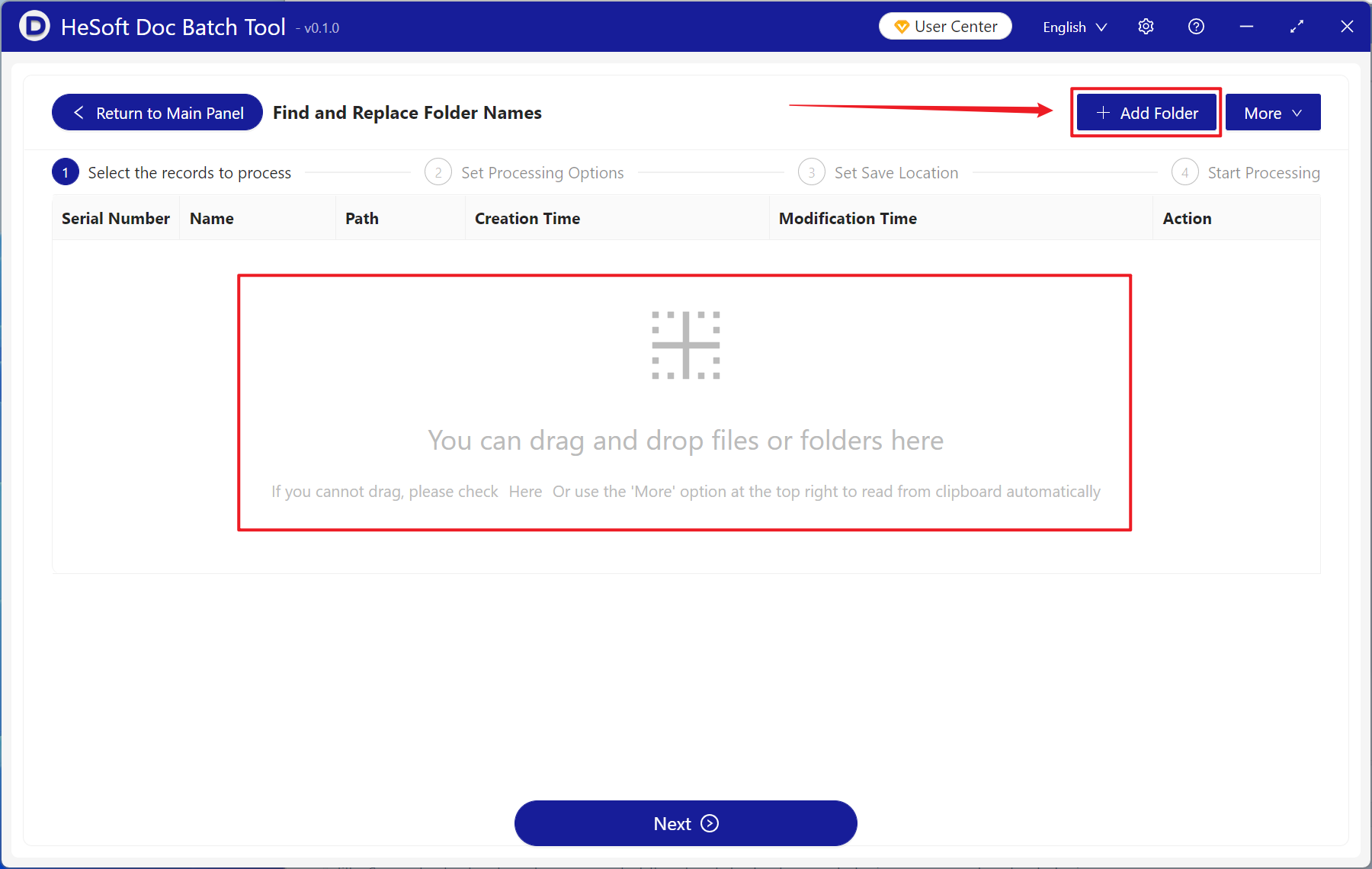
【Add Folder】Add multiple folders or subfolders for which you need to replace letters, symbols, and keyword folder names.
You can also directly drag files in below.
【Find Text】Enter the content to find in the folder name below.
【Replace With】Enter the replacement content for the folder name below.
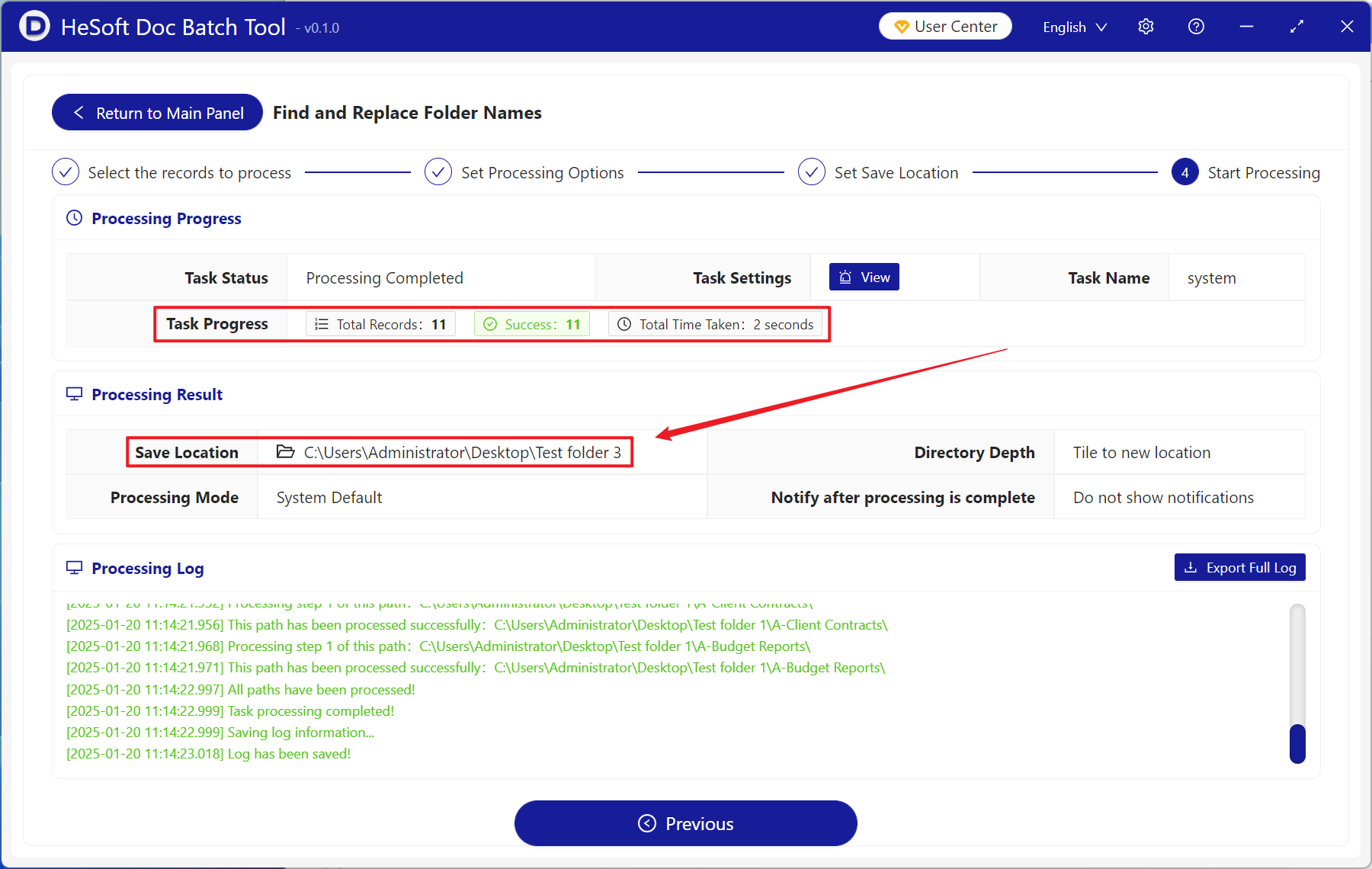
Wait for processing to complete, and view the renamed folders at the save location.