Batch convert over 100 dotx files to the older dot format
Translation:EnglishFrançaisDeutschEspañol日本語한국어,Update Time:2025-06-07 20:21:59
The dotx file format in Word is used to create template-based documents. Modifying the content of a dotx file does not affect the template itself; instead, it generates a new document, ensuring that each newly created document maintains the same structure or formatting. It is commonly used for creating repetitive documents with fixed formats such as letters, invoices, and project plans, making it suitable for repeated use. If there are multiple processed dotx files that cannot be opened due to software version incompatibility after transfer, or if macro functionality is unsupported, you need to convert these files to the older dot format to ensure they can be opened, used normally, and allow macros to be added or retained freely. The following explains how to quickly batch convert a large number of dotx files to the legacy dot format for opening and use, avoiding compatibility issues.
1. Usage Scenario
Directly convert Word documents in the new version dotx format to the old dot format.
2. Preview
Before processing:

After processing:

3. Steps
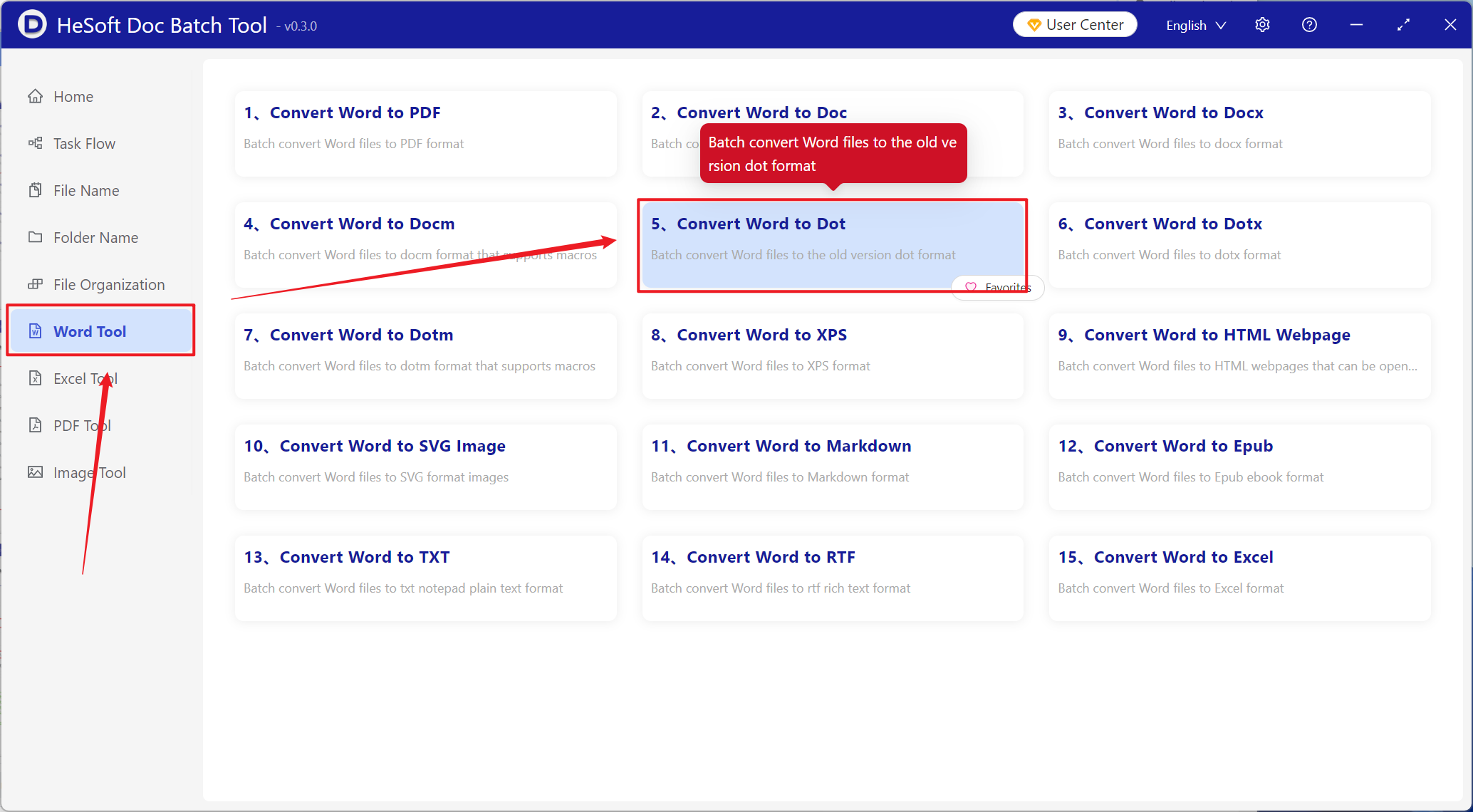
Open [ HeSoft Doc Batch Tool ], select [Word Tools] - [Word to Dot].
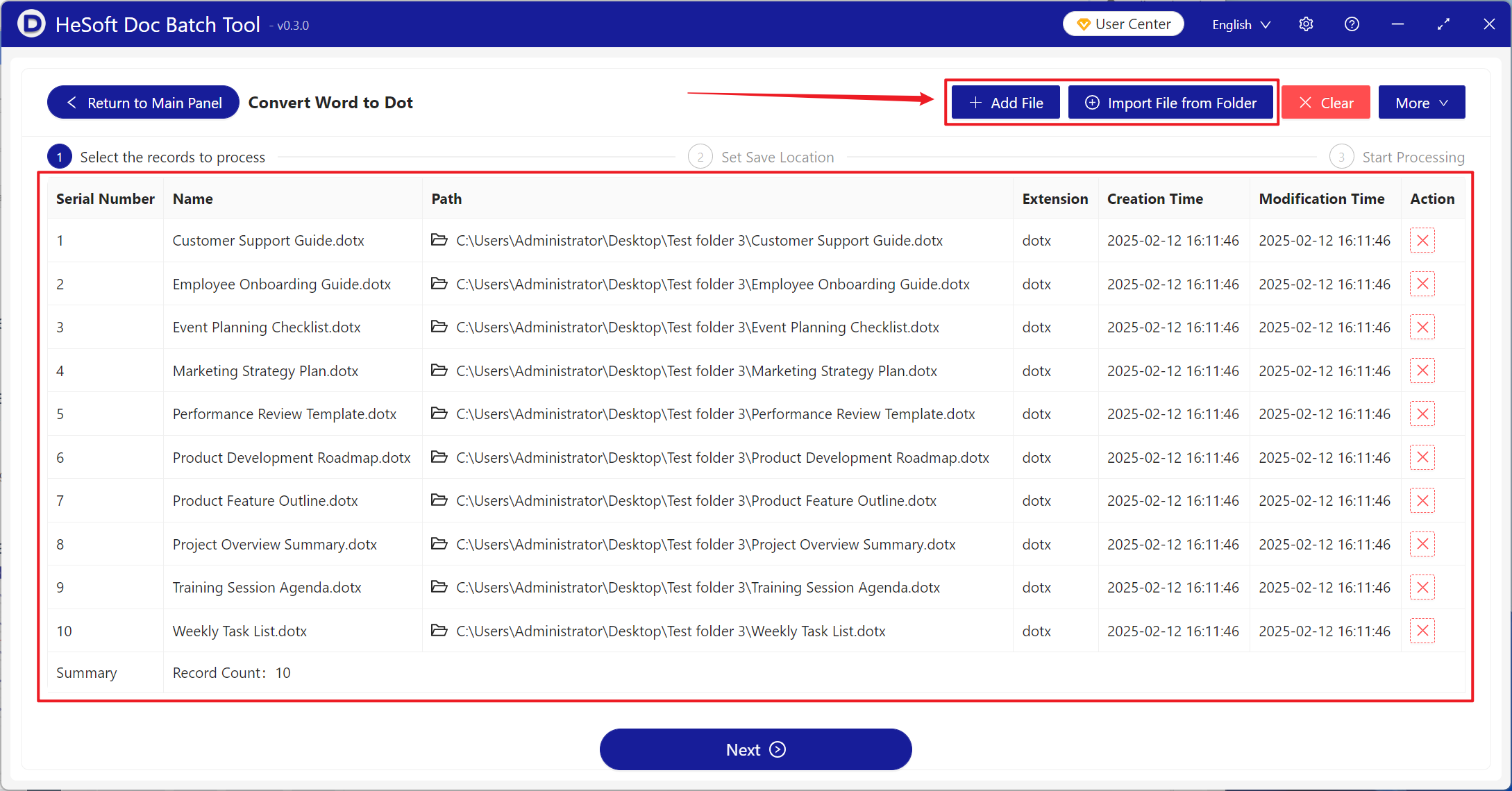
[Add Files] Add single or multiple Word documents that need to be converted to the old dot format.
[Import Files from Folder] Add the entire folder containing Word documents that need to be converted to the old dot format.
The files in the red box below are those successfully imported.
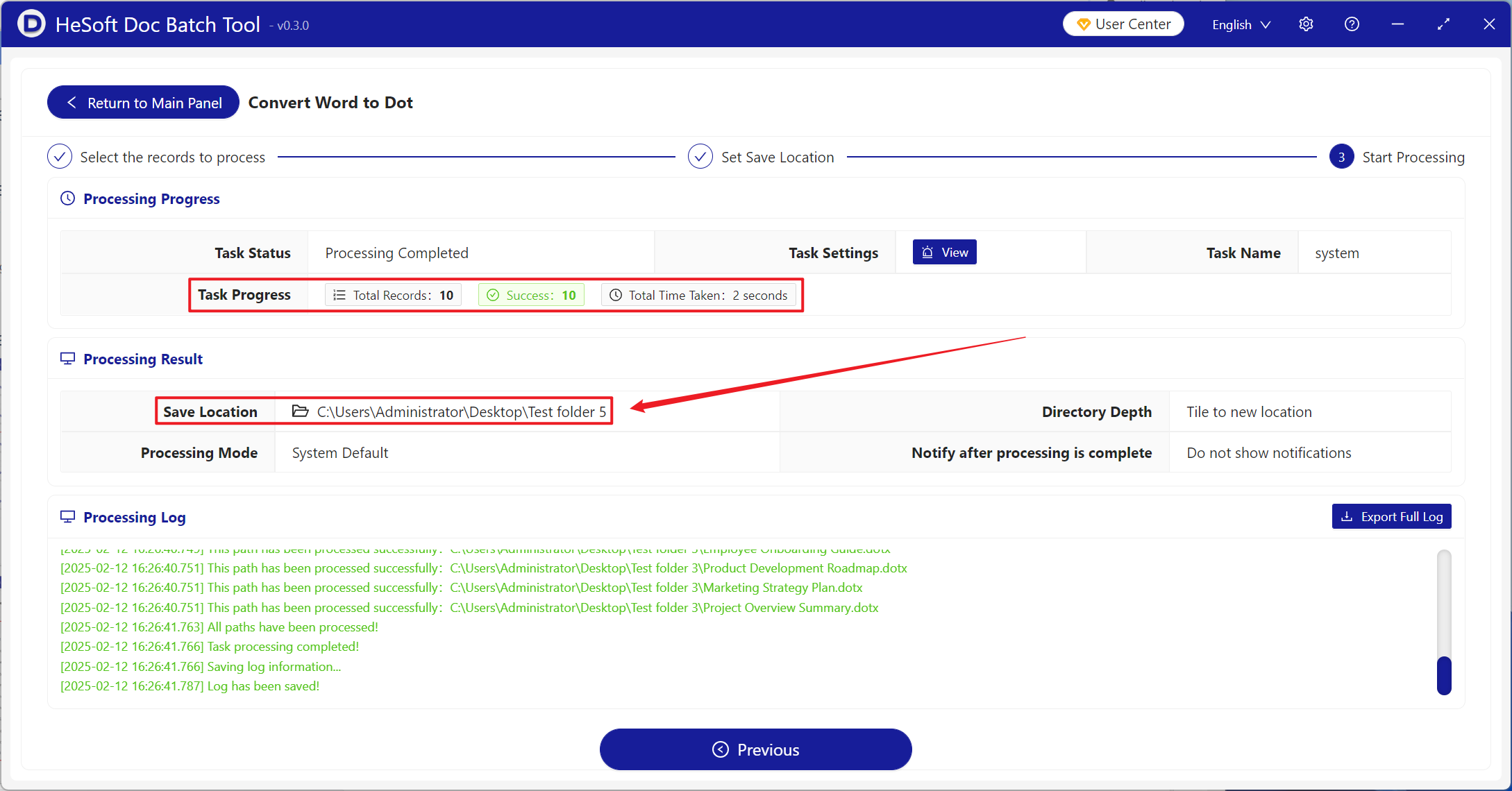
After processing is complete, click the save location to view the successfully converted files.