Batch Convert Multiple Excel Spreadsheet Files to SVG Vector Graphics Format in One Go
Translation:EnglishFrançaisDeutschEspañol日本語한국어,Update Time:2025-06-07 20:20:35
As a vector graphics format, SVG can be infinitely scaled while maintaining high definition. In the Sheet of an XLSX worksheet file, there are charts, data, and other elements to be displayed, which can be directly converted to SVG format, allowing the content in the spreadsheet to be previewed with high clarity. Moreover, the SVG format also supports embedding into web pages for development and is supported by all modern browsers and design software, ensuring charts display consistently across different devices and systems. Compared to Excel spreadsheets, converting to SVG format offers higher compatibility and flexibility, meeting more scenario requirements.
1. Use Cases
After receiving or downloading a large number of Excel spreadsheet files, when you need to embed the charts and table contents from XLSX files into webpages, blogs, official websites, etc., or transfer them to different devices or systems, batch convert them uniformly to SVG format. This allows them to be embedded in HTML code, and the SVG format is supported by browsers, ensuring consistent chart display.
2. Preview of Effects
Before processing:

After processing:


3. Operation Steps
Open【 HeSoft Doc Batch Tool 】, select【Excel Tools】-【Convert Excel to SVG Image】.

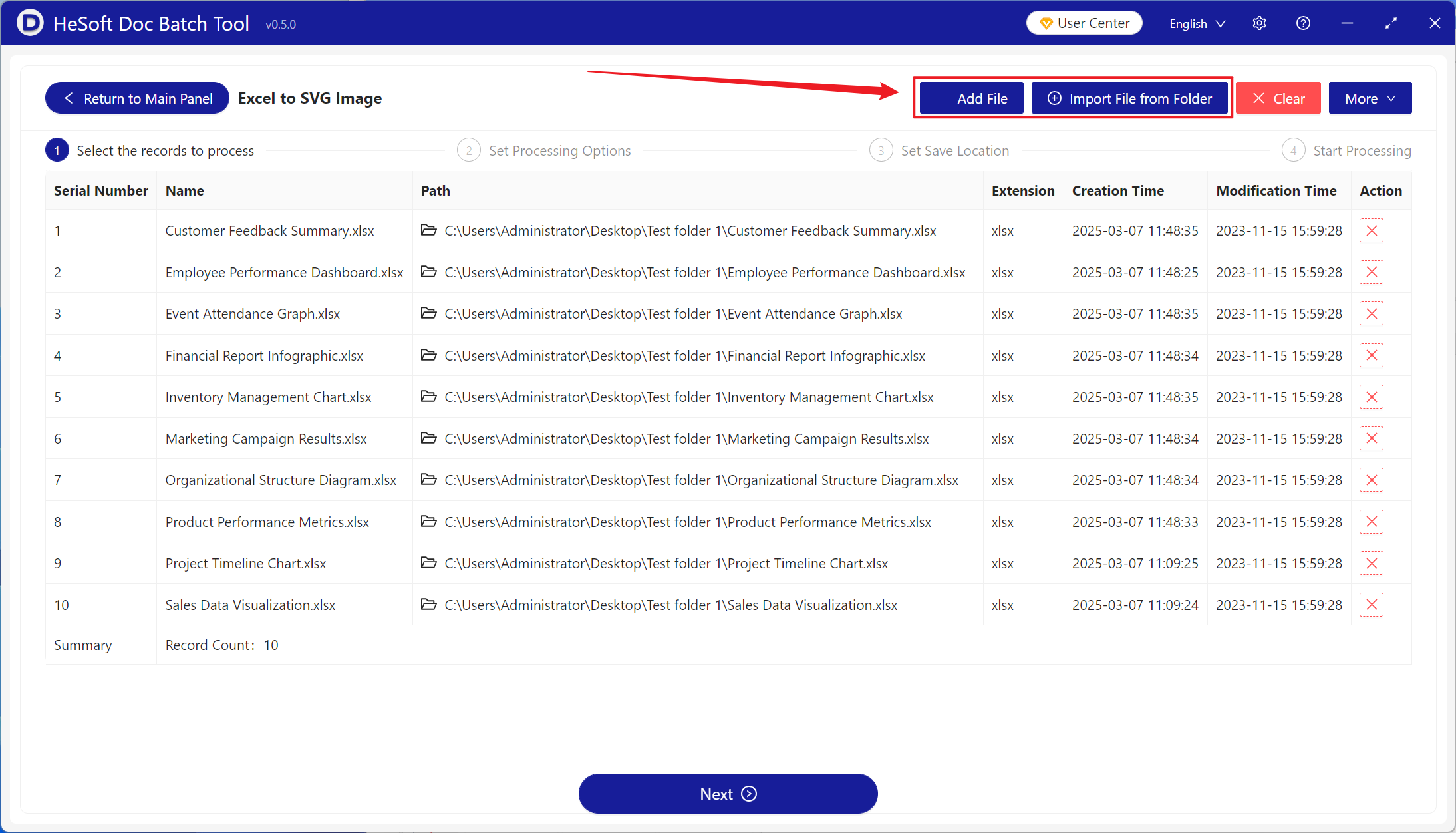
【Add Files】Add a single or multiple Excel spreadsheet files that need to be converted to SVG format.
【Import Files from Folder】Import all Excel spreadsheet files in the selected folder.
You can view the imported files below.
When opened here, it adjusts based on the minimum row height; when closed, it adjusts based on the row height saved in the file.

After processing is complete, click the save location to view the successfully converted XLSX worksheet.
