Convert all sheets in thousands of XLSX files into JPG images in batch
Translation:EnglishFrançaisDeutschEspañol日本語한국어,Update Time:2025-06-07 20:20:27
JPG is the most common image format. It has strong versatility and is suitable for sharing on web pages and social media, facilitating online distribution and display. It can also be directly inserted into Word, PPT, or other documents. In scenarios where there are many Excel worksheets but you do not want to open the files yet need a quick preview, batch conversion to JPG image format can enhance file security and usability.
1. Use Cases
When you need to share sheets from multiple Excel files with others but don't want them to be modified, you can batch convert them into JPG image files. This enhances file security while also providing a quick preview version of the sheets.
2. Effect Preview
Before processing:


After processing:


3. Steps
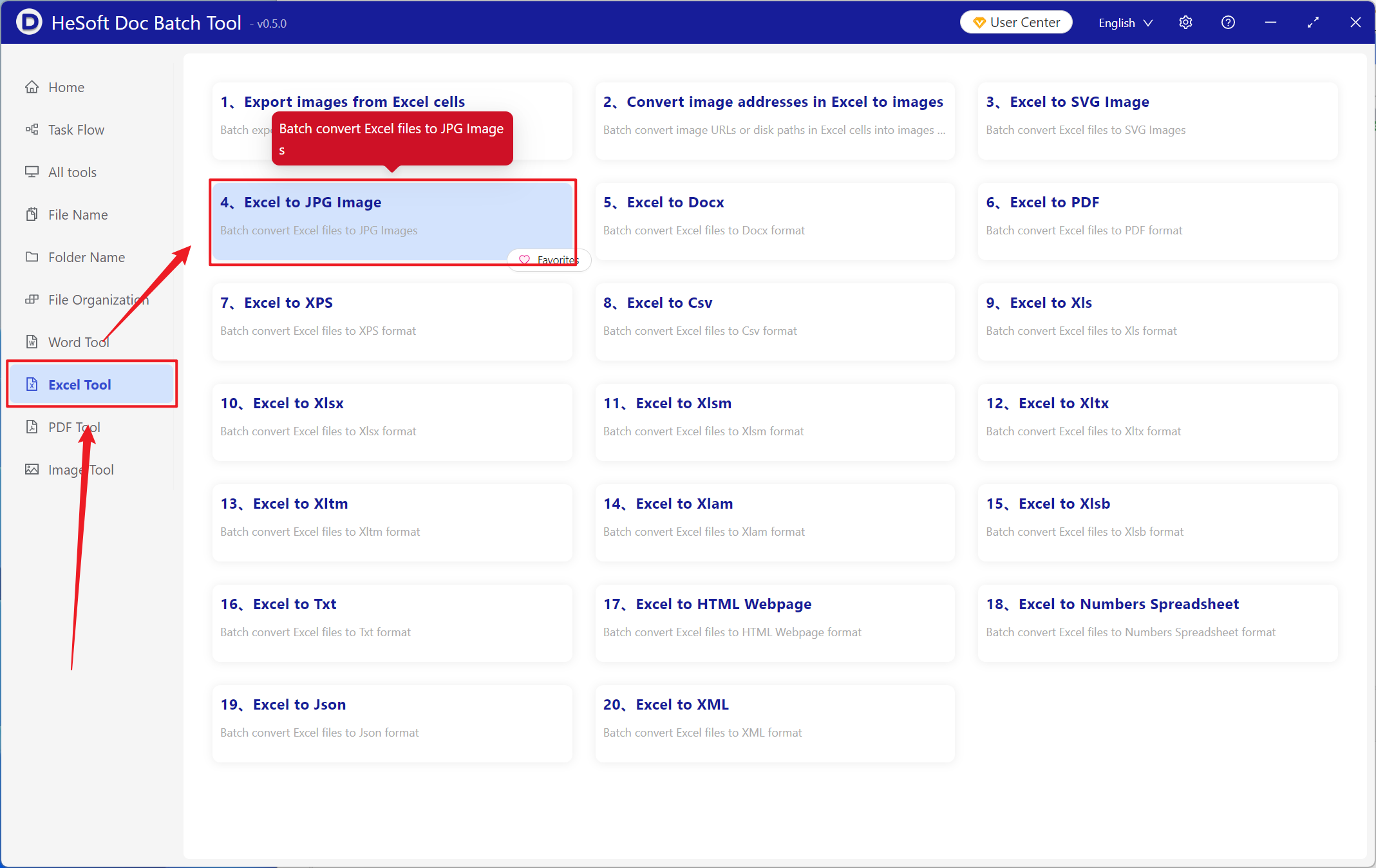
Open 【 HeSoft Doc Batch Tool 】, select 【Excel Tools】 - 【Convert Excel to JPG Image】.
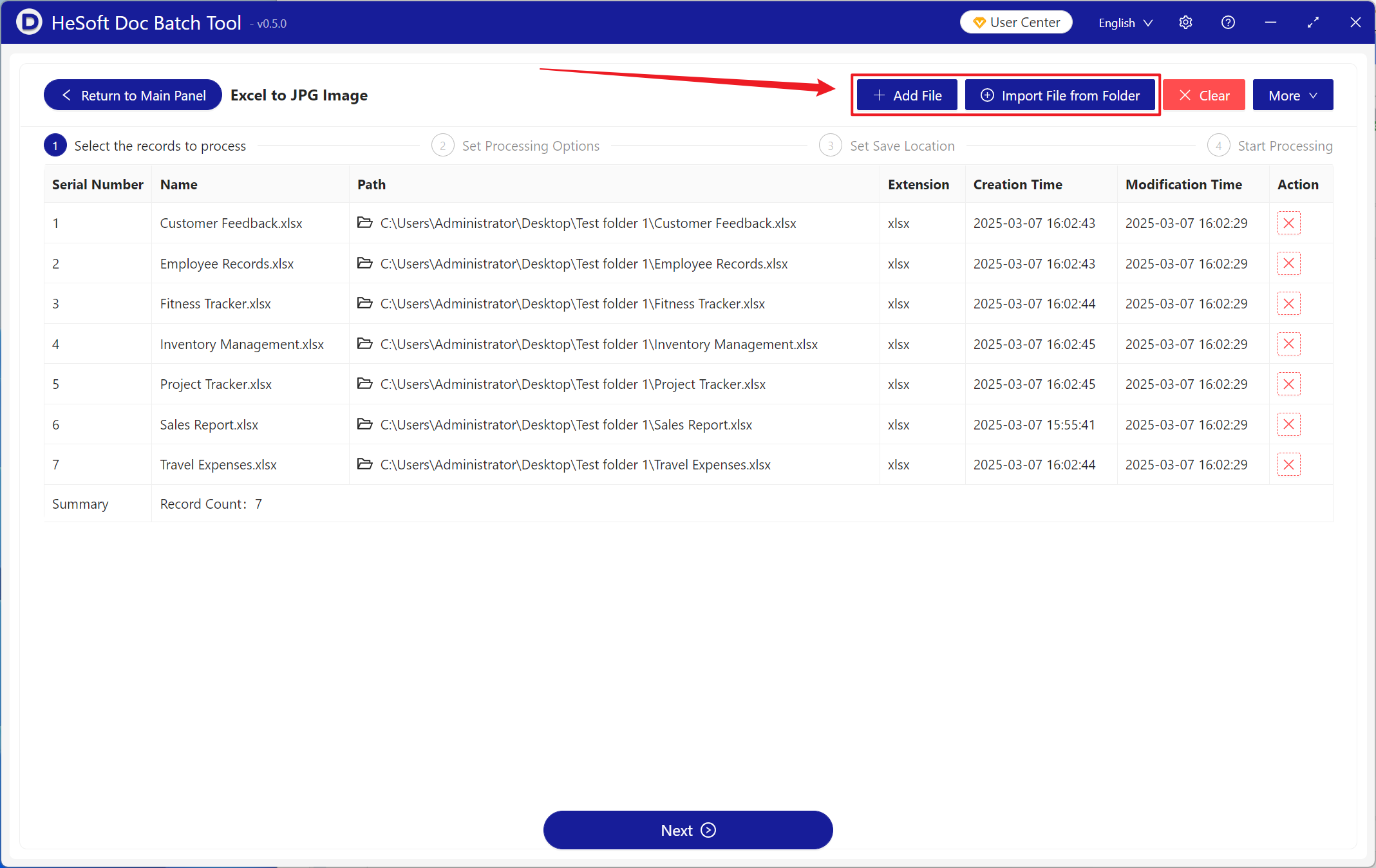
【Add Files】 Add one or more Excel files that need to be converted to JPG images.
【Import Files from Folder】 Import all Excel files from the selected folder.
Below you can view the imported files.
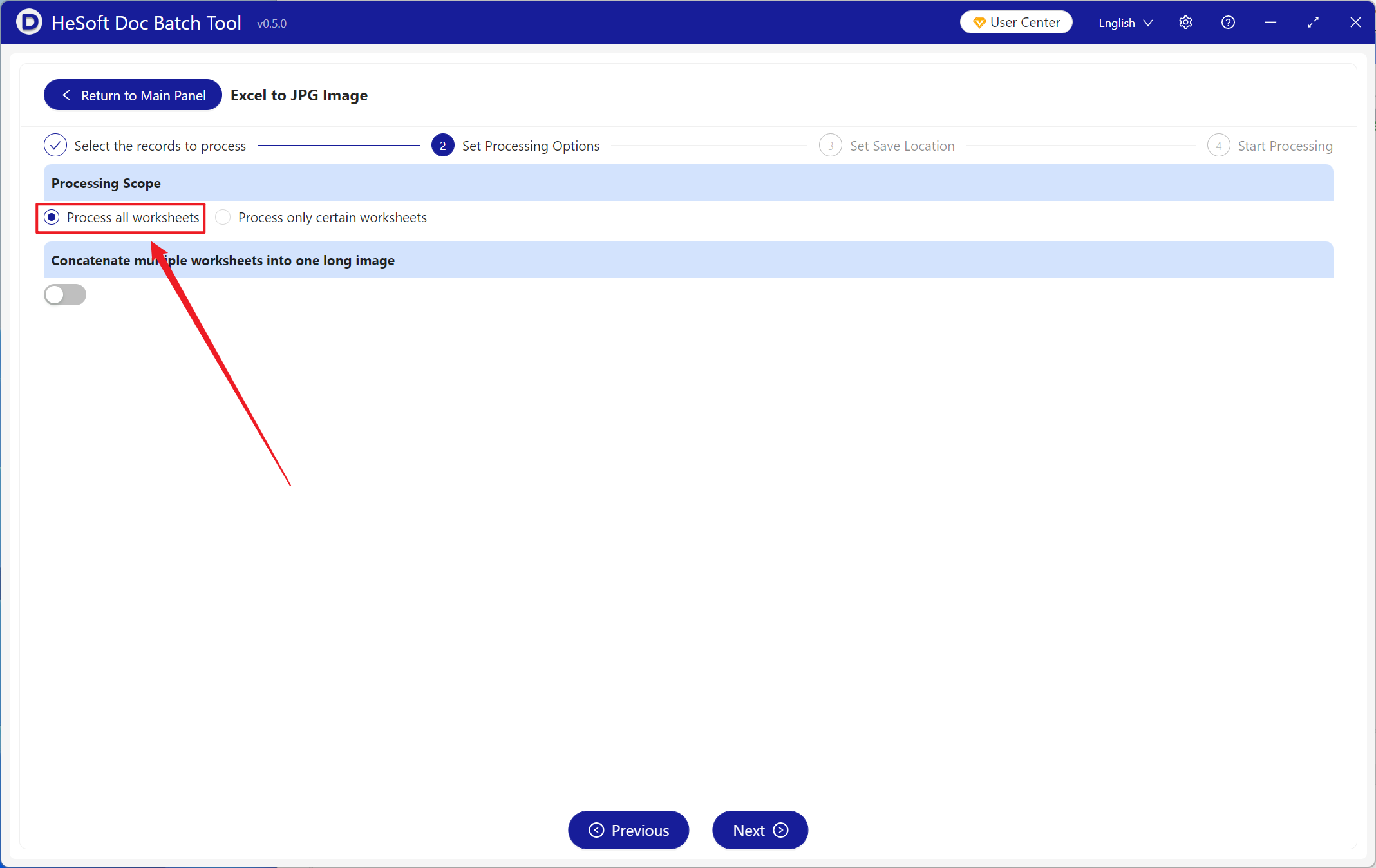
【Processing Scope】 Select to process all worksheets, then click Next.
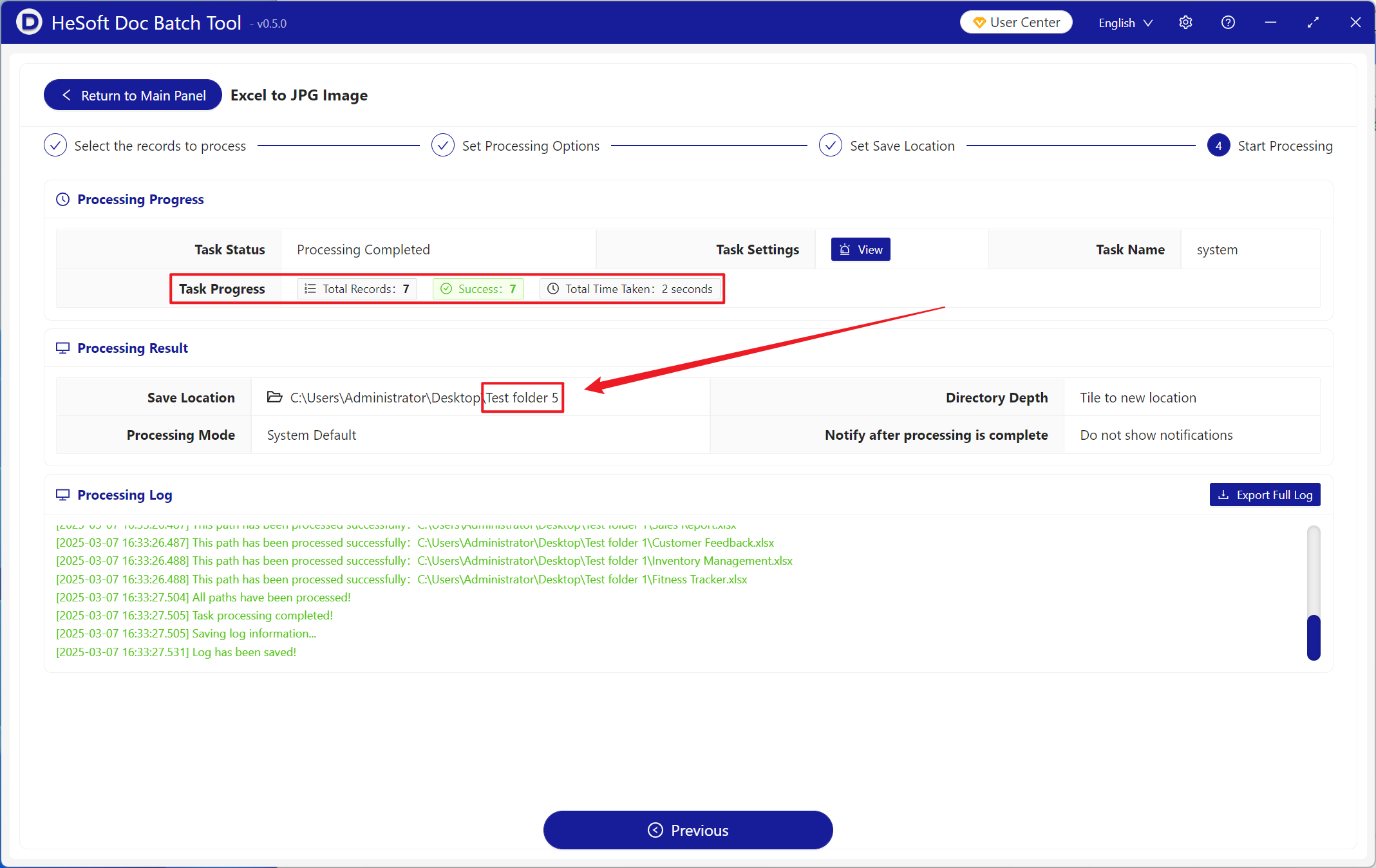
After processing is complete, click the save location to view the successfully converted JPG image files.