Batch Convert Hundreds of Excel Worksheets to Docx Format in Word Documents
Translation:EnglishFrançaisDeutschEspañol日本語한국어,Update Time:2025-06-07 20:20:22
In certain special cases, converting XLSX spreadsheet files to Docx files is very practical. For example, when you need to integrate Excel table data into a formal report, contract, or document, the Docx format is more suitable for editing and formatting, and when submitting documents, the Docx format is easier to read and annotate. In summary, converting Excel spreadsheets to the Docx format in Office Word documents is suitable for scenarios where text and tables are combined, or where documents need to be submitted or printed.
1. Use Cases
When table data in a large number of XLSX spreadsheet files needs to be combined with the content of numerous documents, such as project plans, summary reports, etc., they can all be batch converted to Docx format, simplifying the document creation process and improving work efficiency.
2. Effect Preview
Before processing:

After processing:

3. Operation Steps
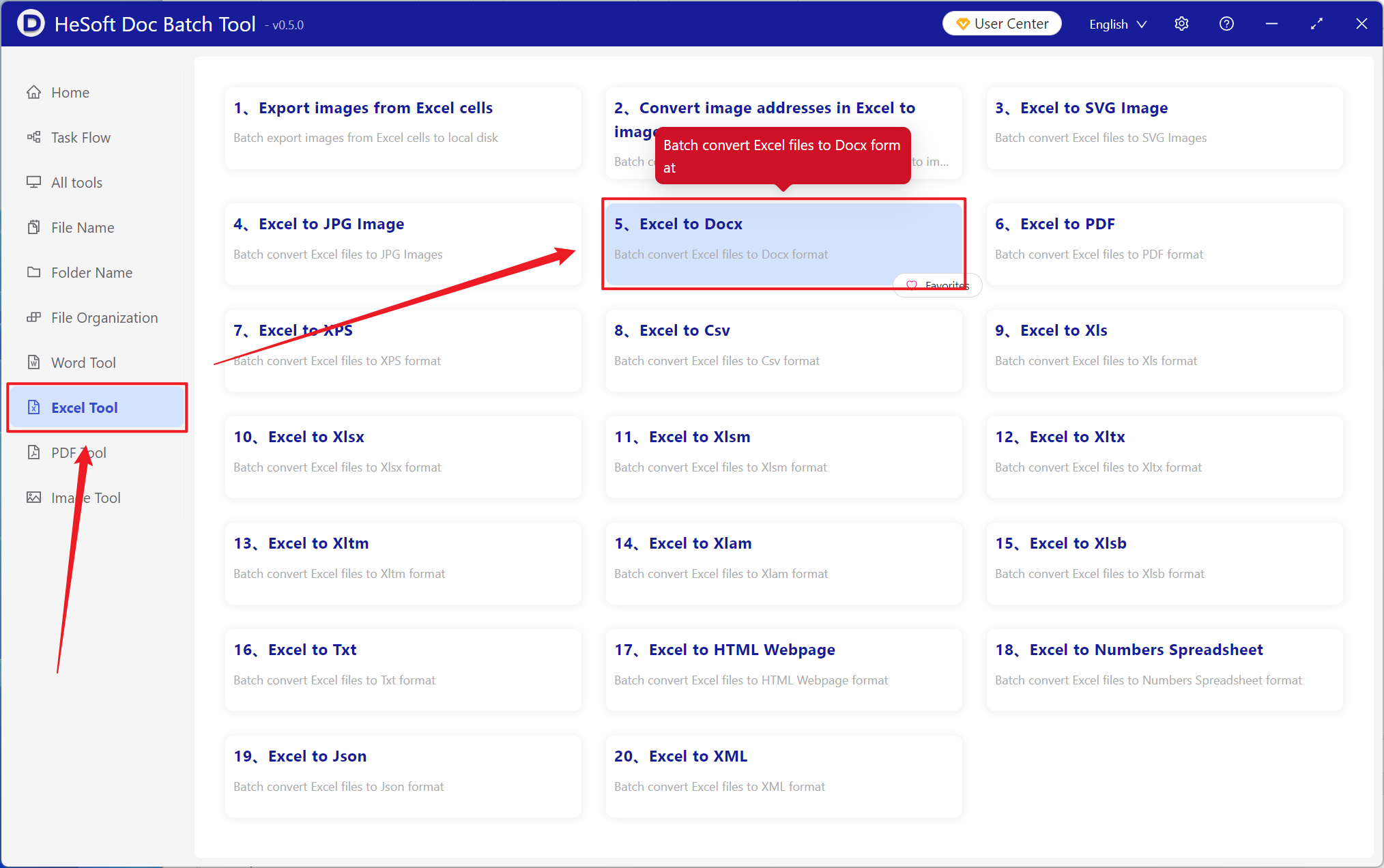
Open HeSoft Doc Batch Tool , select [Excel Tools] - [Excel to Docx].
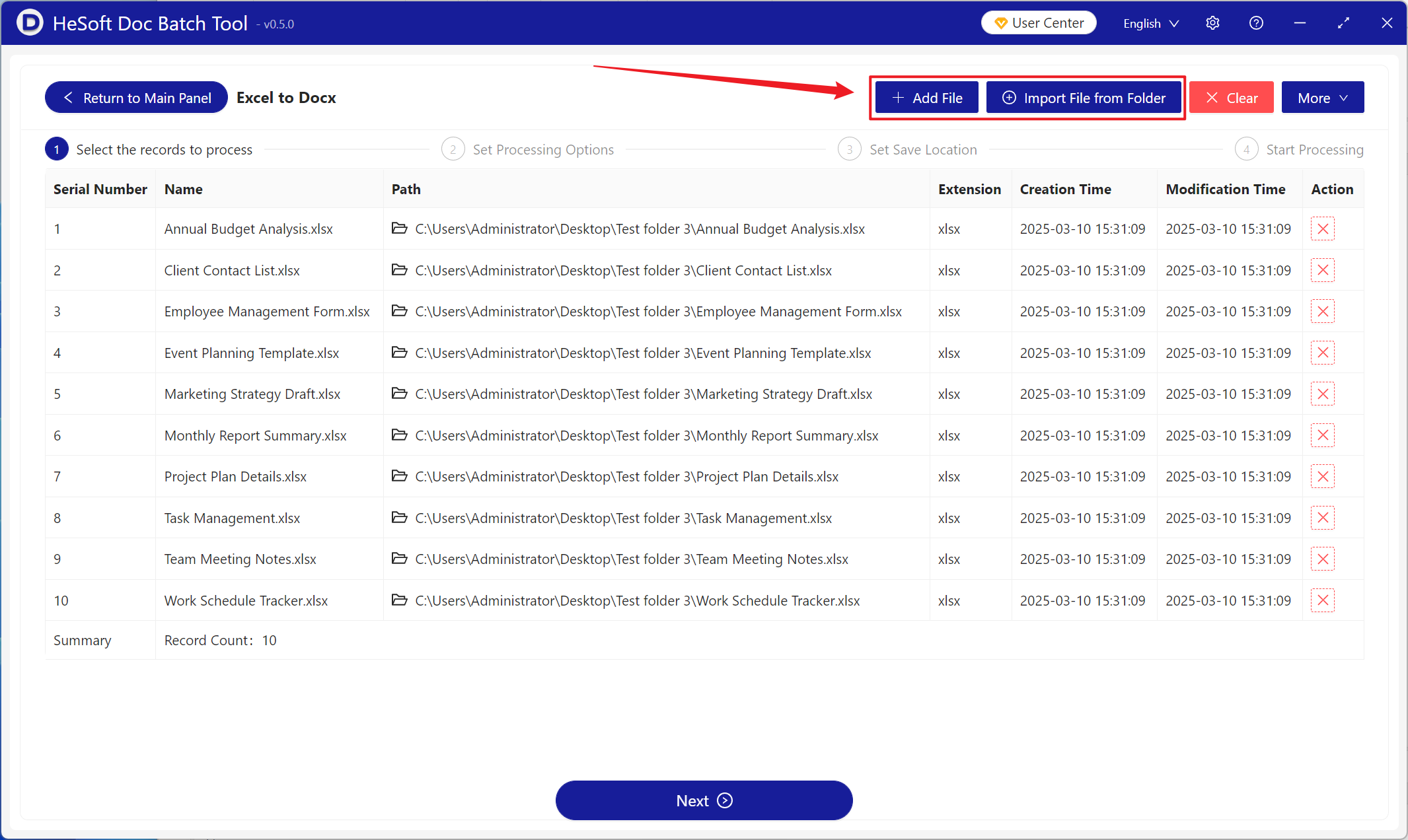
[Add Files] Add one or more Excel spreadsheet files to be converted to Docx format.
[Import Files from Folder] Import all Excel spreadsheet files from the selected folder.
The imported files can be viewed below.
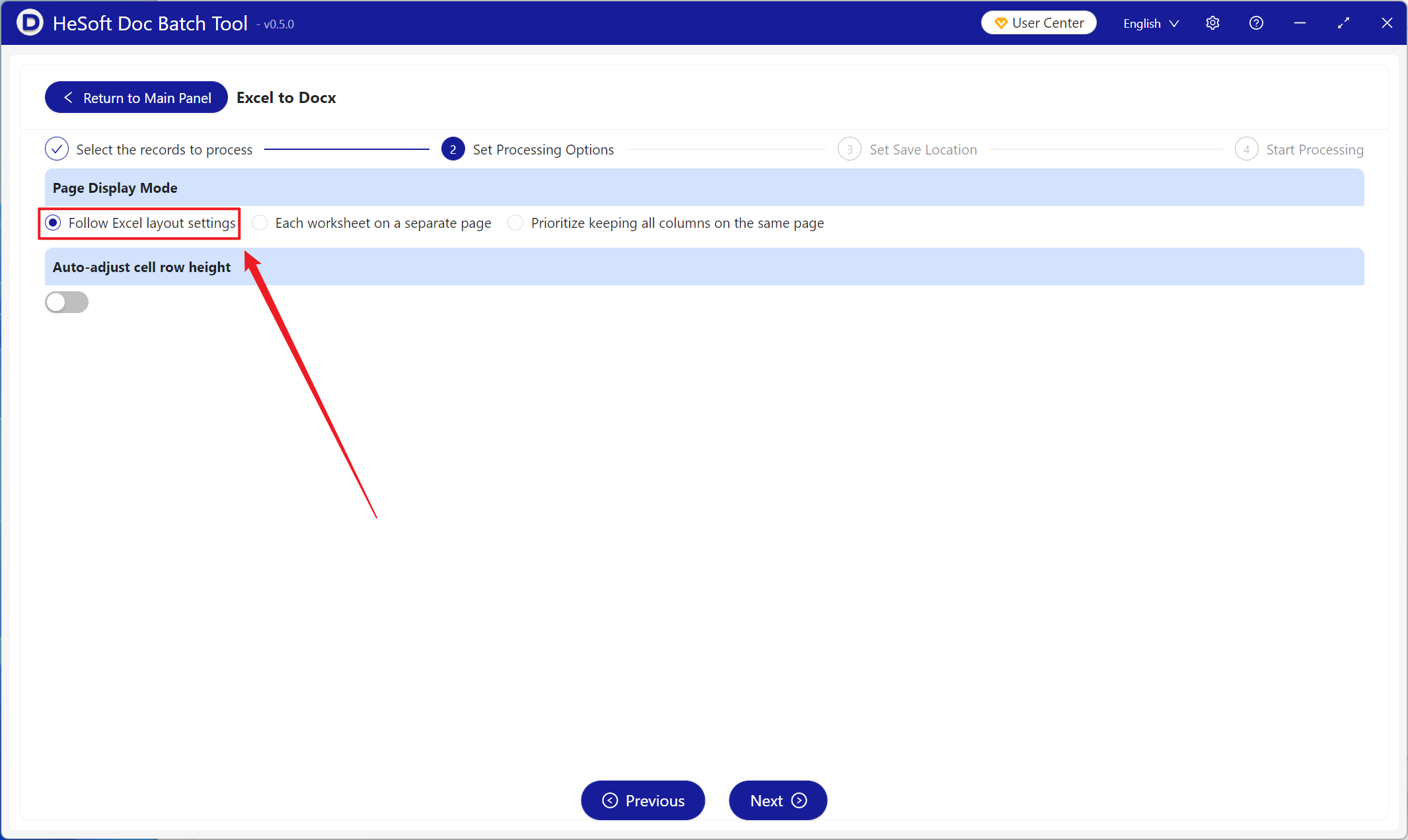
[Page Display Mode] Choose based on the Excel layout settings.
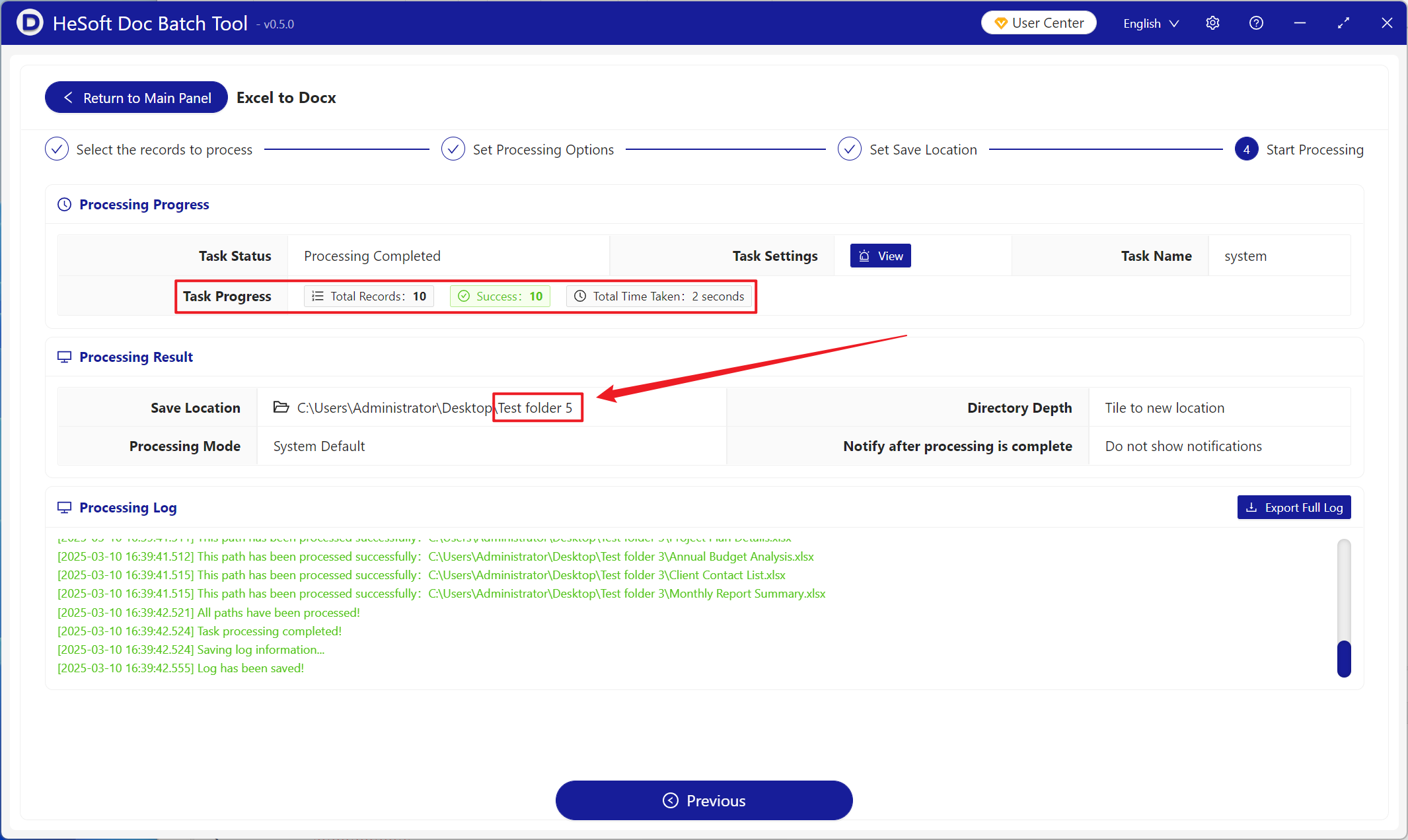
After processing is complete, click the save location to view the successfully converted Docx files.