Batch conversion of large Excel spreadsheets into add-in Xlam file format
Translation:EnglishFrançaisDeutschEspañol日本語한국어,Update Time:2025-06-07 20:20:37
When creating custom functions or tool libraries, the Xlam format can be used as an add-in for Excel worksheets, making it easy to reuse across multiple workbooks for developing complex calculation tools and data analysis features. Additionally, the Xlam format also supports VBA macro code and is suitable for automating tasks and enhancing Excel functionality. If files like Xls or Xlsx need to extend their functionality or use VBA macro code, converting them to Xlam can improve work efficiency and data analysis consistency.
1. Use Cases
When financial statements and statistical summaries across multiple Excel worksheets require calculation and analysis, you can batch convert the files uniformly to Xlam format for automated tasks, macro code usage, and the creation of custom functions for reuse across multiple files.
2. Preview of Results
Before processing:

After processing:

3. Steps
Open 【 HeSoft Doc Batch Tool 】, select 【Excel Tools】-【Excel to Xlam】.

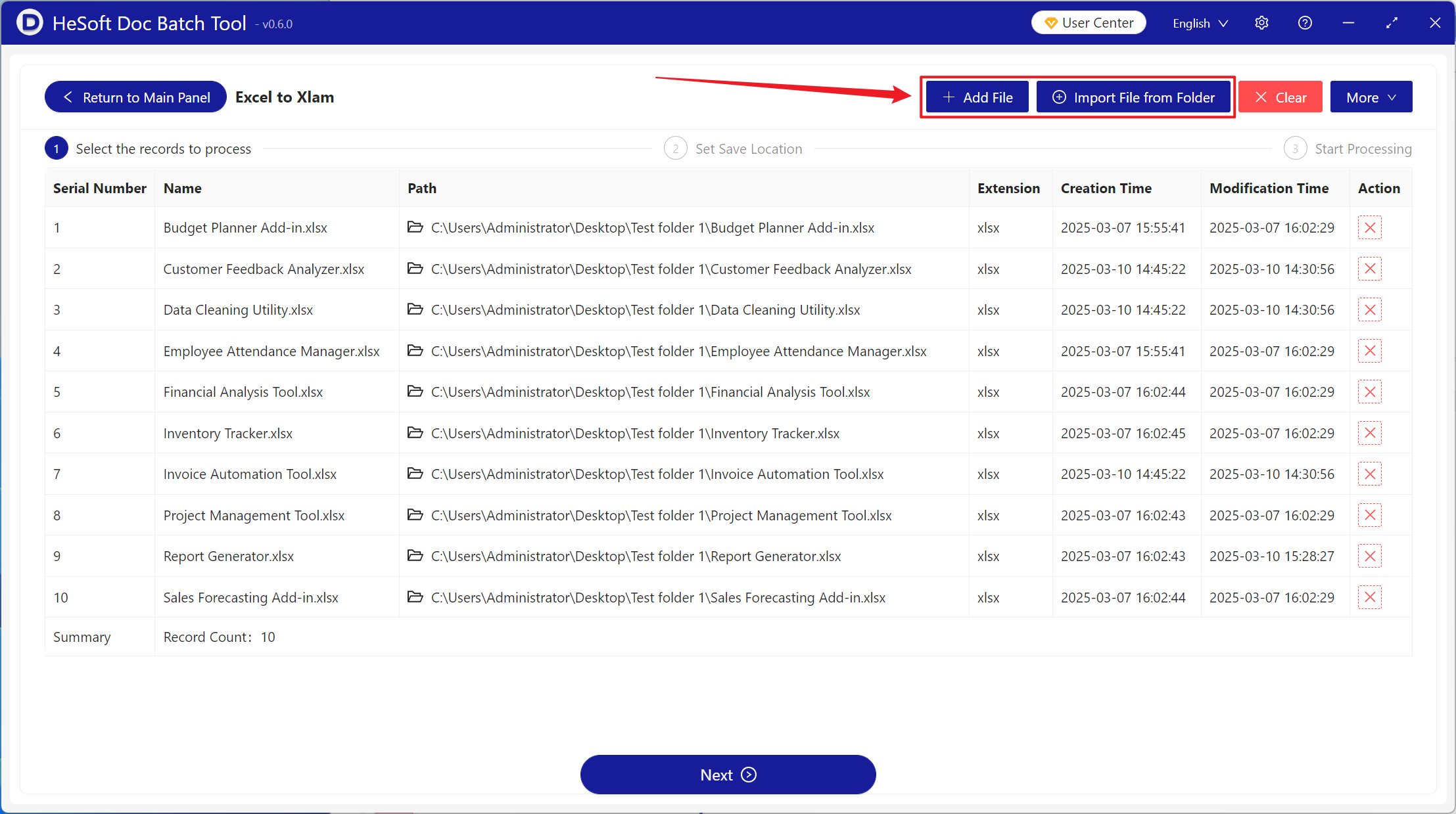
【Add Files】Add single or multiple Excel files that need to be converted to Xlam format.
【Import Files from Folder】Import all Excel files from a selected folder.
You can view the imported files below.
After processing is complete, click the save location to view the successfully converted Xlam files.
