Batch convert multiple PowerPoint slides to auto-play legacy PPS format
Translation:EnglishFrançaisDeutschEspañol日本語한국어,Update Time:2025-06-07 20:21:41
PPS format defaults to automatic slideshow mode, suitable for professional playback scenarios like conference presentations and client demonstrations, while also reducing the risk of misoperation. When you need to achieve double-click auto-fullscreen playback, simplify the presentation process, or prevent accidental modifications, converting PPT slides to PPS format can significantly improve presentation efficiency. This format retains all animation effects from the original PPT and has a small file size, making it easy for quick distribution. The following describes how to uniformly convert numerous PowerPoint slide files to PPS, supporting multiple file formats such as PPT, PPTX, PPSX, POTX, etc.
1. Usage Scenarios
When multiple PPT slide files need to be played instantly in full screen by double-clicking without entering the editing interface at formal occasions such as meetings, exhibitions, or launch events, or when the system software version is outdated, you can convert all of them into the one-click playback PPS format of version 2003 or earlier to enhance compatibility and presentation efficiency.
2. Effect Preview
Before processing:

After processing:

3. Operation Steps
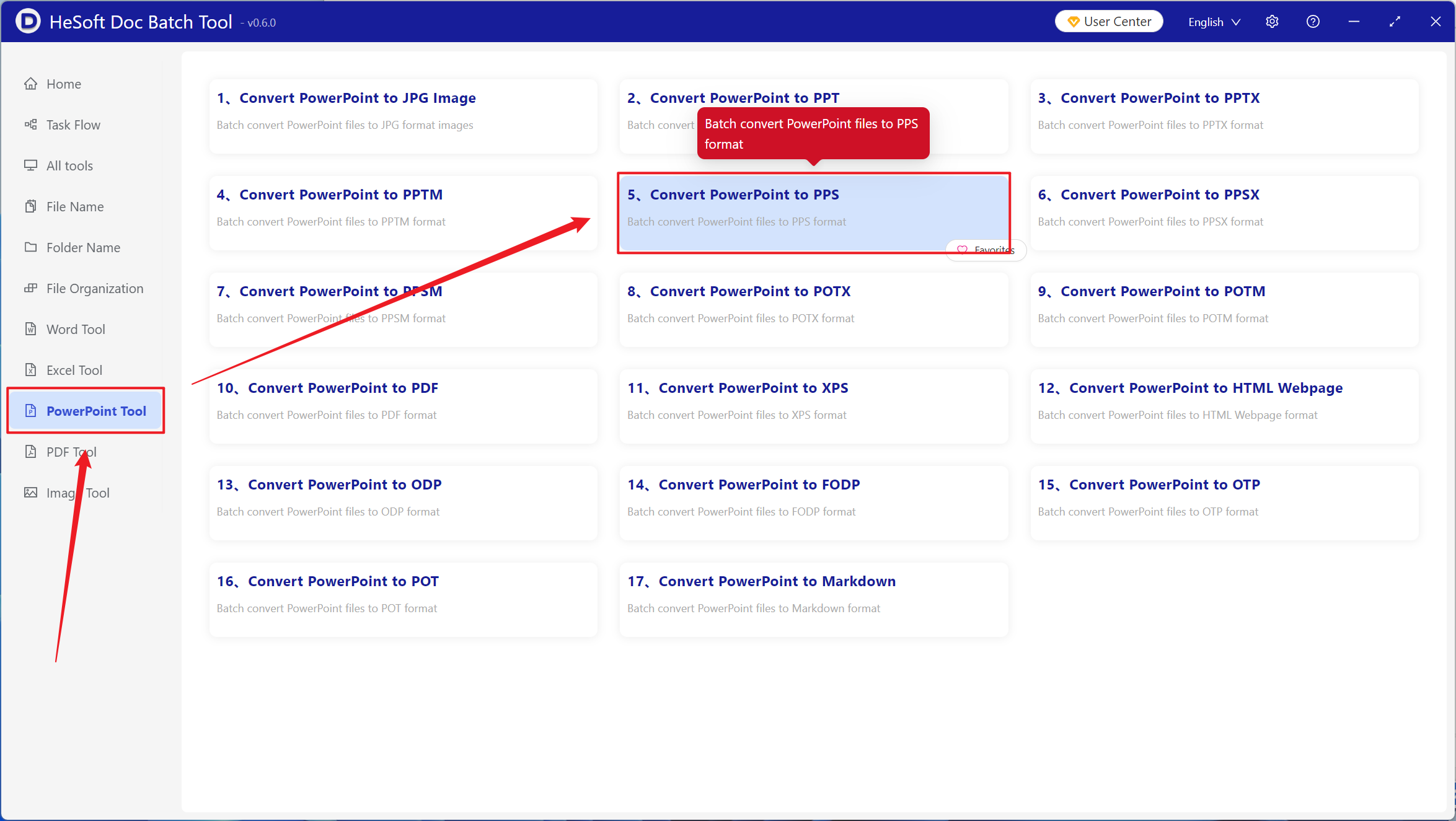
Open 【 HeSoft Doc Batch Tool 】 and select 【PowerPoint Tools】 - 【PowerPoint to PPS】.
【Add File】 Add single or multiple PowerPoint slide files that need to be converted to PPS format.
【Import Files from Folder】 Import all PowerPoint slide files from the selected folder.
You can view the imported files below.

After processing is complete, click the save location to view the successfully converted PPS format files.
