Efficient method to quickly convert a large number of PNG images to GIF format
Translation:EnglishFrançaisDeutschEspañol日本語한국어,Update Time:2025-06-07 20:22:48
In scenarios involving dynamic content display, converting PNG to GIF format can balance image quality and loading performance. GIF's animation support makes it the go-to choice for social media memes, web dynamic icons, and simple products. If you have a large number of PNG images, you can convert an entire PNG sequence into a GIF animation or optimize static images to meet platform upload restrictions. The following introduces how to uniformly convert hundreds of PNG images into GIF format, while also supporting various image formats such as JPG, JPEG, PNG, TIF, WEBP, and SVG.
1. Use Cases
When you have multiple PNG image sequences containing UI animations, product demonstrations, and other content, you can convert them into GIF format at once and merge them into a GIF animation for easy display in emails, forums, or documents.
2. Effect Preview
Before processing:

After processing:

3. Operation Steps
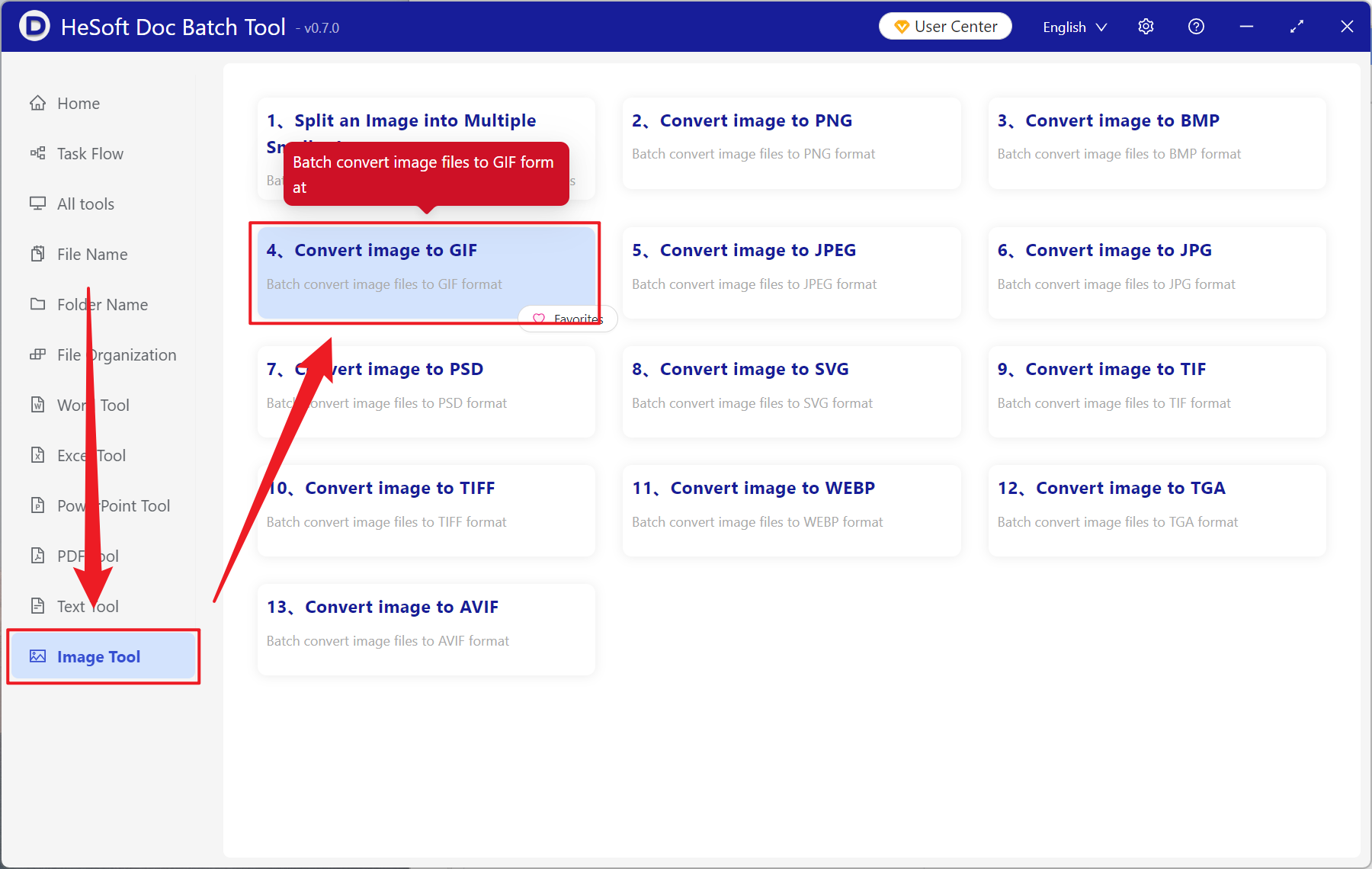
Open 【 HeSoft Doc Batch Tool 】, select 【Image Tools】 - 【Convert Image to GIF】.
【Add Files】 allows you to manually select PNG and other image format files for conversion.
【Import Files from Folder】 imports all images from the selected folder.
View the imported files below.

After processing is complete, click the path next to the save location to view the converted image.
