Batch convert thousands of docx files to thousands of PDF files simultaneously
Translation:EnglishFrançaisDeutschEspañol日本語한국어,Update Time:2025-06-07 20:22:21
Office Word documents are highly editable and an indispensable software for daily work and study. If you need to store docx files for a long time, maintain the content and formatting within the document, and prevent accidental modifications, converting them to pdf is a common method. pdf has strong compatibility and security. The following provides detailed operation steps on how to batch convert a large number of Word documents into pdf format files at once.
1. Usage Scenarios
When submitting research reports or sharing corporate materials, numerous docx files can be batch-converted to PDF format to prevent document format and content tampering.
2. Effect Preview
Before processing:

After processing:

3. Operation Steps
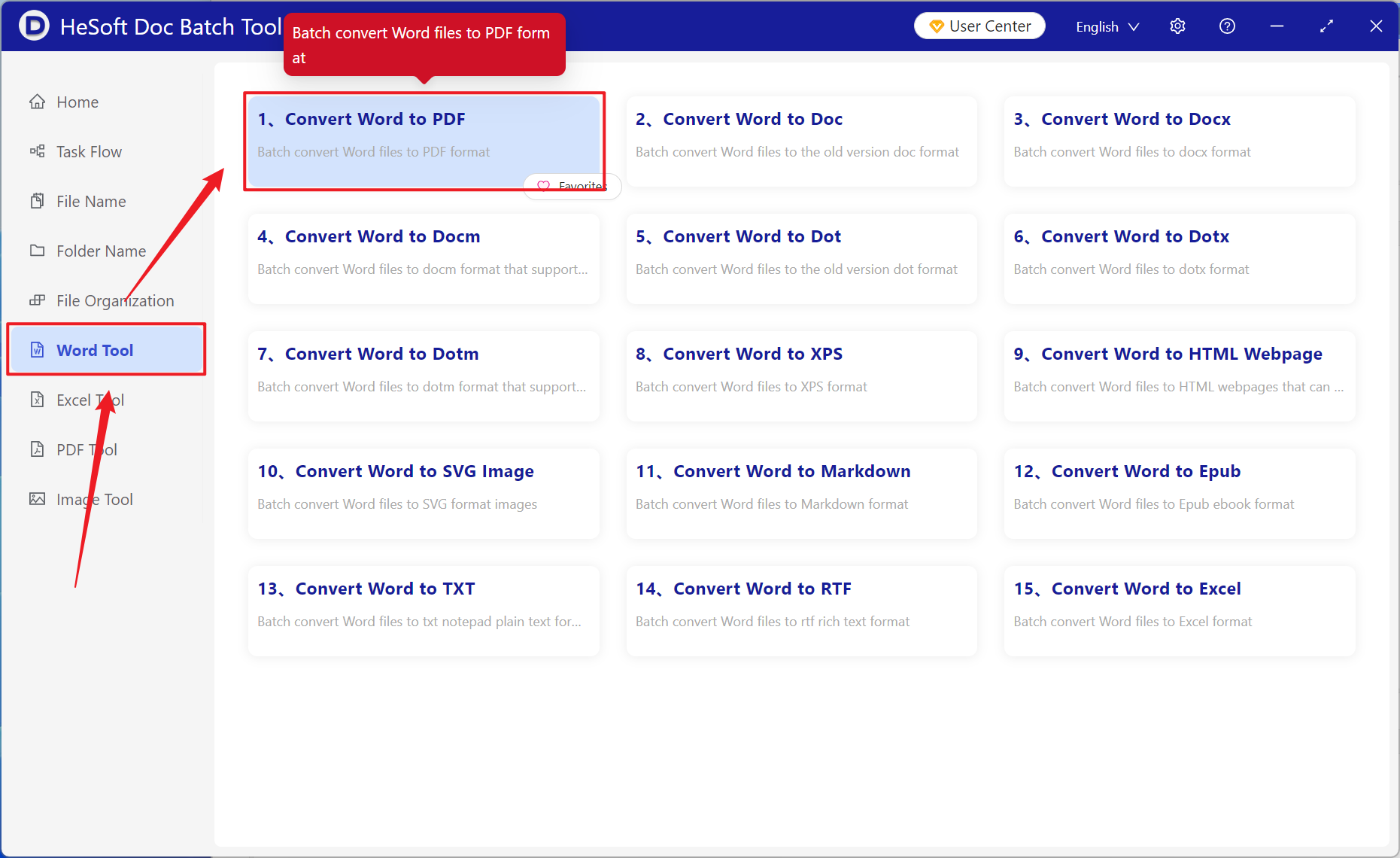
Open【 HeSoft Doc Batch Tool 】, select【Word Tools】- 【Word to PDF】.
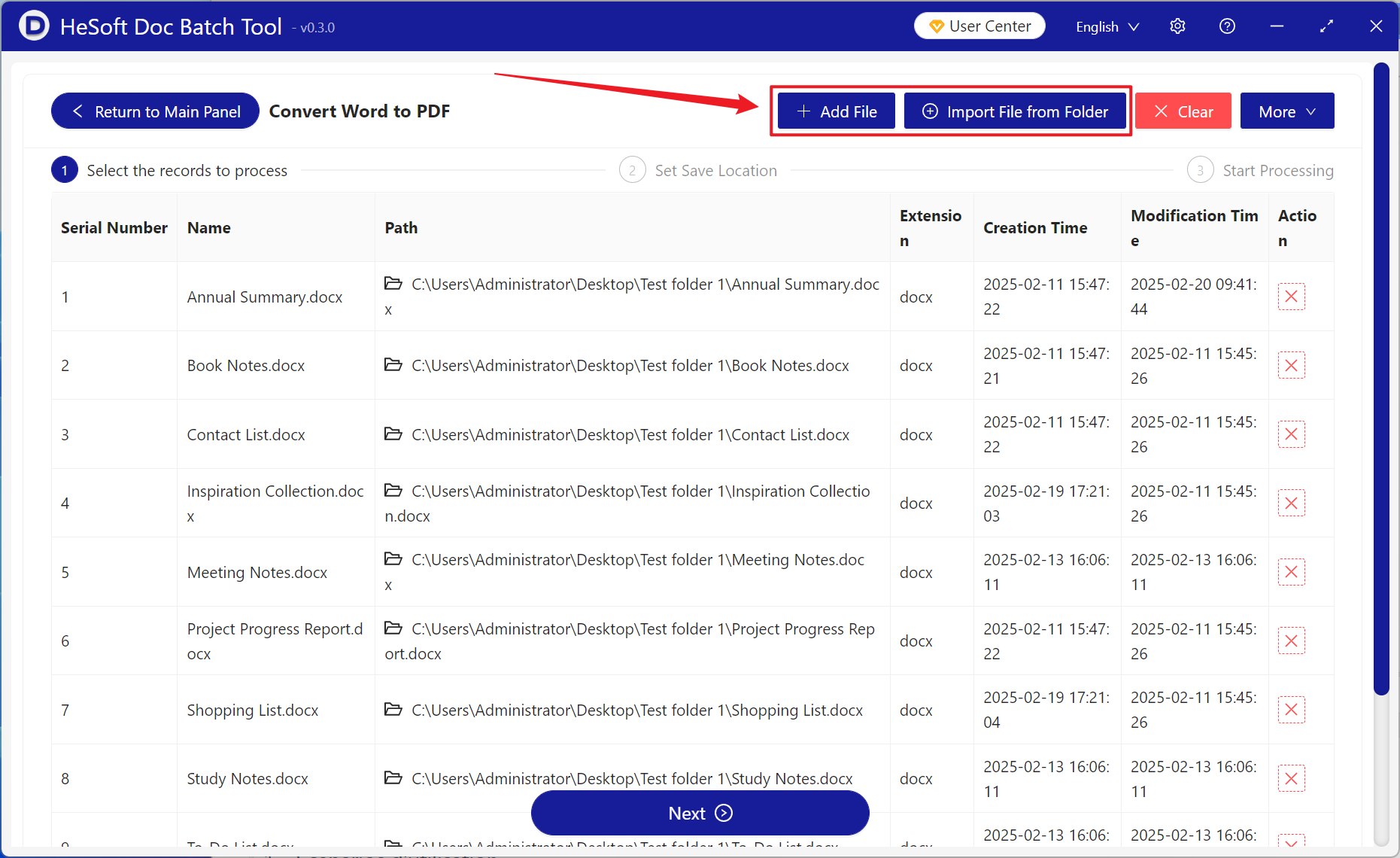
【Add Files】 to add one or more docx files that need to be converted to PDF.
【Import Files from Folder】 to add an entire folder containing docx files that need to be converted to PDF.
Below you can view the imported files.
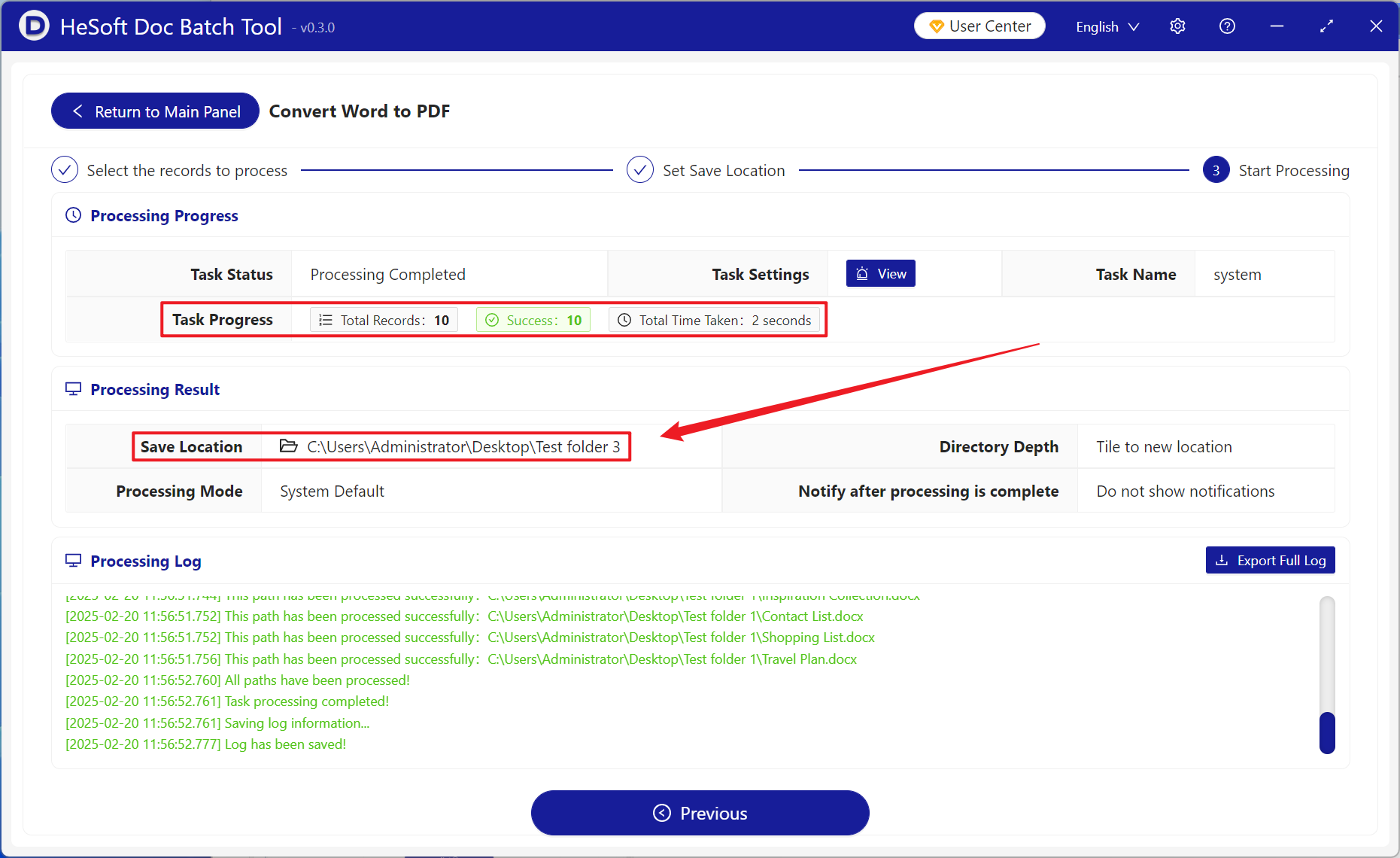
Wait for processing to complete, click the save location to view the converted files.