Batch convert multiple doc and docx format files into xlsx worksheet format files
Translation:EnglishFrançaisDeutschEspañol日本語한국어,Update Time:2025-06-07 20:22:06
Office Word documents can record all content related to text and generate formats for arbitrary editing and layout. When processing document data, encountering large batches of data such as order records and inventory lists, financial statement data with table and list specifications, and structured data that needs content reorganization—these doc and docx format document data can all be converted to Excel workbooks for analysis and processing.
1. Use Cases
Hundreds of Word documents containing table data, financial data, research data, etc., can be directly batch-converted to xlsx spreadsheets for analysis and processing, reducing manual operations.
2. Effect Preview
Before processing:

After processing:

3. Operation Steps
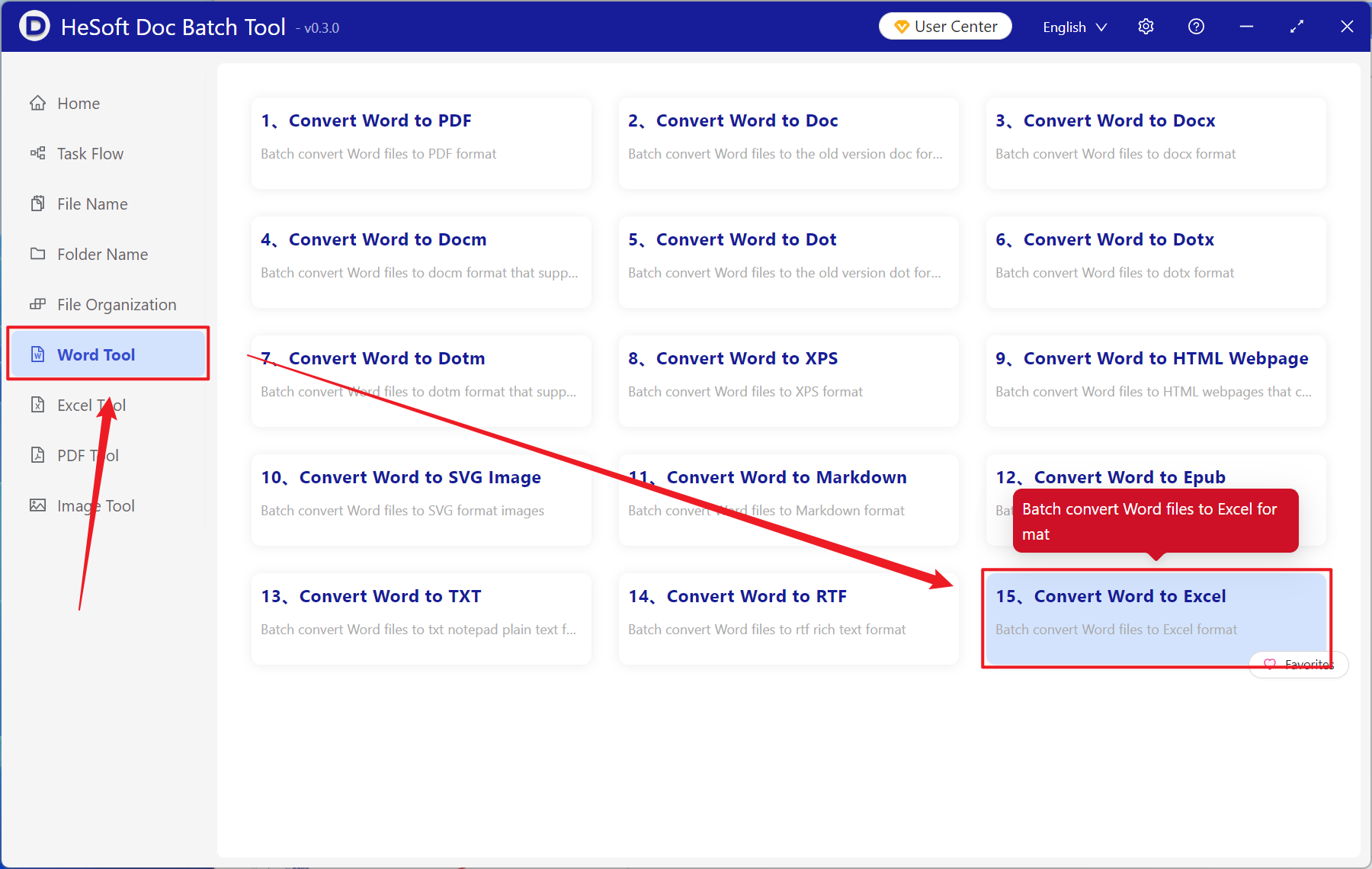
Open【 HeSoft Doc Batch Tool 】, select【Word Tools】-【Word to Excel】.
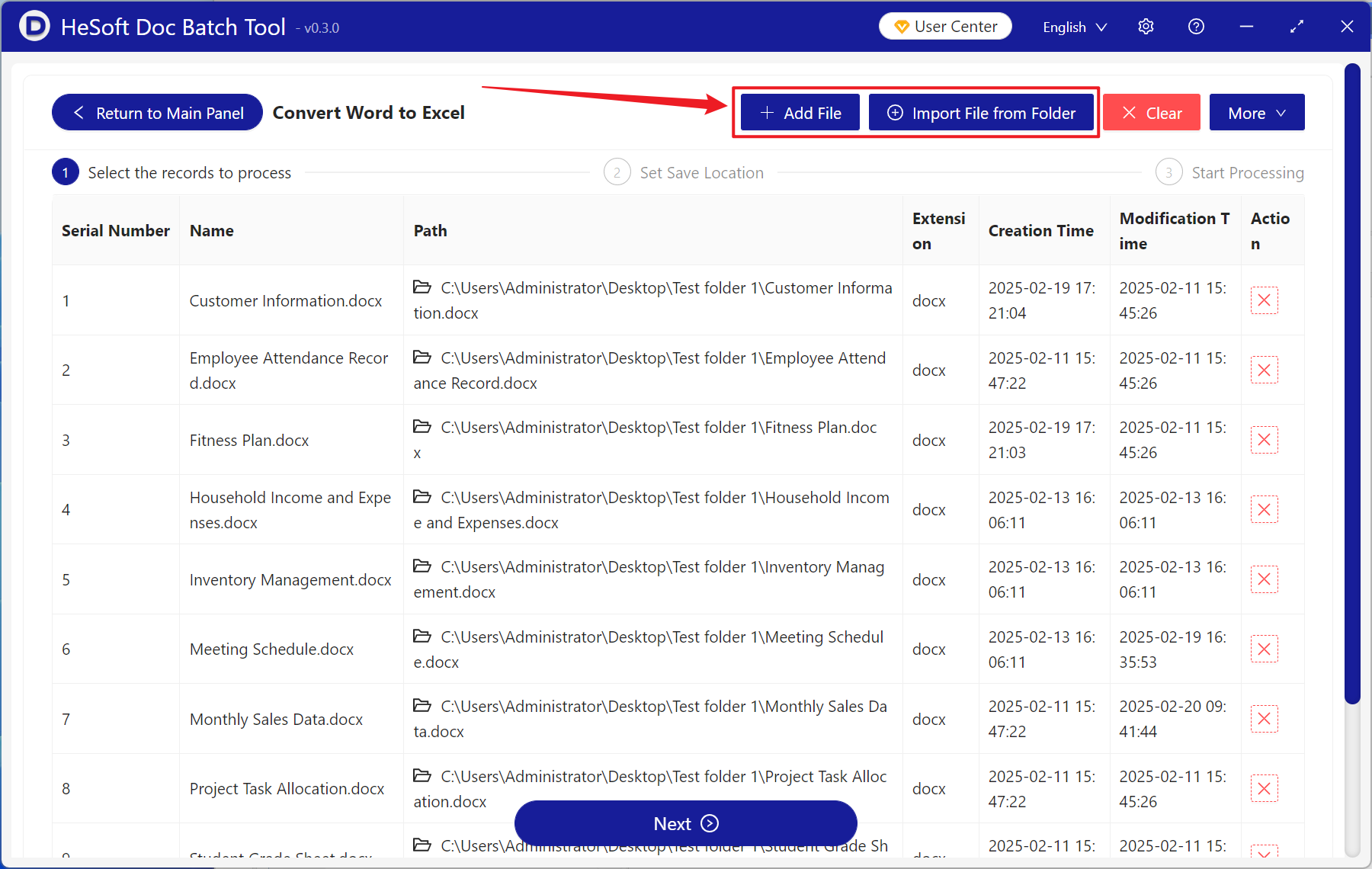
【Add Files】Add single or multiple Word documents that need to be converted to Excel spreadsheets.
【Import Files from Folder】Add an entire folder of Word documents that need to be converted to Excel spreadsheets.
View the imported files below.
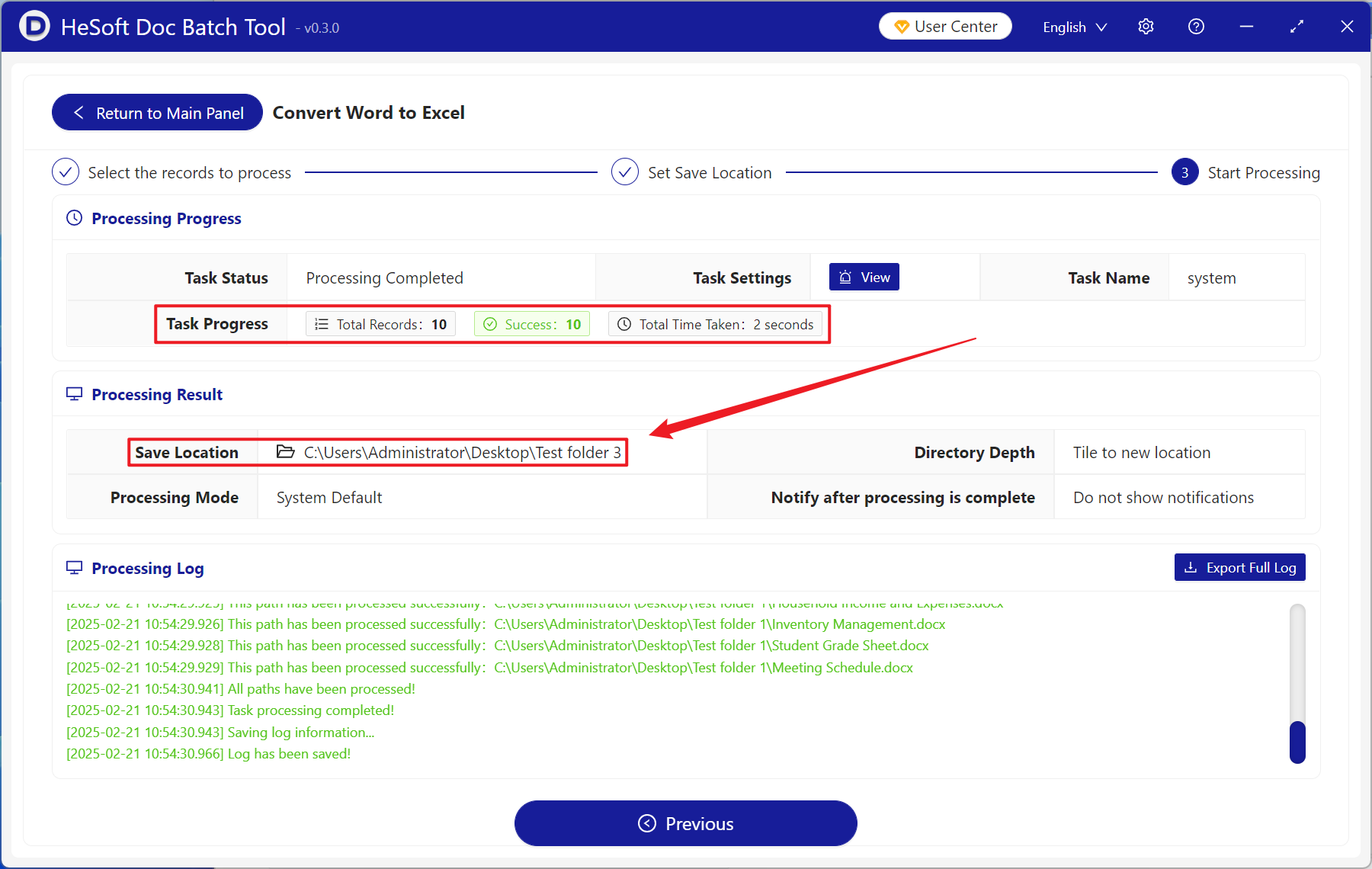
After processing is complete, click the save location to view the converted xlsx files.