Batch Convert Hundreds of Word Documents into Epub E-book Format
Translation:EnglishFrançaisDeutschEspañol日本語한국어,Update Time:2025-06-07 20:22:04
The widespread adoption of e-reading devices has led many people to convert documents into the Epub format for viewing on mobile phones, tablets, and other devices. When viewing doc or docx files on electronic devices, the fixed layout of the document may cause incomplete display or messy formatting on certain devices. In such cases, converting them to the Epub e-book format allows automatic adjustment based on the screen size of the electronic device. The following describes how to batch convert a large number of Word documents to the Epub e-book format.
1. Usage Scenarios
When files in formats such as doc or docx need to be viewed on different devices and the layout appears incorrect, or when the file size needs to be reduced, they can be batch-converted to the Epub e-book format to solve these issues.
2. Effect Preview
Before processing:

After processing:

3. Steps
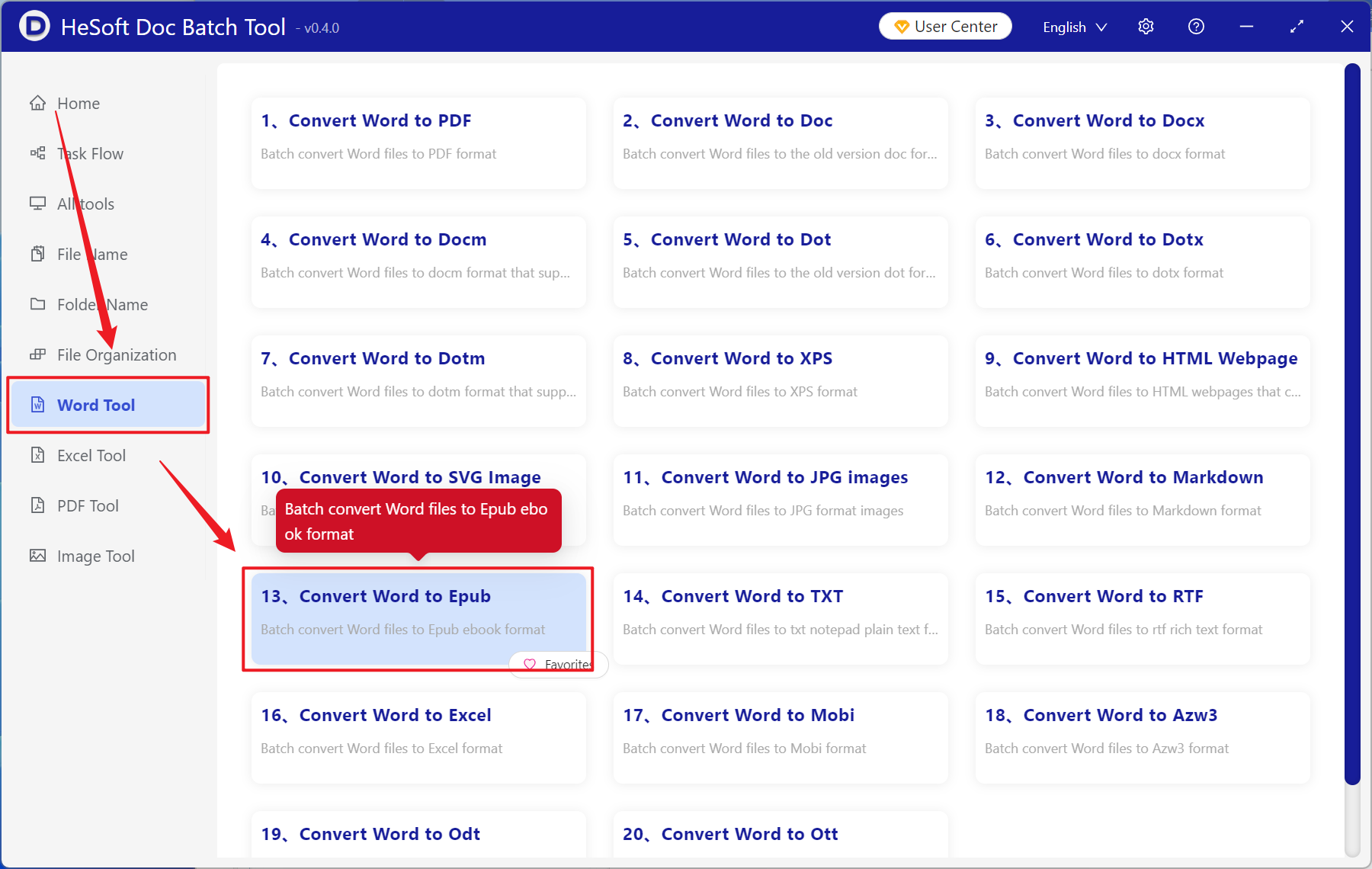
Open 【 HeSoft Doc Batch Tool 】, select 【Word Tools】-【Word to Epub】.
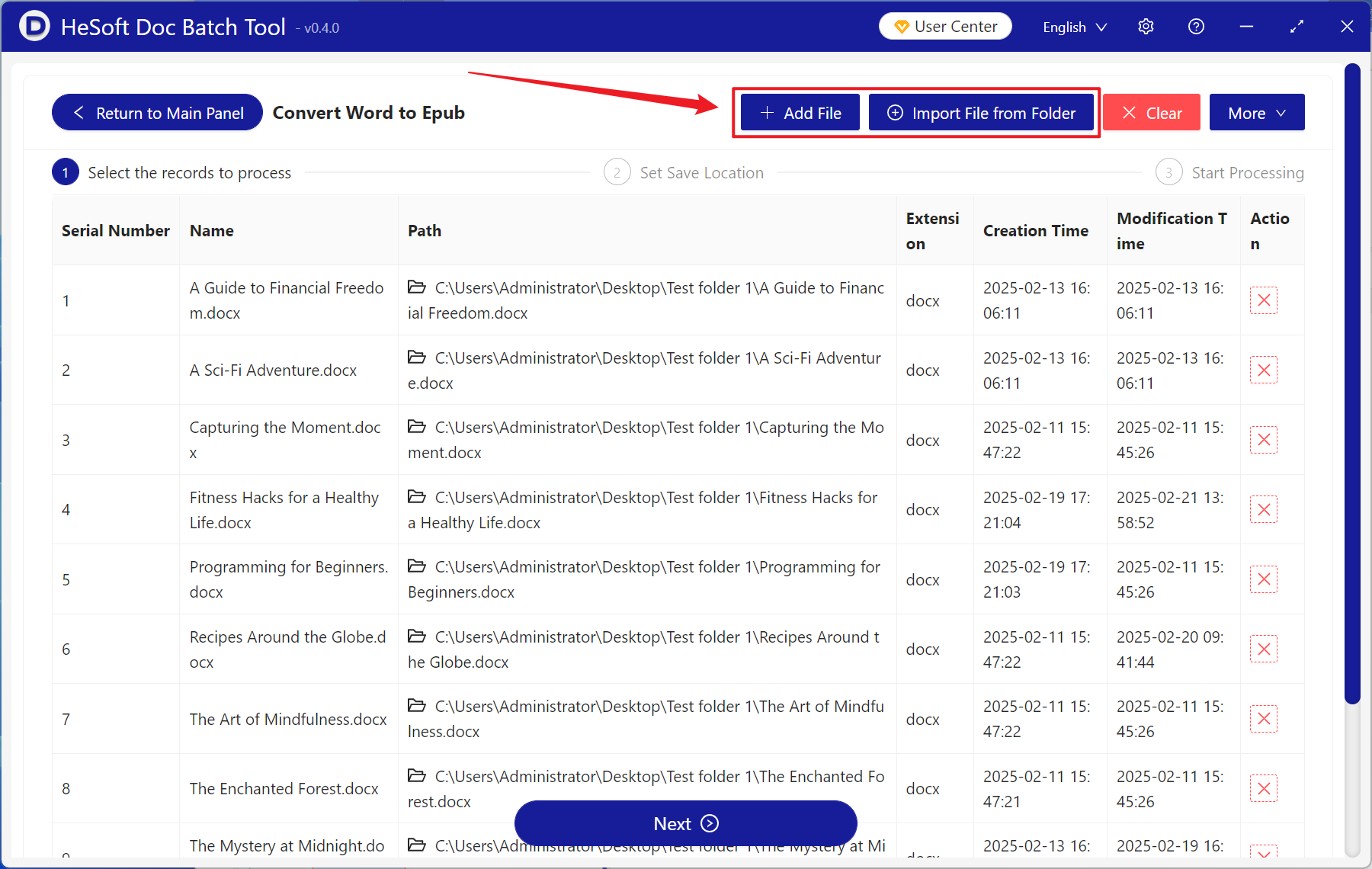
【Add Files】Add one or more docx format files that need to be converted to Epub e-book format.
【Import Files from Folder】Add an entire folder of docx format files that need to be converted to Epub e-book format.
Imported files can be viewed below.
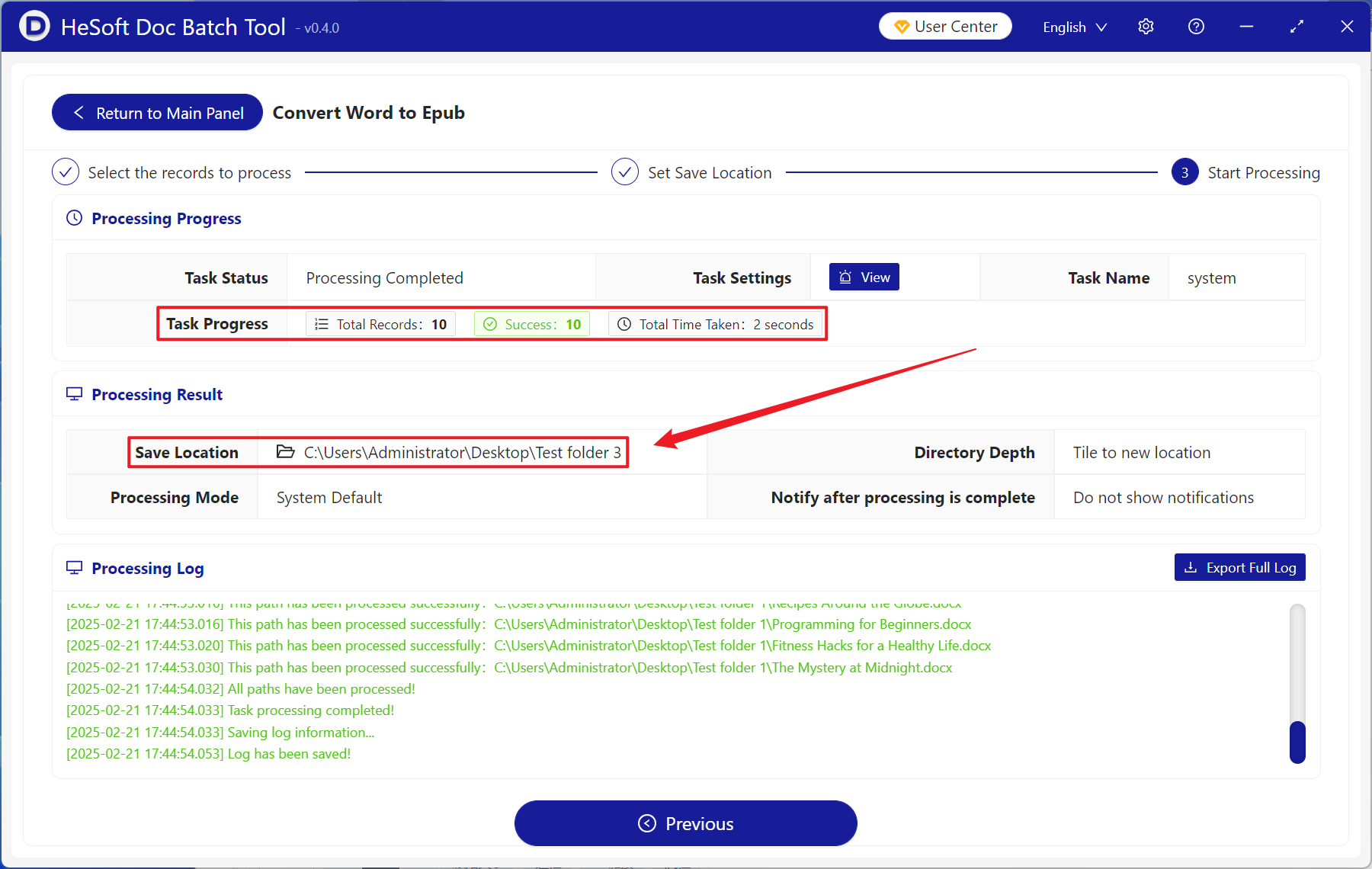
After processing is complete, click the save location to view the converted files.