Quickly batch convert dozens of Excel worksheet files into XML format
Translation:EnglishFrançaisDeutschEspañol日本語한국어,Update Time:2025-06-07 20:20:46
Typically, the XML format is highly readable and easy to extend, excelling in areas such as configuration files, data backup, and long-term storage. It is a universal markup language, and when Excel spreadsheet content needs to be exchanged with other systems or software, the XML format can be parsed by most platforms and programs, making it suitable for data integration and migration. Its strong compatibility allows it to be used across platforms and systems.
1. Usage Scenarios
When receiving or downloading a large number of files in formats such as Xls and Xlsx, and needing to back up data for long-term storage or transmit complex hierarchical data, you can batch convert these Excel sheets to XML format.
2. Preview
Before processing:

After processing:

3. Steps
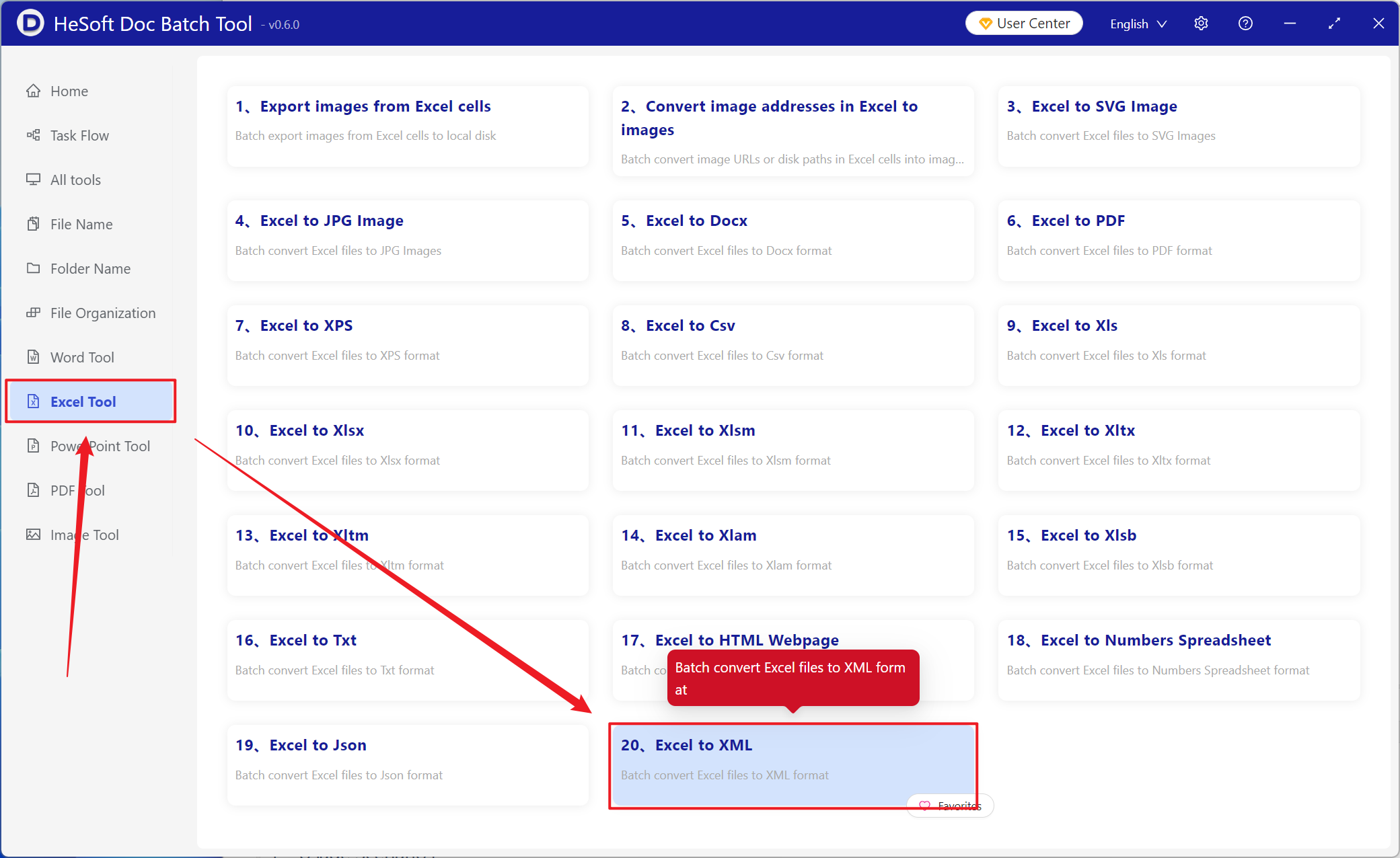
Open 【 HeSoft Doc Batch Tool 】 and select 【Excel Tools】-【Convert Excel to XML】.
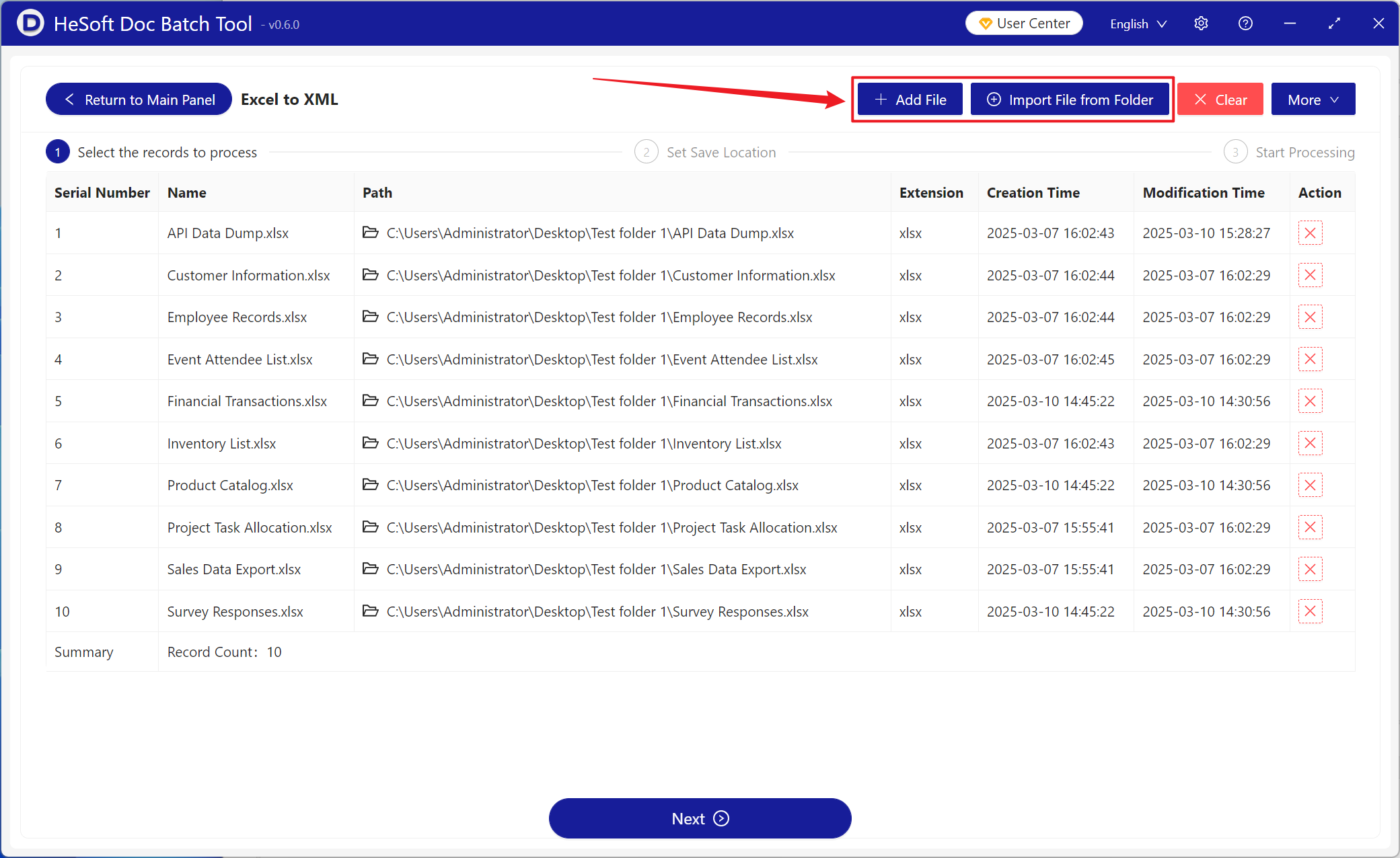
【Add Files】 Add one or more Excel files to be converted to XML format.
【Import Files from Folder】 Import all Excel files from a selected folder.
Imported files can be viewed below.
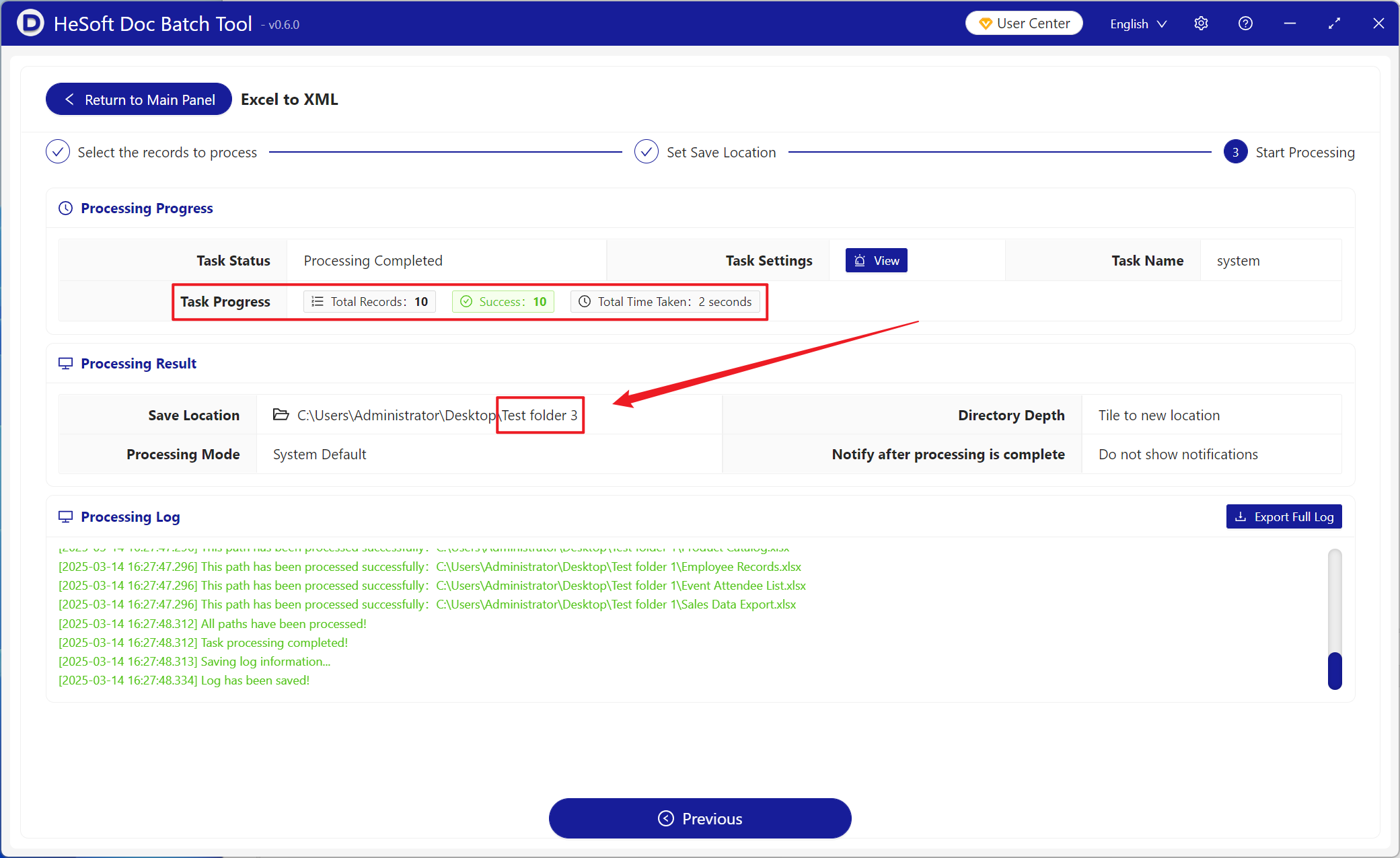
After processing, click the save location to view the successfully converted XML files.