Delete text and letters from clipboard content, keep only numbers
Translation:EnglishFrançaisDeutschEspañol日本語한국어,Update Time:2025-06-07 20:19:53
In daily work and data processing, extracting pure numbers from text copied to the clipboard is often needed to improve efficiency and reduce errors. When organizing reports, financial staff may extract important amount information from mixed units and text; e-commerce operators entering product prices or order numbers can also avoid manually removing extraneous content by directly extracting numbers from copied text. Below is an introduction on how to clear all superfluous content from copied text and keep only pure numbers.
1. Use Cases
When copying financial reports that contain other letters, symbols, etc., to quickly extract amounts, or when processing orders where we need to extract the trailing numbers from a fixed order number, keeping only the digits from the copied text can greatly improve efficiency.
2. Effect Preview
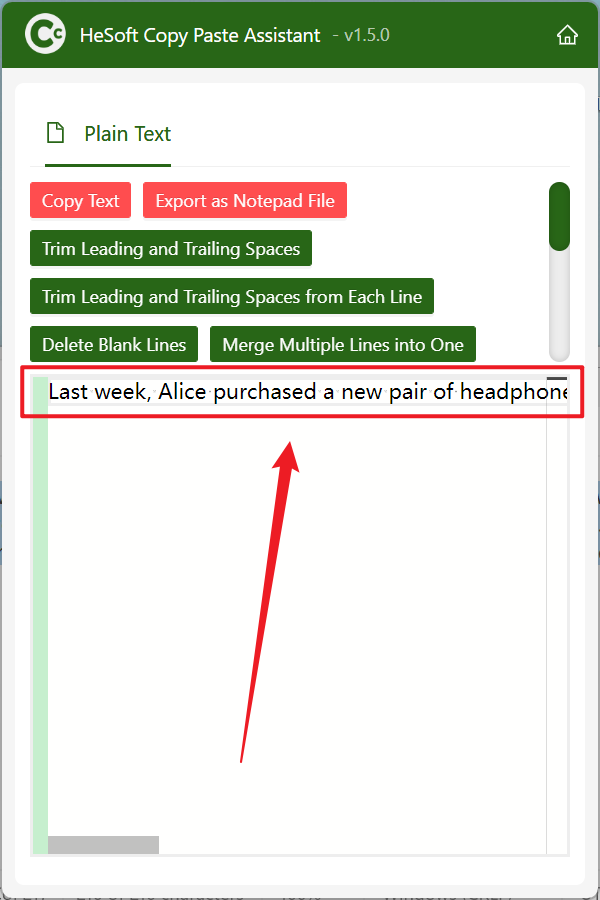
Before processing:

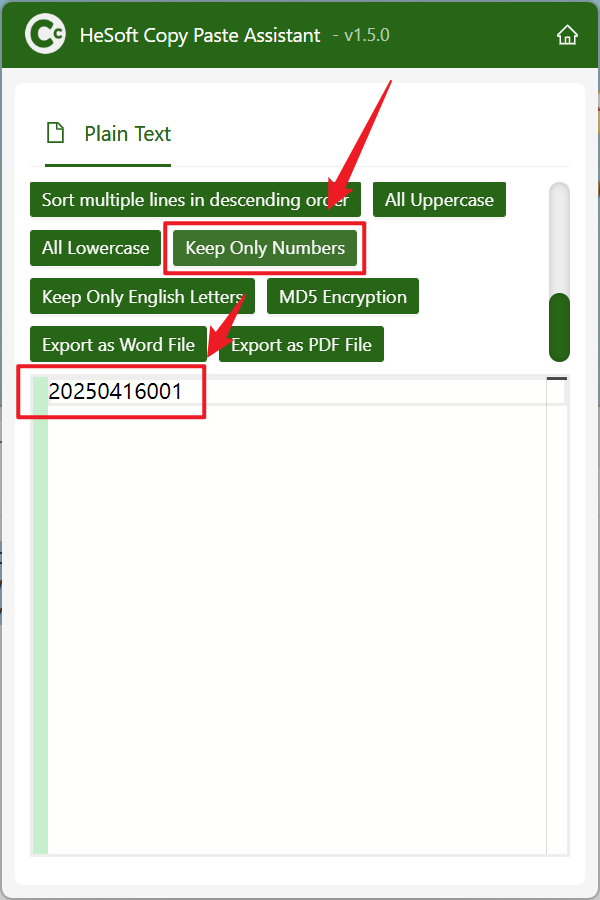
After processing:

3. Steps
Open【 HeSoft Copy Paste Assistant 】, select the content to copy, and press Ctrl + C + C to directly enter the operation interface.
Select 【Keep Digits Only】 to delete all letters, text, or symbols from the copied text, leaving only pure numbers.