Place a large number of files into folders generated based on the first number, letter, symbol, or Chinese character of the file name
Translation:EnglishFrançaisDeutschEspañol日本語한국어,Update Time:2025-06-07 20:23:28
Managing a massive number of files is very tedious and inefficient. In such cases, we can classify them by the first character of the file name. For example, different types of file names like 2025 Annual_Report, #projectA, v2.0.1 Documentation will automatically create three folders: 2, #, v, and move the files into the corresponding folders. This convenience perfectly solves the problem of mixed-named files in batch processing scenarios such as financial receipts, project documents, and multimedia resources. The following describes how to move hundreds or thousands of files at once into folders created based on the first digit, letter, symbol, or Chinese character of the file name.
1. Usage Scenario
When numerous disorganized files need to be uniformly categorized, folders can be generated based on the first occurring number, letter, symbol, etc. in the file name, and the corresponding files can then be moved into these folders, avoiding manual operation.
2. Effect Preview
Before processing:

After processing:

3. Operation Steps
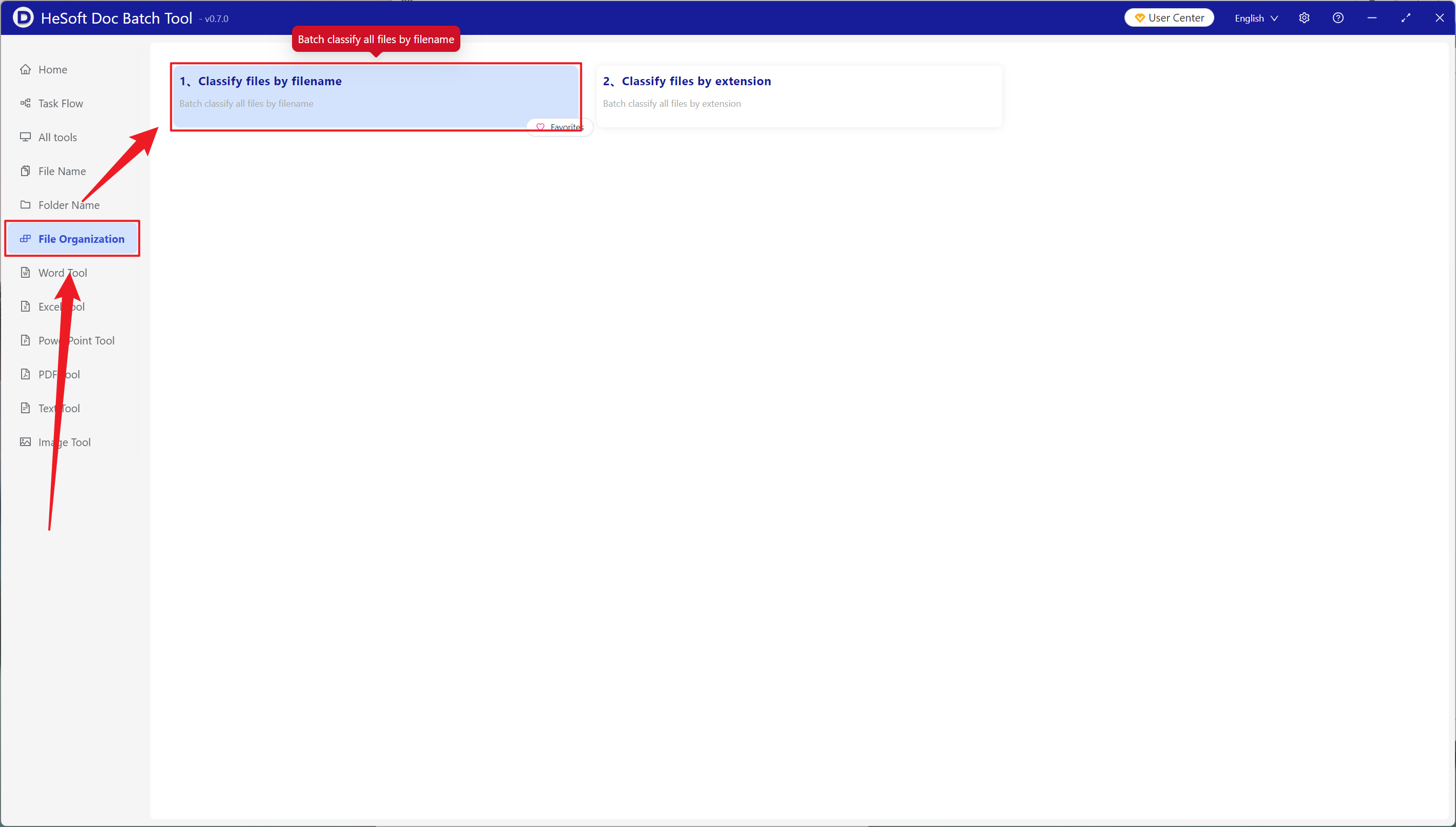
Open [ HeSoft Doc Batch Tool ], select [File Organization] - [Classify Files by File Name].
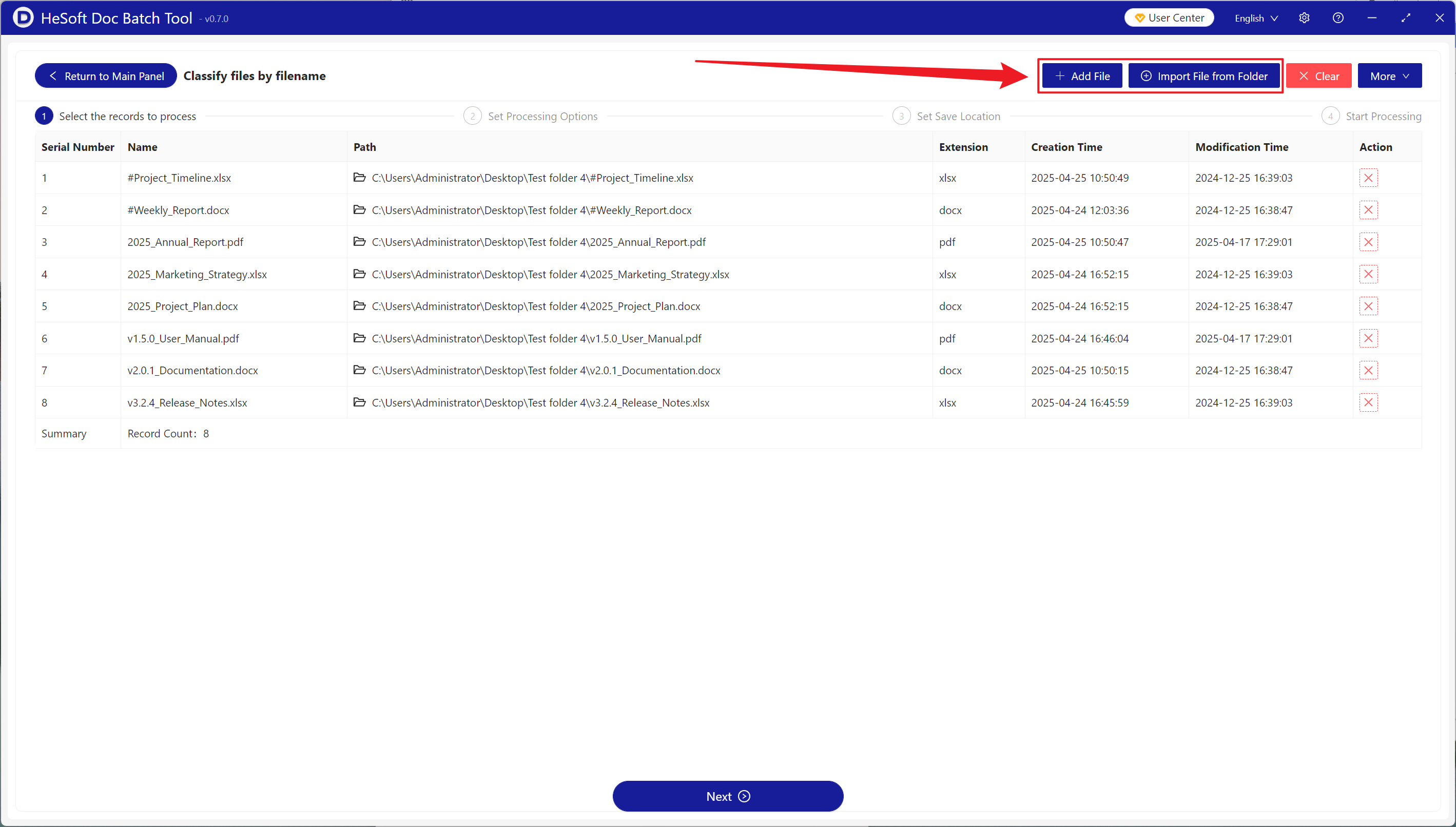
[Add Files] to independently select and add files that need to be categorized.
[Import Files from Folder] to import all files from an entire folder.
View the imported files below.
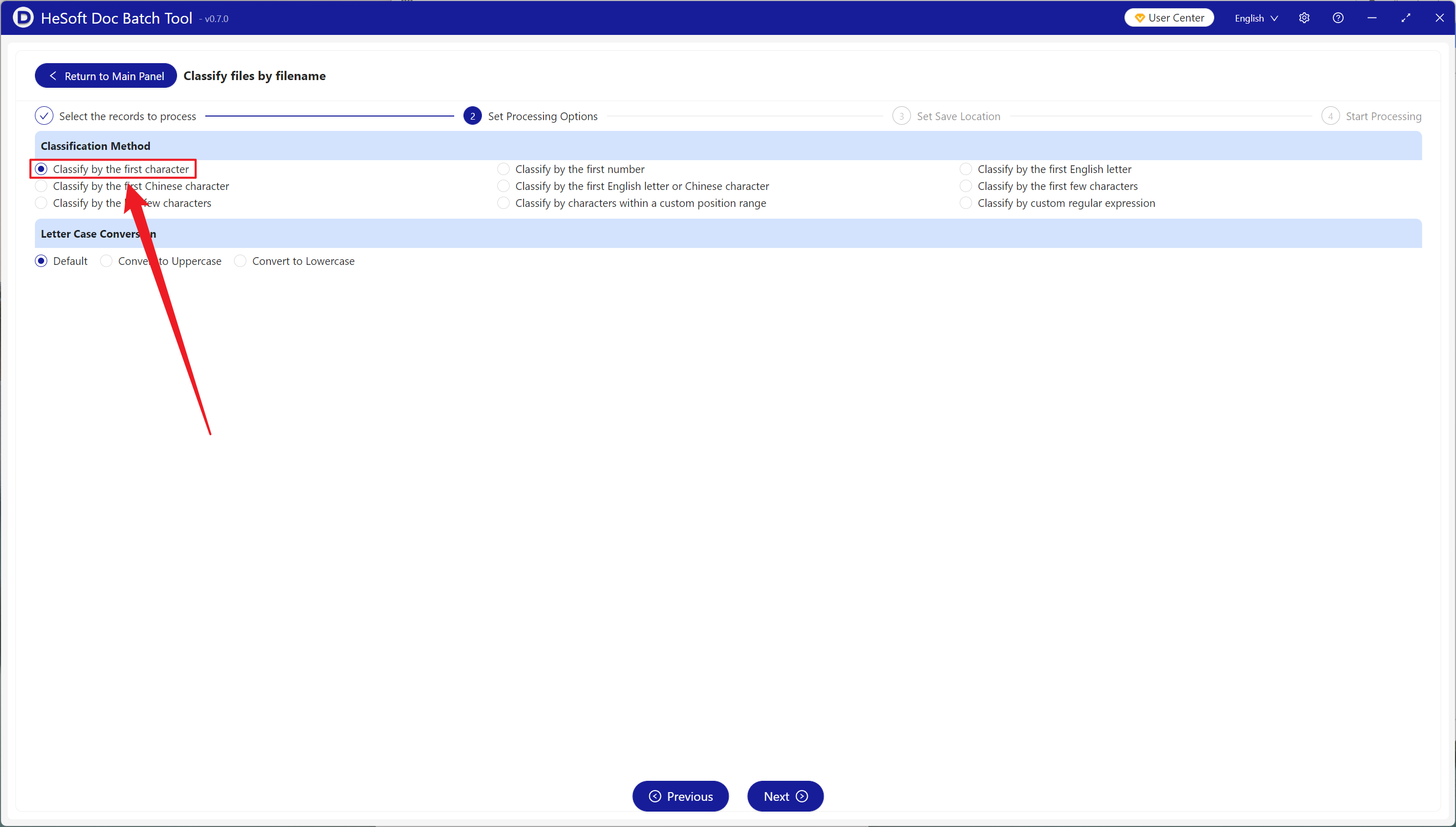
[Classification Method] choose to classify by the first character.
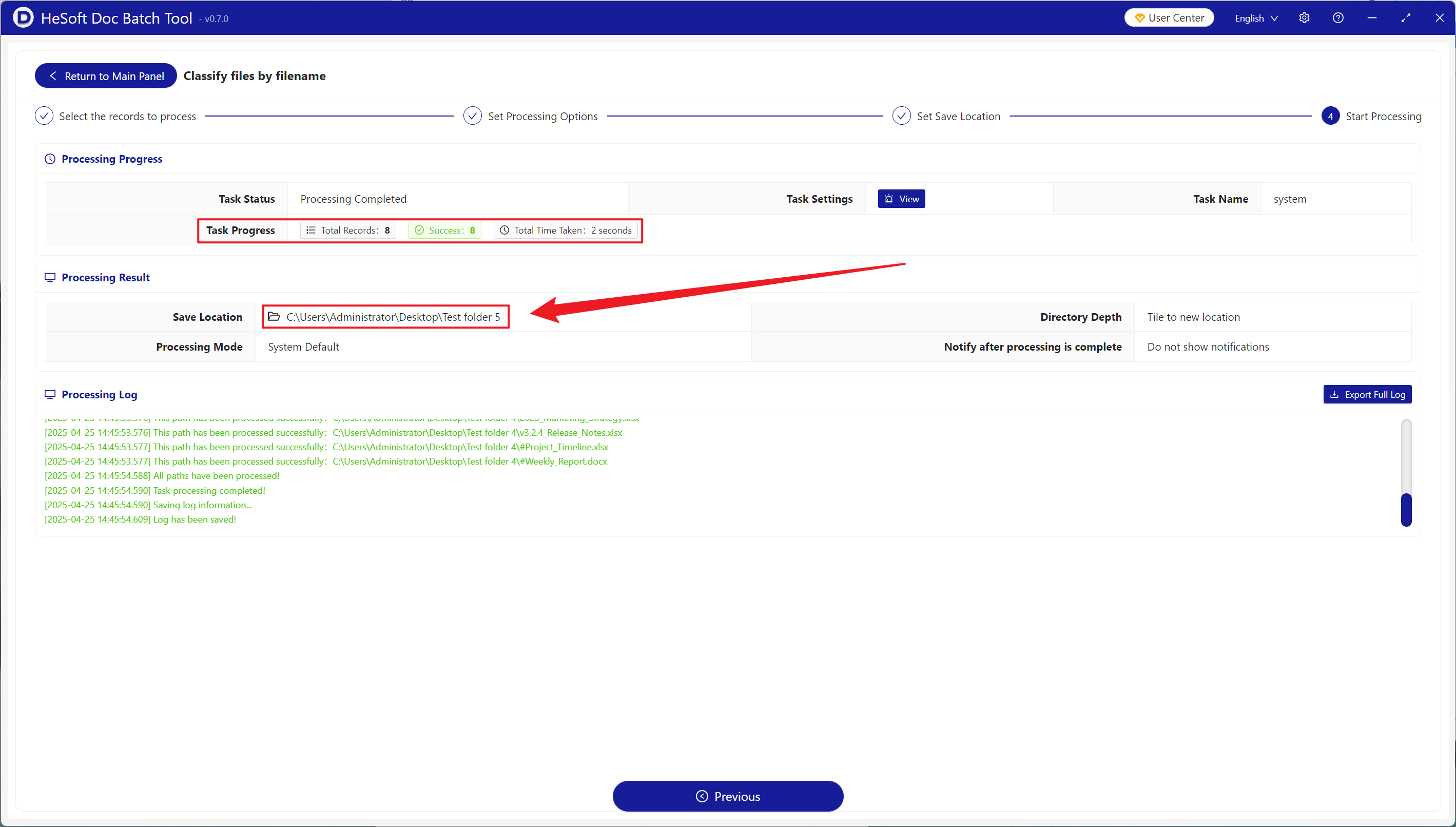
After waiting for the process to complete, click the path behind the save location to view the categorized files.