Batch convert multiple Word documents to Ott format files associated with the open-source office suites LibreOffice and OpenOffice simultaneously
Translation:EnglishFrançaisDeutschEspañol日本語한국어,Update Time:2025-06-07 20:22:19
Usually, when using open-source office software, we create standardized document templates in Ott format. Ott format is a development standard format with strong compatibility in LibreOffice and OpenOffice, suitable for collaboration in an office environment. Ott files are also smaller than Docx files, making them easier to share and store, while also supporting rich formatting and templates. They allow you to create reusable document structures at work, ensuring flexibility and efficient management. Below is an introduction to how to batch convert Word documents to the Ott format uniformly, supporting Doc, Docx, Dot, Dotx, Docm, and Dotm format files.
1. Usage Scenarios
When a company distributes hundreds of Office Word documents to teams and employees using different operating systems, to ensure consistent formatting and layout in open-source office software, they can batch convert all documents into the Ott format template files.
2. Effect Preview
Before processing:

After processing:

3. Operation Steps
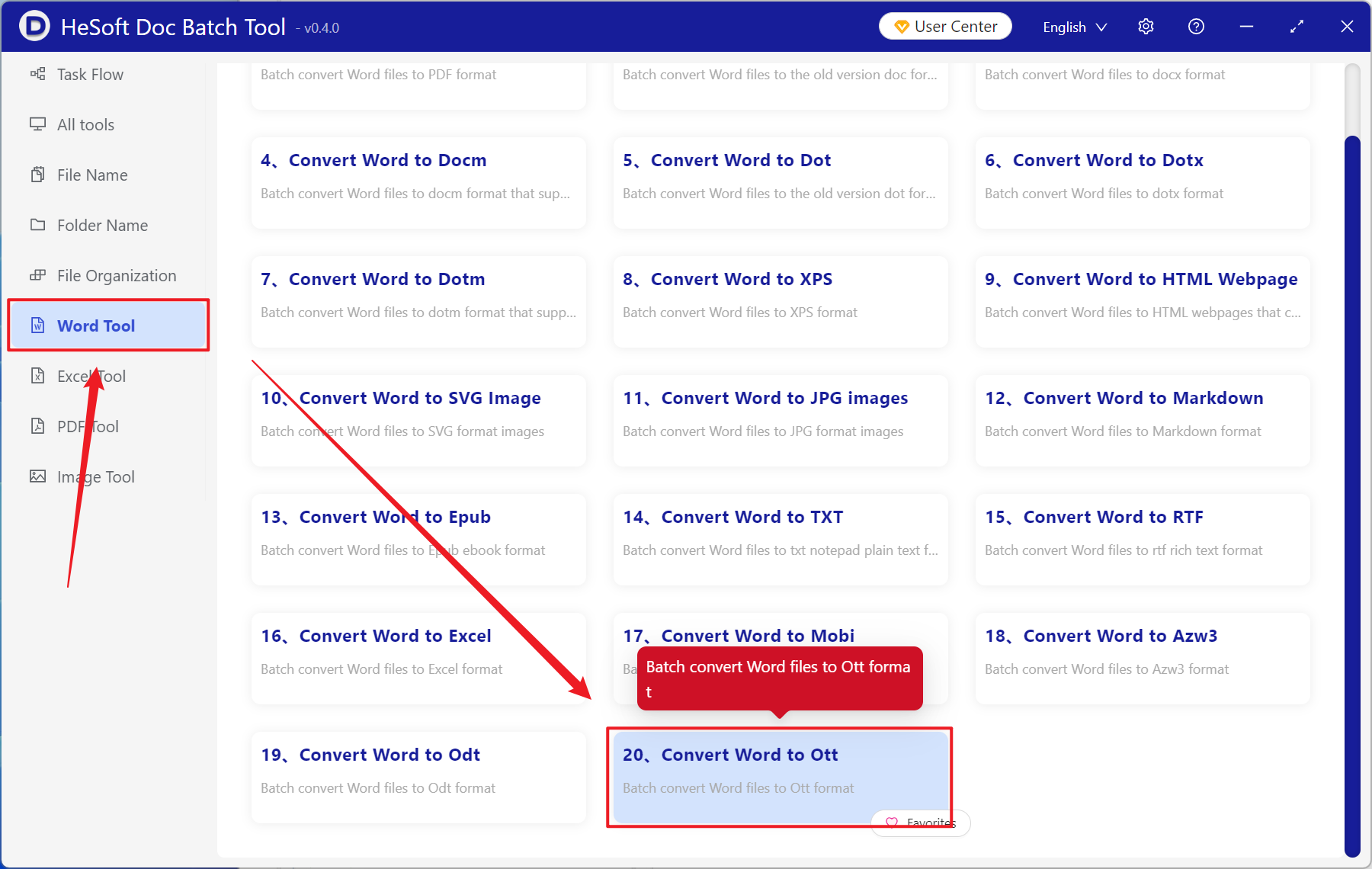
Open HeSoft Doc Batch Tool , select [Word Tools] - [Word to Ott].
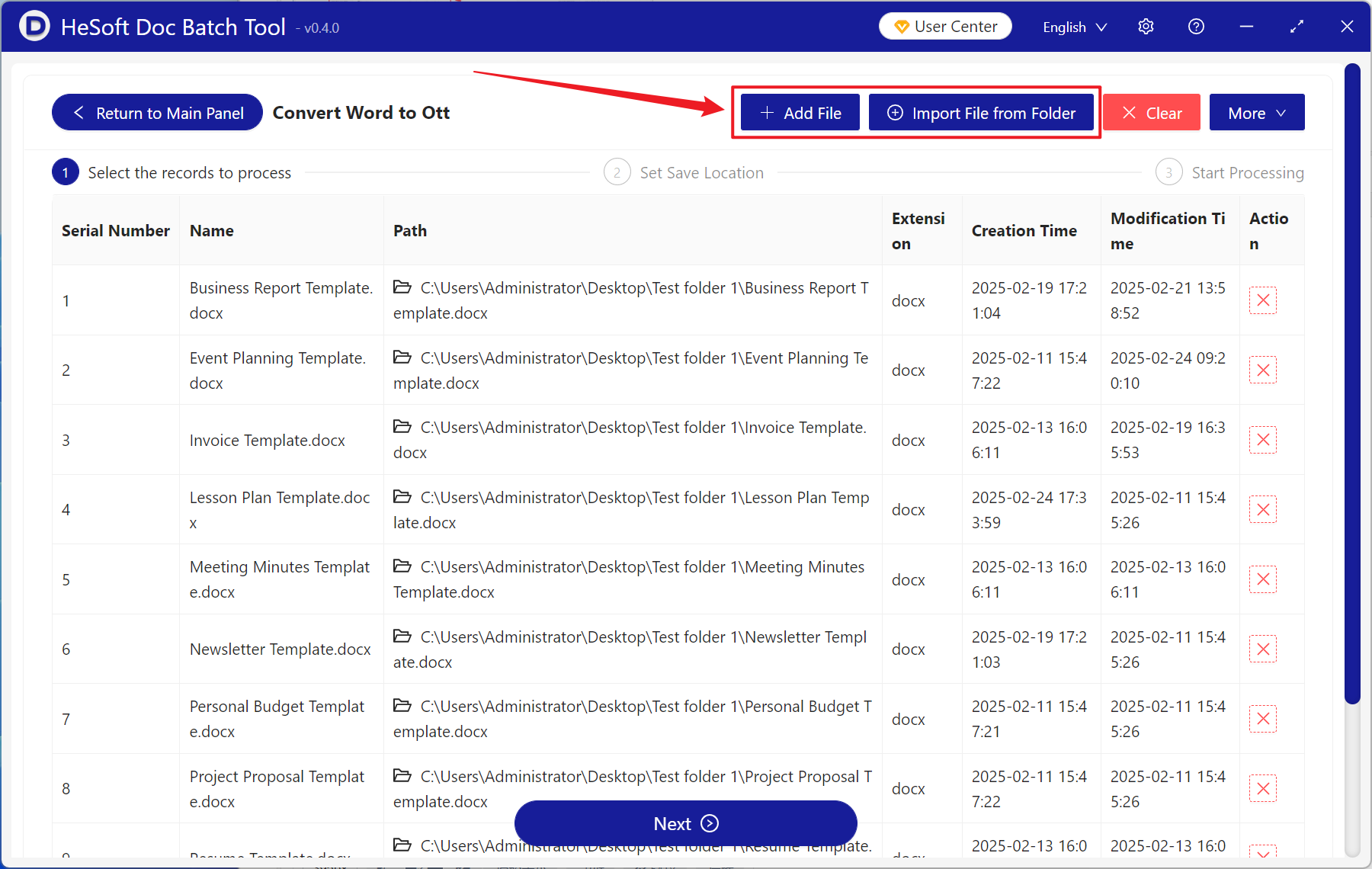
[Add Files] adds single or multiple Word documents that need to be converted to the Ott template format.
[Import Files from Folder] adds an entire folder of Word documents that need to be converted to the Ott template format.
The imported files can be viewed in the red box below.
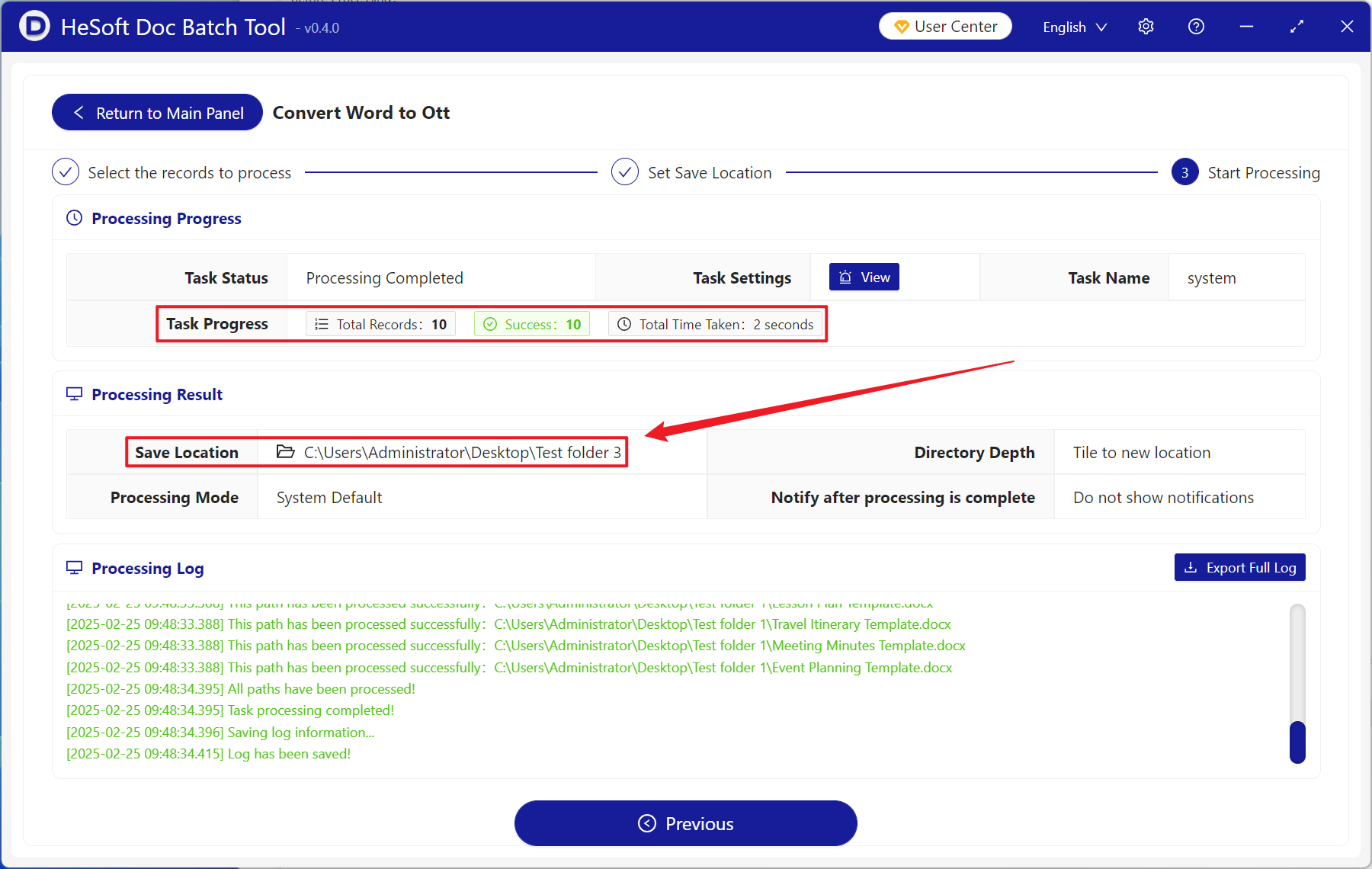
After processing is complete, click the save location to view the converted Ott format files.