How to batch copy file names of images and videos for unified viewing and playback
Translation:EnglishFrançaisDeutschEspañol日本語한국어,Update Time:2025-06-07 20:19:37
The names of various image and video files on a computer serve as the fundamental basis for interconnecting them. A well-structured file name not only quickly conveys the purpose and content of a file, saving time in searching for and identifying files, but also enables rapid organization and arrangement, greatly enhancing operational efficiency. When a file name contains the necessary keywords, it can also be quickly searched within the file system to locate the file faster. The following introduces how to batch preview and play image and video files, and uniformly copy the file names of the viewed files.
1. Use Cases
Simultaneously view and play all image and video files from multiple folders, and batch copy the file names of all selected images and videos to better organize files and improve management efficiency.
2. Effect Preview
Before processing:

After processing:

3. Operation Steps
Open 【 HeSoft Multi-function Media Album Viewer 】 and click the upper right corner:
【Add Files】to add single or multiple image and video files.
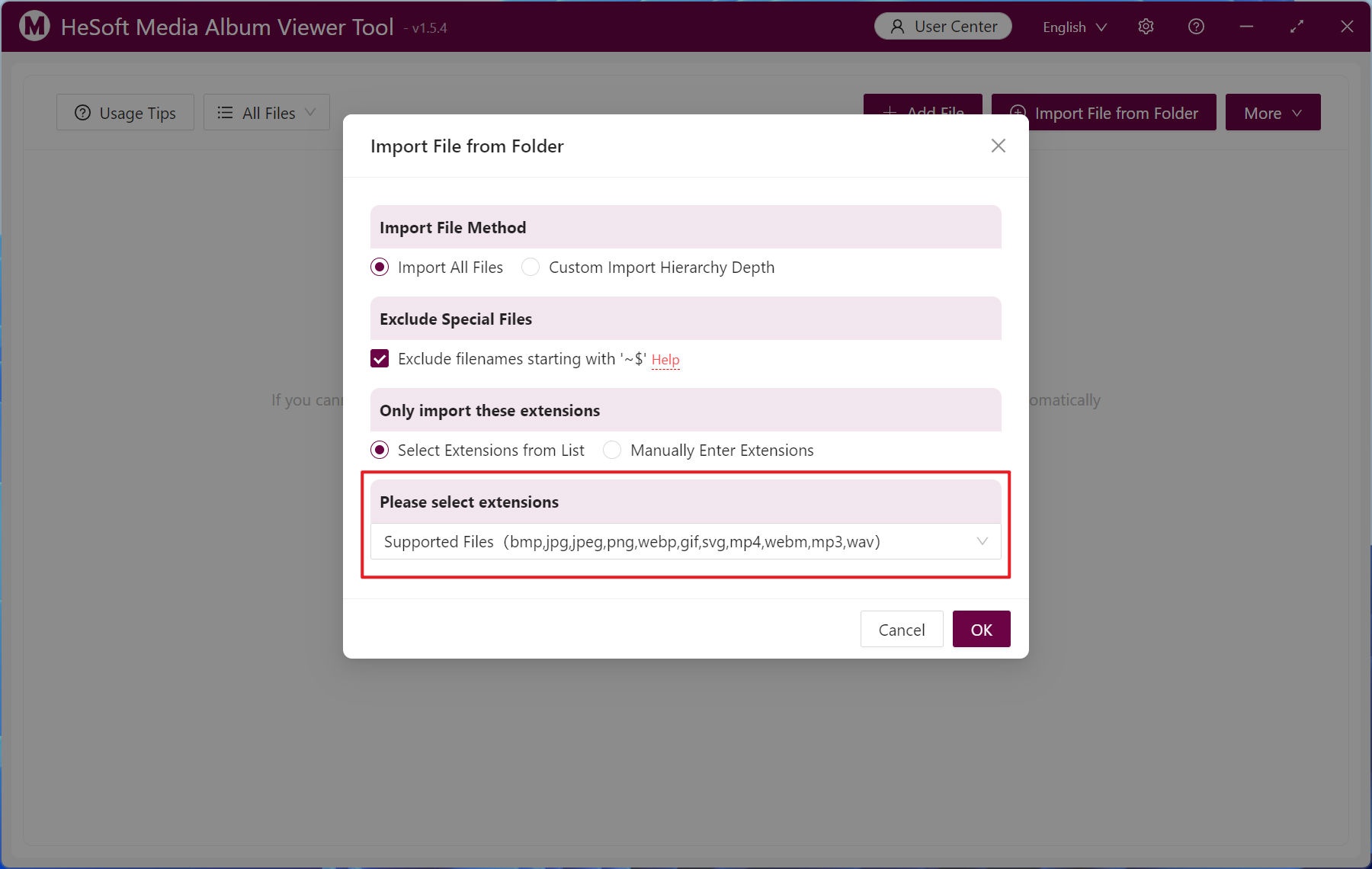
【Import files from folder】 to import folders containing images and videos whose file names need to be batch copied.
You can also directly drag and drop files into the area below.

Imported files support the following extensions: bmp,jpg,jpeg,png,webp,gif,svg,mp4,webm,mp3,wav.
After importing files, click 【Shuffle View】 below to randomize the order and browse the files.

Right-click a file to bring up a context menu, and click 【Copy File Name】 to copy the current file's name.

Left-click to batch select files, then click 【Batch Operations】-【Copy File Names】 to copy the file names of the selected files to the clipboard.
