Find and preview image, video, and audio files with different extensions in multiple folders
Translation:EnglishFrançaisDeutschEspañol日本語한국어,Update Time:2025-06-07 20:19:40
The formats of image, video, and audio files are diverse, and just the file extensions for image types include jpg, png, webp, and many others. During daily computer use, a large number of media files are downloaded and transferred. As more and more images and videos accumulate in folders, the efficiency of managing computer files decreases. The following describes how to specifically find and simultaneously preview image, video, and audio files with different extensions across a large number of folders.
1. Use Cases
Need to preview and play image, video, and audio files with specified extensions within a folder, and organize selected files.
2. Preview
Before processing:

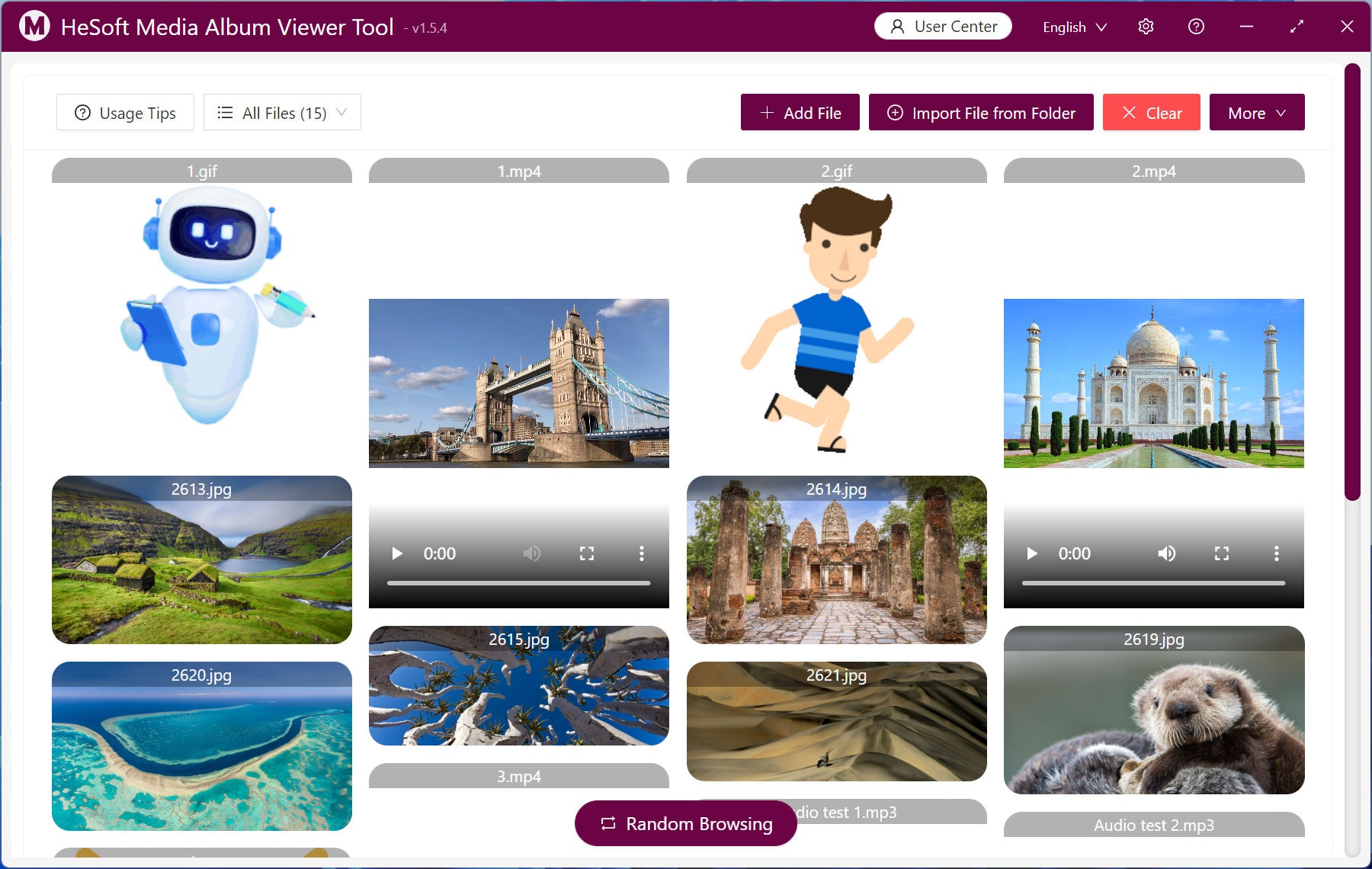
After processing:
3. Steps
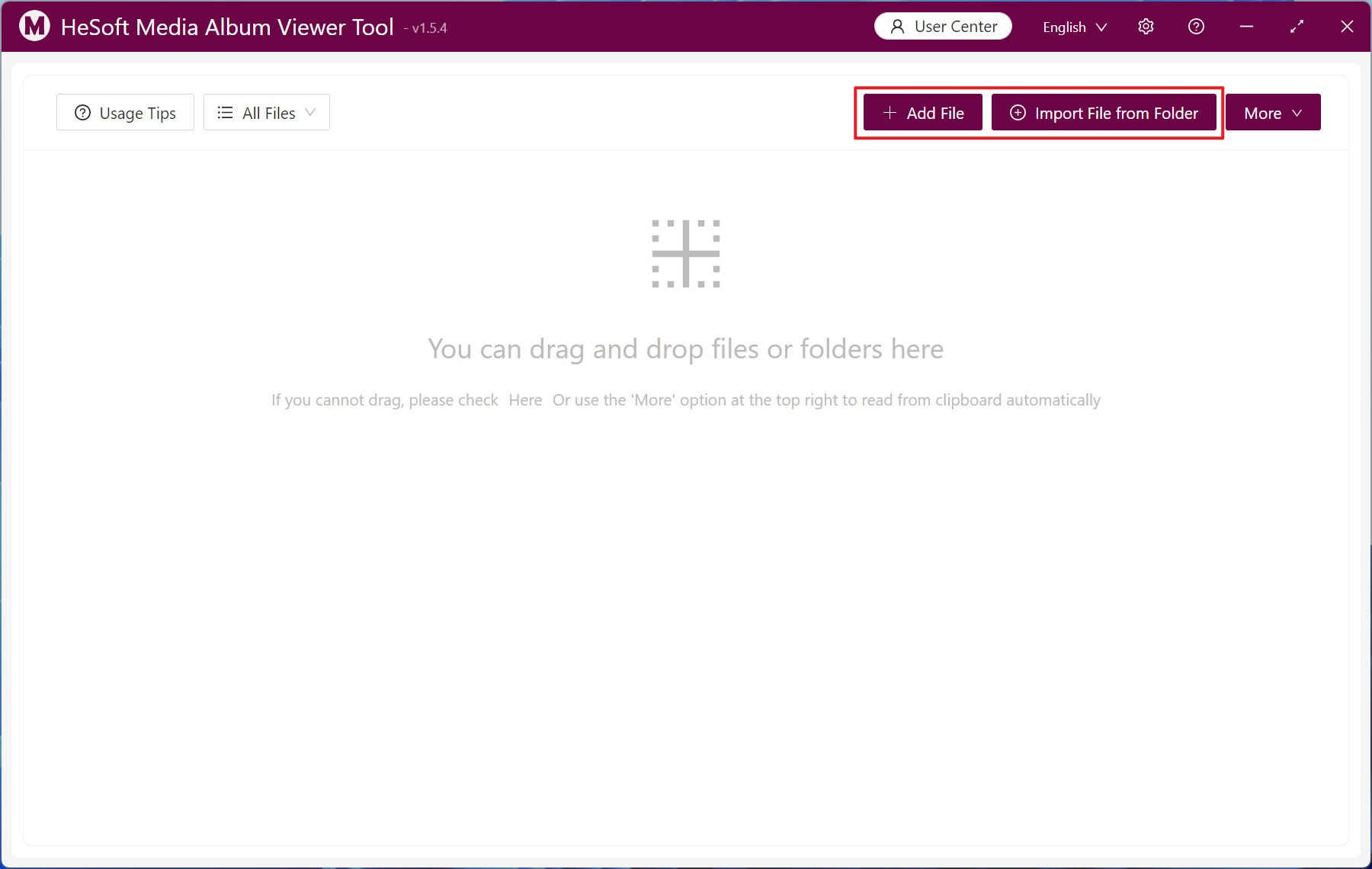
Open 【 HeSoft Multi-function Media Album Viewer 】 and click the top right corner:
【Add Files】Add single or multiple media files such as images and videos.
【Import Files from Folder】Import a folder containing a large number of image and video files in the required format.
You can also drag and drop files directly below.
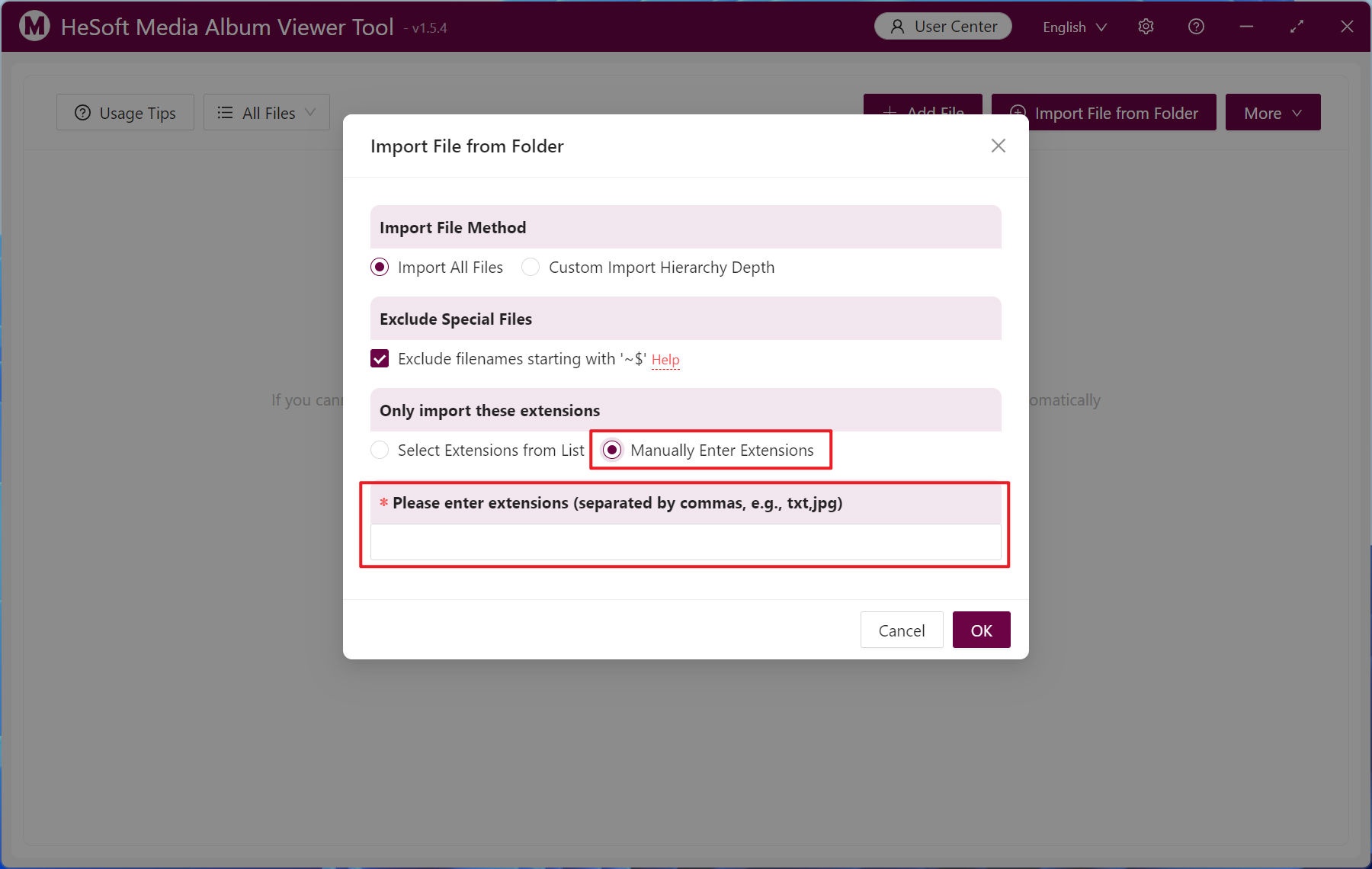
Select 【Manually Enter Extension】, and enter the file extensions you want to preview below. For example: bmp, jpg, jpeg, png, webp, gif, svg, mp4, webm, mp3, wav.
After importing, click 【Random Browse】 to shuffle the current file order and preview files randomly.
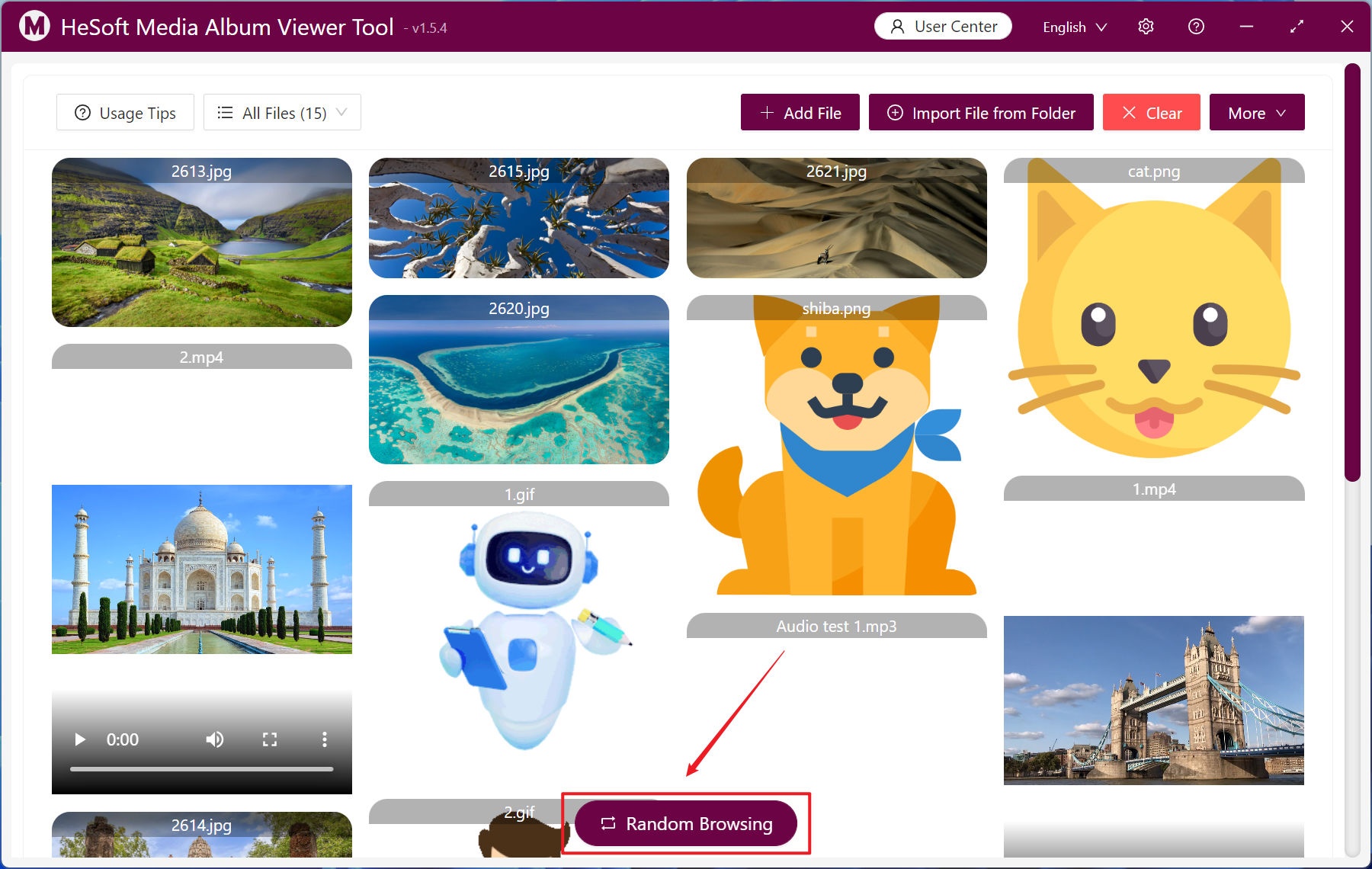
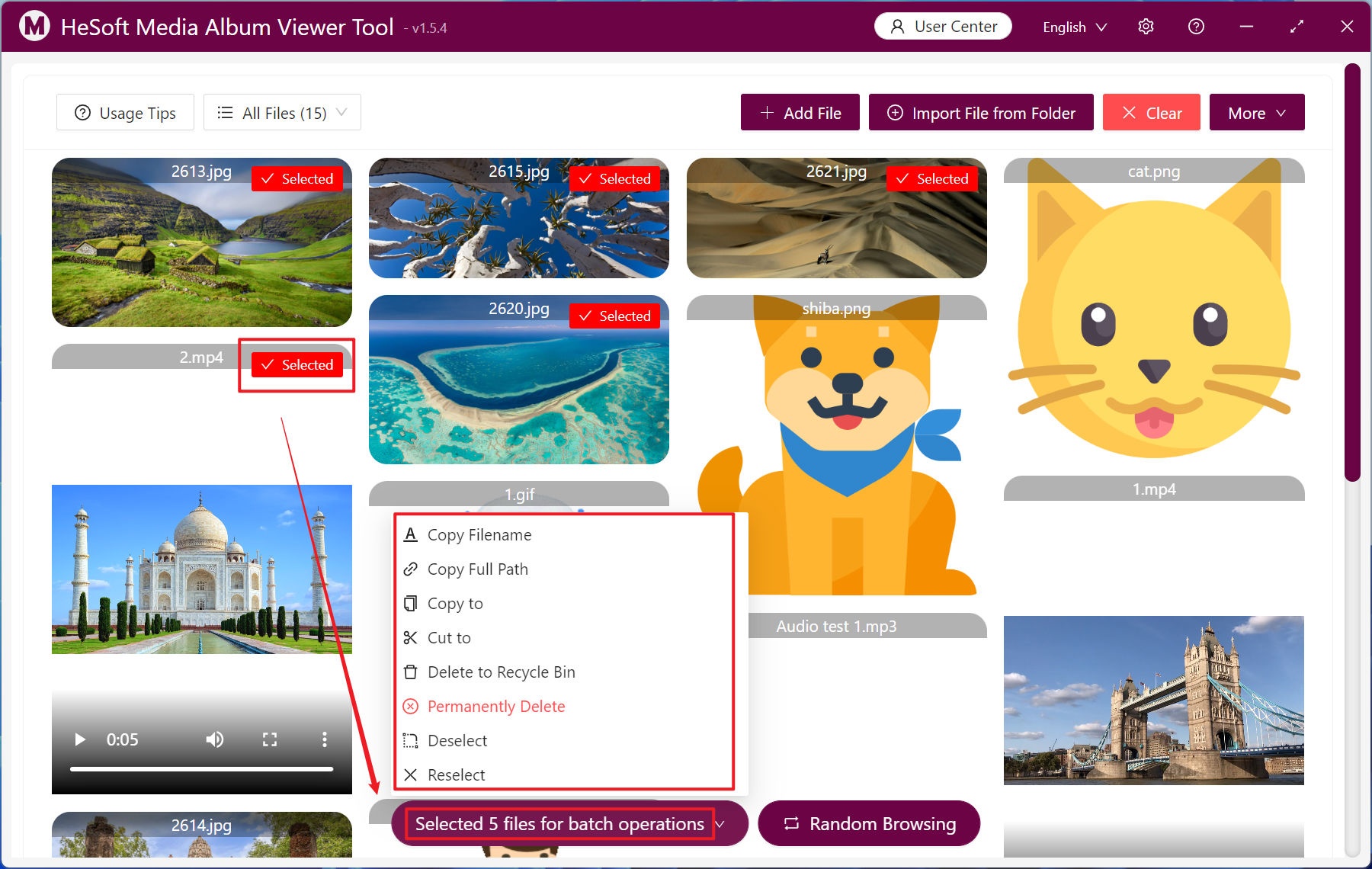
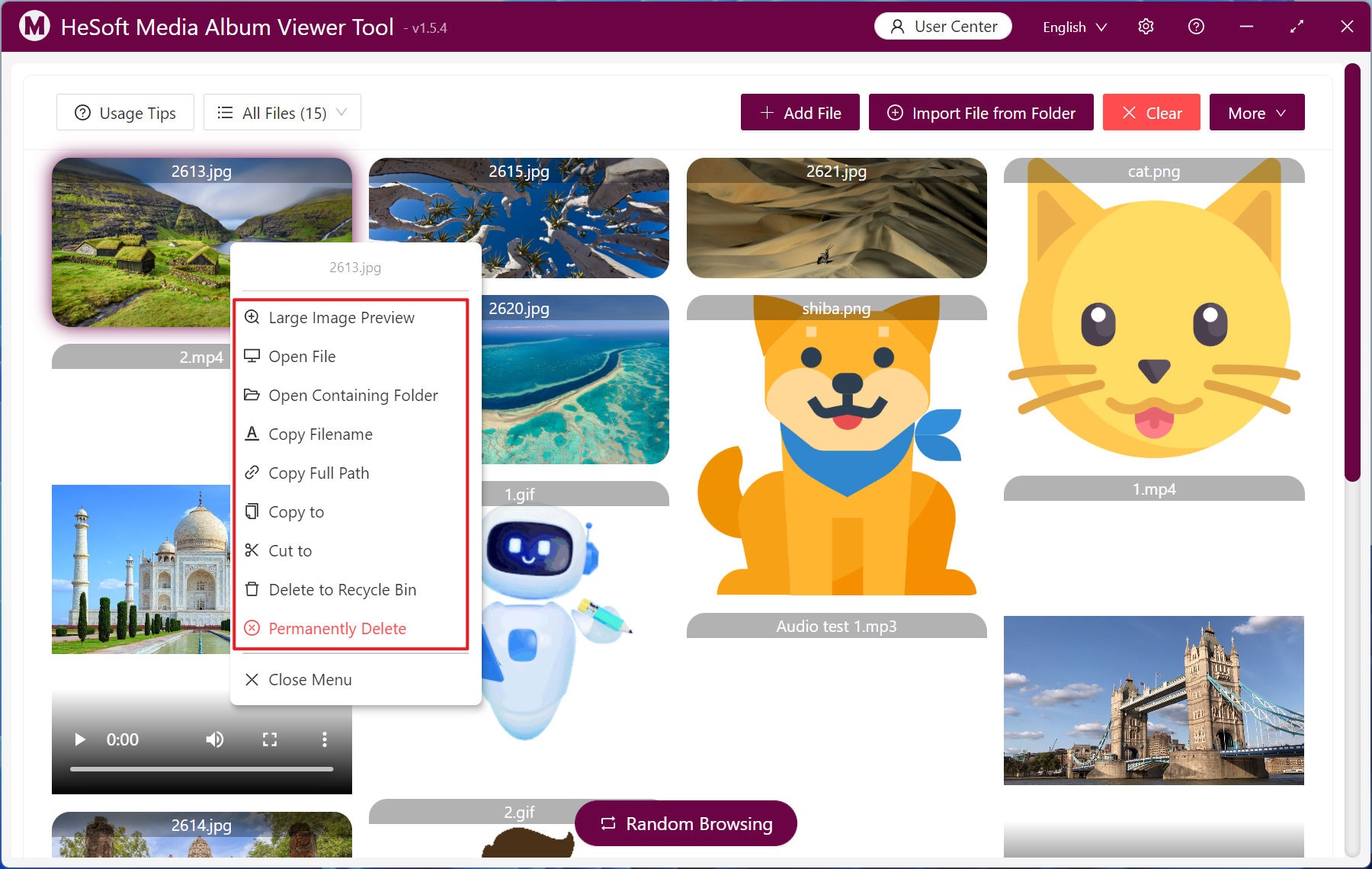
Right-click a file to bring up a menu for various operations.
Left-click to select a large number of files and click 【Batch Operations】 to process files uniformly.