【 HeSoft Multi-function Media Album Viewer 】Software Introduction
Translation:EnglishFrançaisDeutschEspañol日本語한국어,Update Time:2025-06-07 20:19:28
This is a small tool for batch viewing images, videos, and audios on your local computer disk. It can conveniently display all images, videos, and audios simultaneously on the software interface for us to view and play. When we need to quickly preview many media files, this tool can significantly improve preview efficiency.
This is a small utility software running on Windows computers. It can display previews of many images, videos, and audios simultaneously. When we need to preview many files at the same time, we can use this tool to view or play media files simultaneously. Right-clicking on a preview image allows you to perform operations on the file, such as: Save As, copy file name, path, delete file, etc. You can also select multiple files in bulk for batch operations, which is very convenient.
1. Purpose
View many images in bulk simultaneously
Play many videos or audios in bulk simultaneously
Need to view images, videos, or audios in a randomly shuffled order
2. Download Link
3. Changelog
4. Preview Images
Basic preview:

Clicking "All Files" allows you to specify viewing image, video, or audio files:
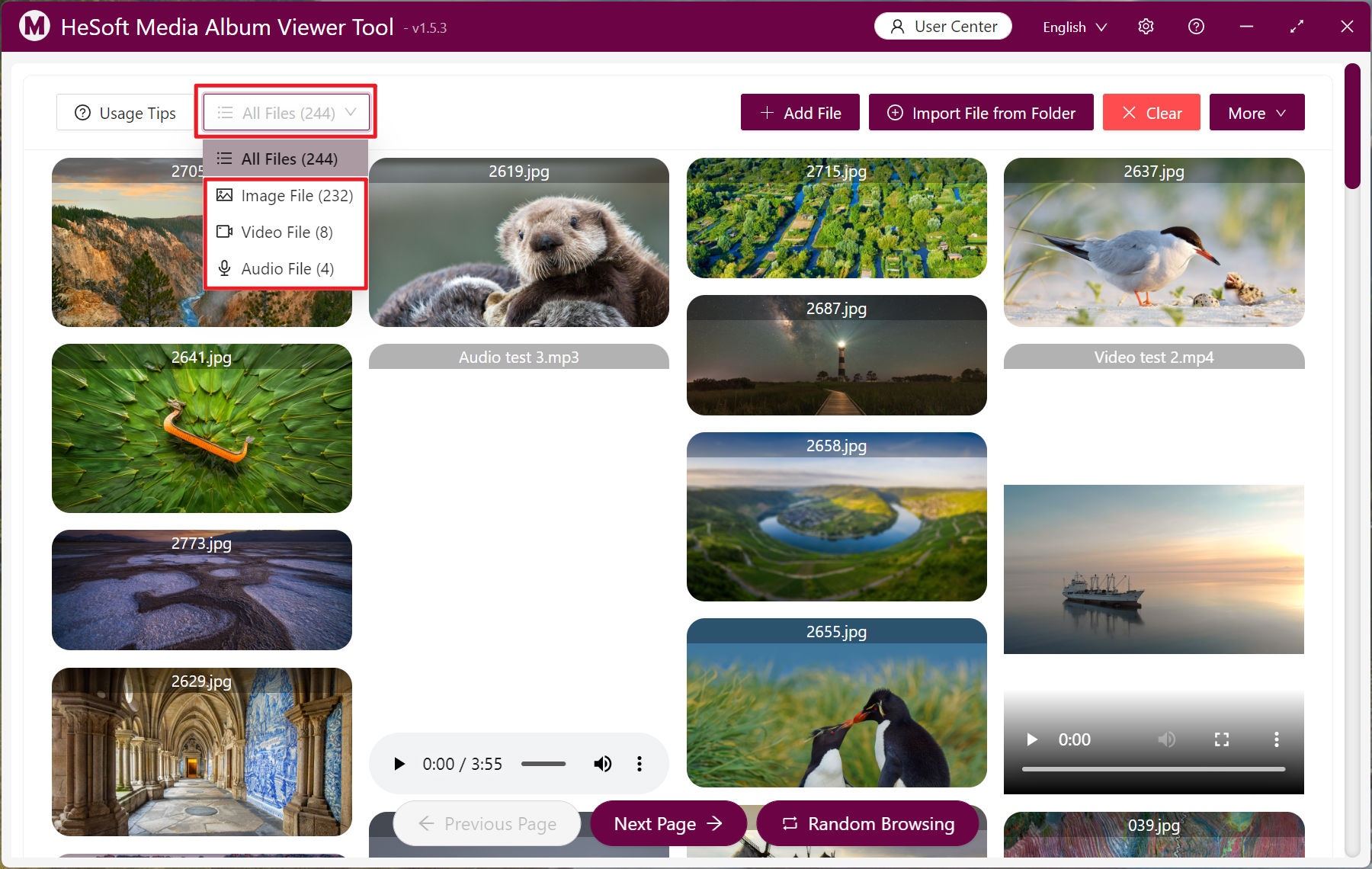
Right-click on a specific file to operate on it:

View and play multiple audio/video files simultaneously:

View media files in shuffled order:

Select multiple files for batch operations:

Large image browsing mode:
