How to batch copy file paths of numerous media files such as images, videos, and audio from multiple folders
Translation:EnglishFrançaisDeutschEspañol日本語한국어,Update Time:2025-06-07 20:19:35
In today's information-rich era, media files play a crucial role in daily life. Whether it's captivating images, gripping videos, or melodious audio, media files facilitate our work and entertainment. Learning to understand the various formats of media files is essential for managing and handling them effectively. Properly managing file paths aids in file sharing, organization, and protection, allowing other users to name files with the same name without encountering naming conflicts, thereby resolving naming collisions. When there are too many media files on a computer, with images, videos, audio, and other files scattered across different disks or folders, retrieving the desired file path can be very time-consuming if you have to open, preview, and play each file one by one. The following introduces how to simultaneously collect all media files from a specified folder and copy their file paths in bulk.
1. Use Cases
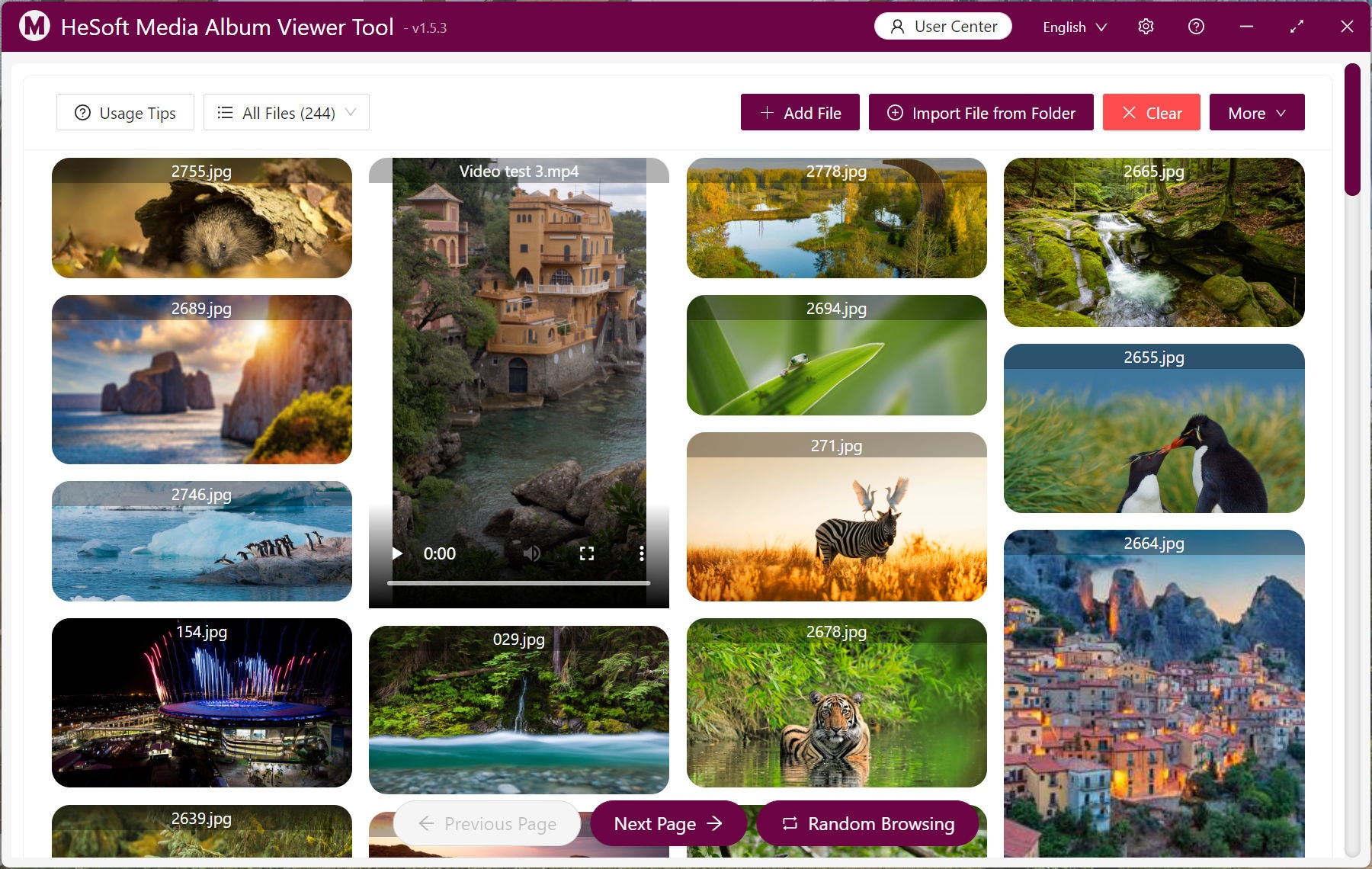
Uniformly display all image files, video files, and audio files from multiple folders, and batch copy file paths.
2. Effect Preview
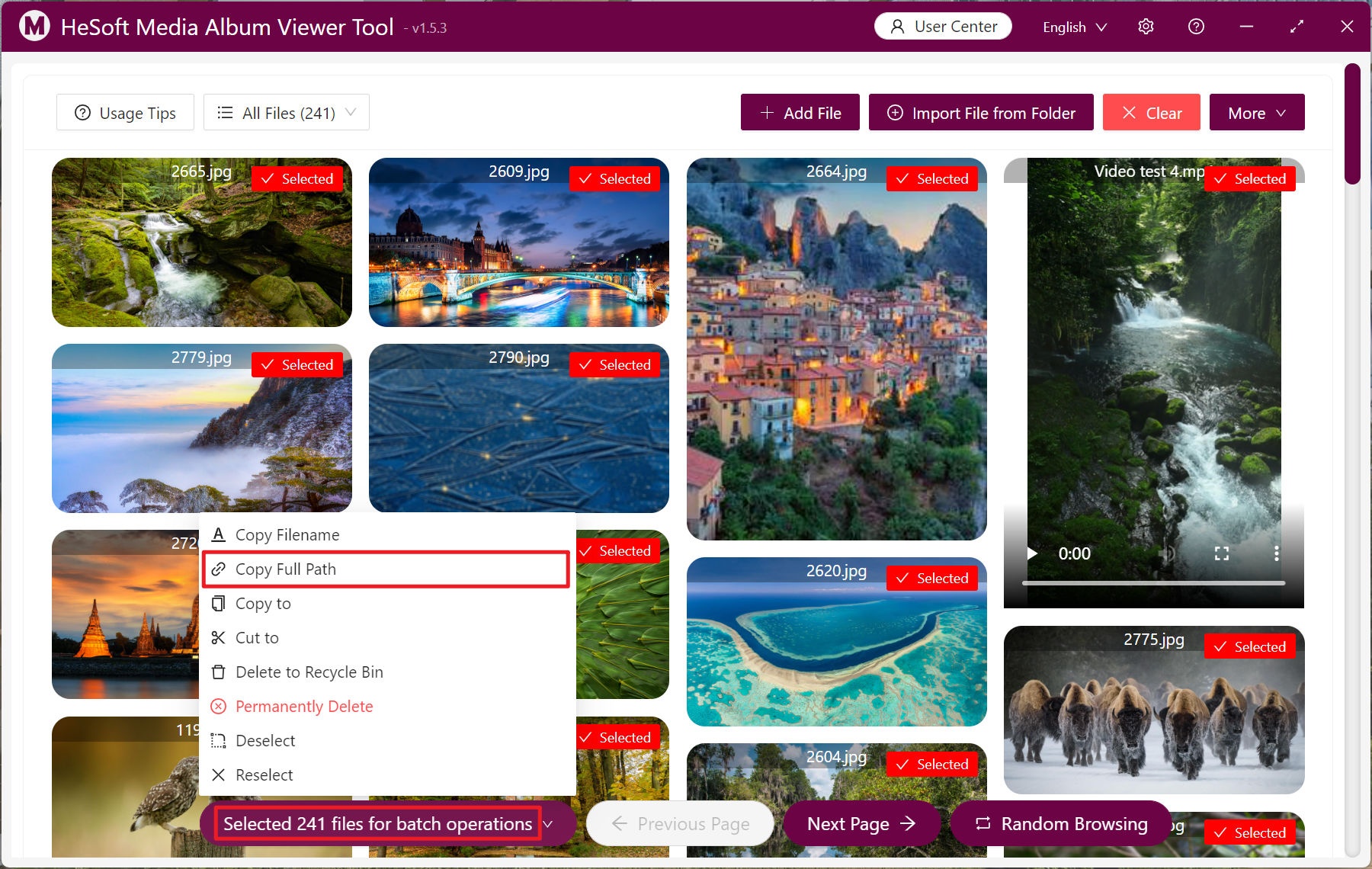
Before processing:

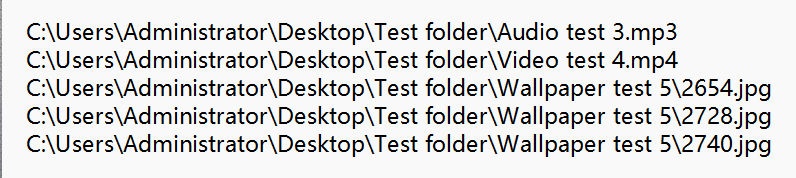
After processing:
3. Operation Steps
Open 【 HeSoft Multi-function Media Album Viewer 】 and click the top right corner
【Add Files】 to add single or multiple media type files.
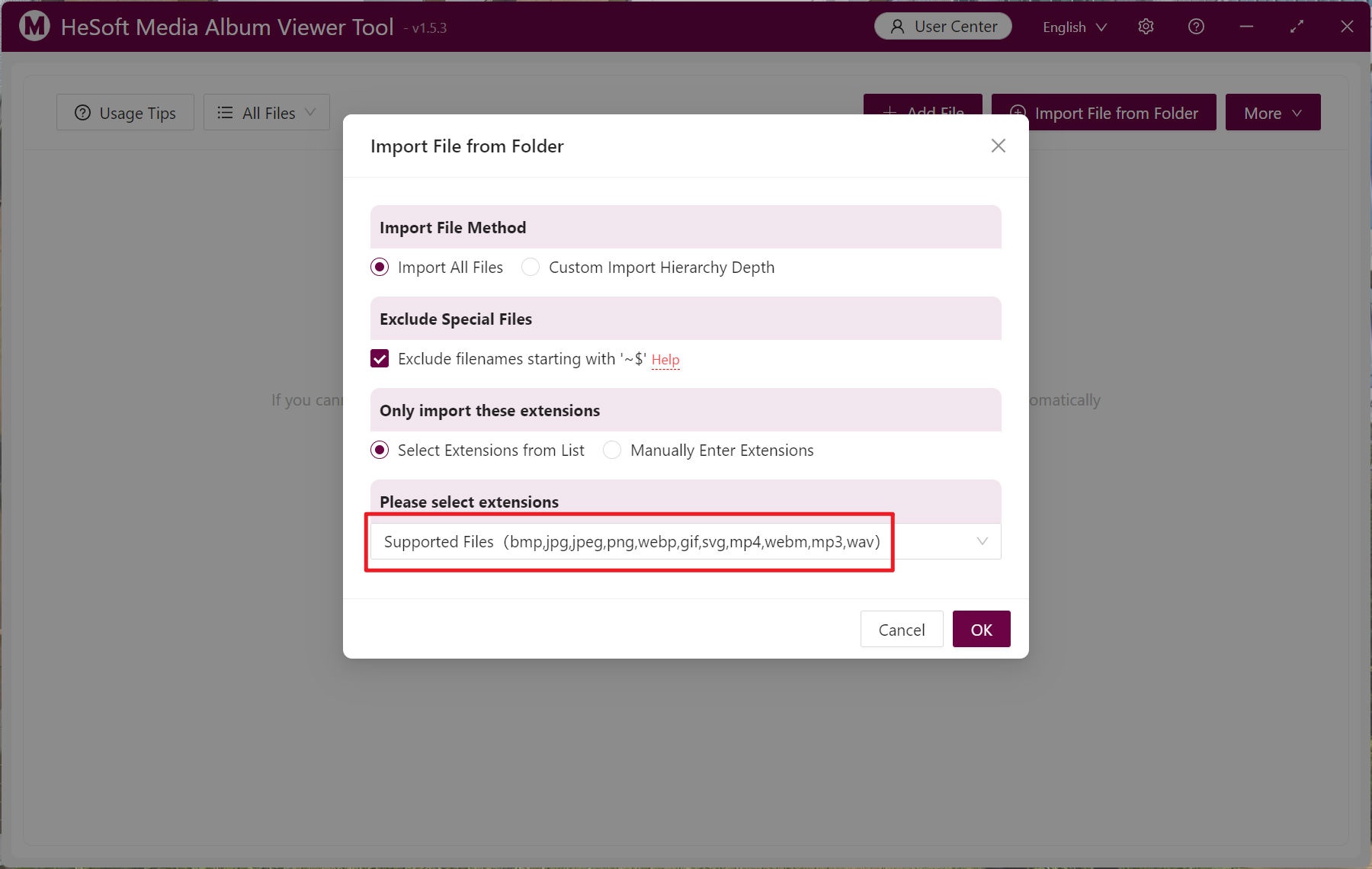
【Import Files from Folder】 to import a folder containing a large number of media files.
You can also directly drag files into the area below.
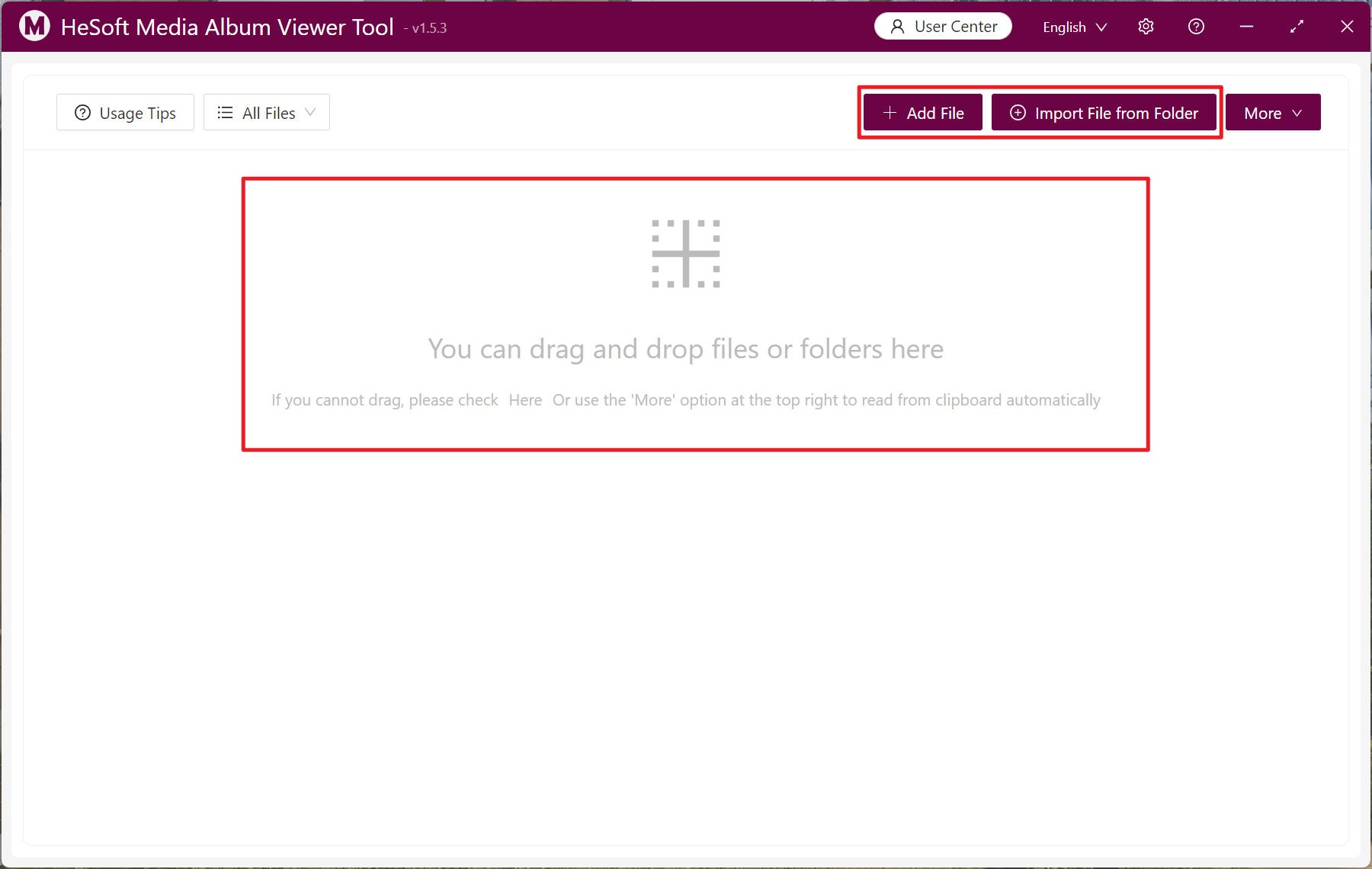
The imported image and media files support the following extensions: bmp, jpg, jpeg, png, webp, gif, svg, mp4, webm, mp3, wav.
Right-click the media file and click 【Copy Full Path】.
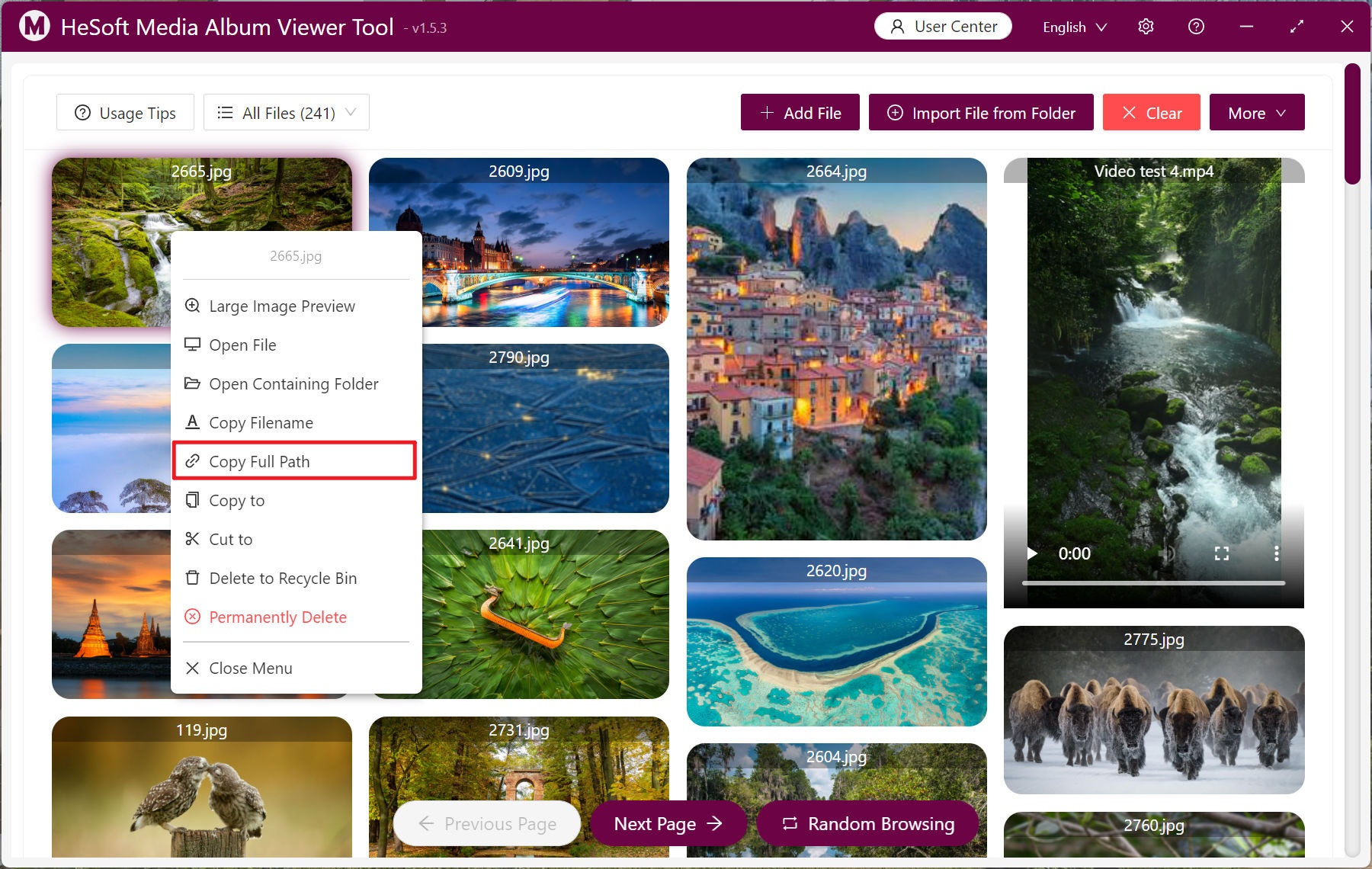
You can also select a large number of media files in batch, click 【Batch Operations】-【Copy Full Path】, and finally paste them into a txt text file to complete.