Batch convert hundreds of docx files to txt notepad at once
Translation:EnglishFrançaisDeutschEspañol日本語한국어,Update Time:2025-06-07 20:22:25
When multiple Word documents need to have their formatting, images, special symbols, and other elements batch deleted, or when the files need long-term storage, you can usually convert the docx files into plain text txt files. The converted text files not only strip the Word formatting but also retain the original text content, while also avoiding security risks and achieving better transmission efficiency.
1. Use Cases
When an older version does not support opening docx files or you receive a large number of Word documents from unknown sources, we can batch convert them to plain text format (txt) to view the content.
2. Preview
Before processing:

After processing:

3. Steps
Open [ HeSoft Doc Batch Tool ], select [Word Tools] - [Word to TXT].

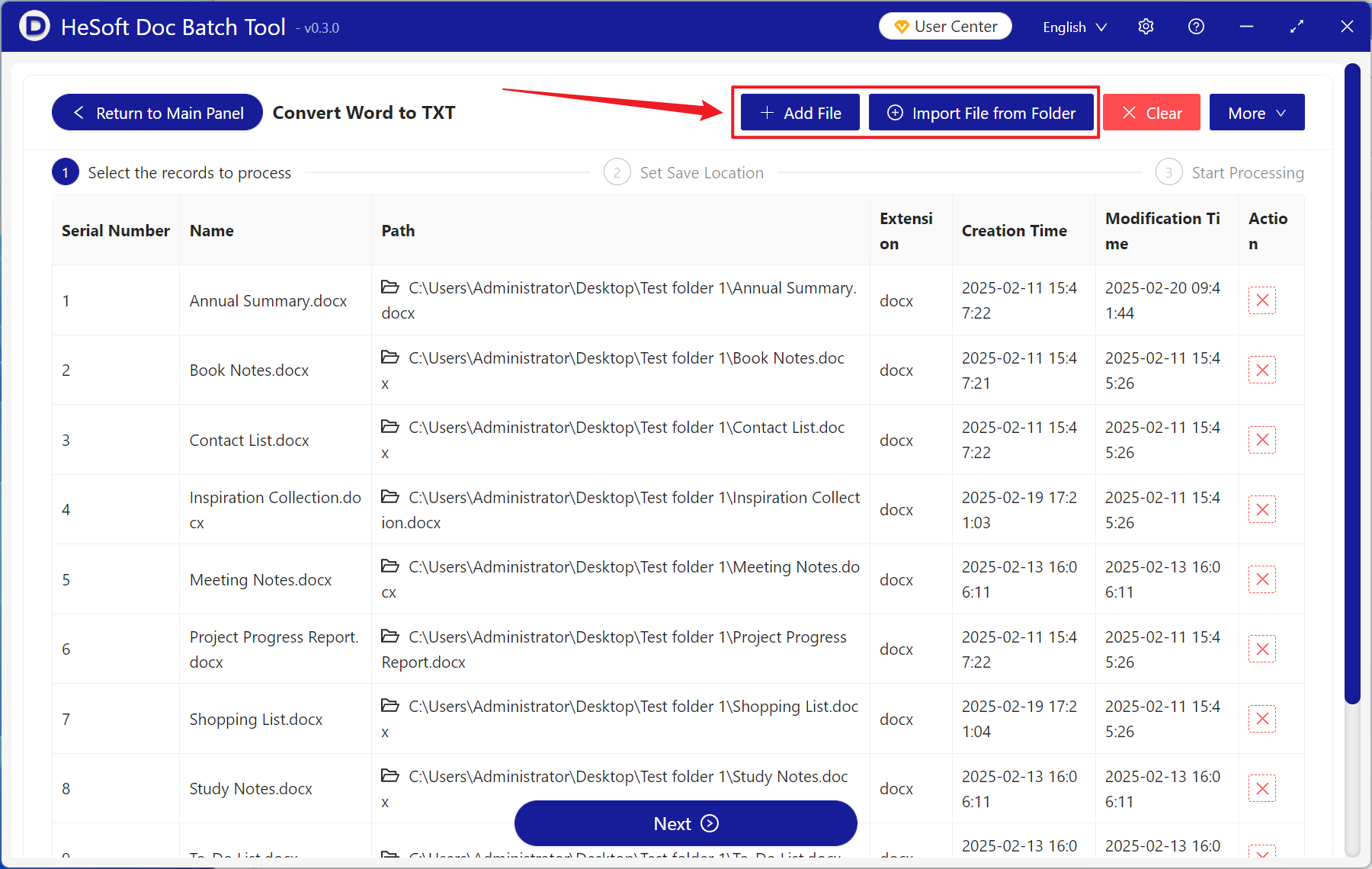
[Add Files] Add one or more docx files to be converted to txt plain text.
[Import Files from Folder] Add the entire folder containing docx files to be converted to txt plain text.
You can view the imported files below.
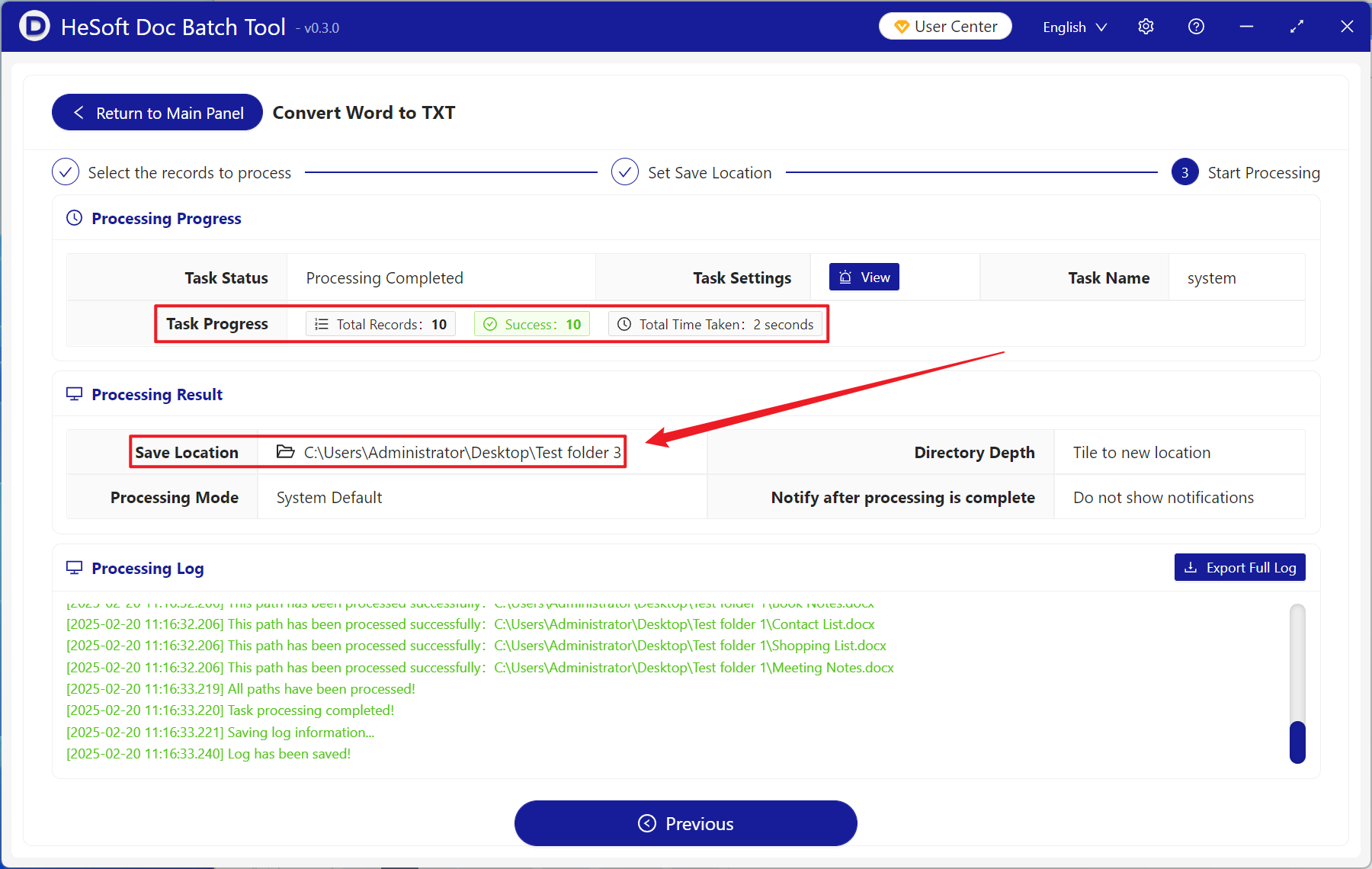
Wait for the process to complete, then click the save location to view the converted files.