Convert thousands of Excel spreadsheets into TXT Notepad files in one go
Translation:EnglishFrançaisDeutschEspañol日本語한국어,Update Time:2025-06-07 20:20:36
The TXT file format, as a plain text format, boasts strong compatibility and can be directly read and processed by most programming languages, databases, and analytical tools. During data migration or backup, the TXT format features a simple structure and small file size, allowing it to store and transfer large amounts of data. Even in scenarios requiring data cleaning, analysis, or cross-platform data sharing, the TXT format's plain text nature facilitates script operations while also enabling transfer between different operating systems without the need for specific software.
1. Use Cases
If you have a large number of Excel worksheet files in formats such as Xls or Xlsx that need to be migrated between different platforms or require data analysis using a programming language, you can uniformly convert these Excel workbooks into plain text TXT format for easier data reading and processing.
2. Preview
Before:

After:

3. Steps
Open HeSoft Doc Batch Tool , select [Excel Tools] - [Excel to Txt].

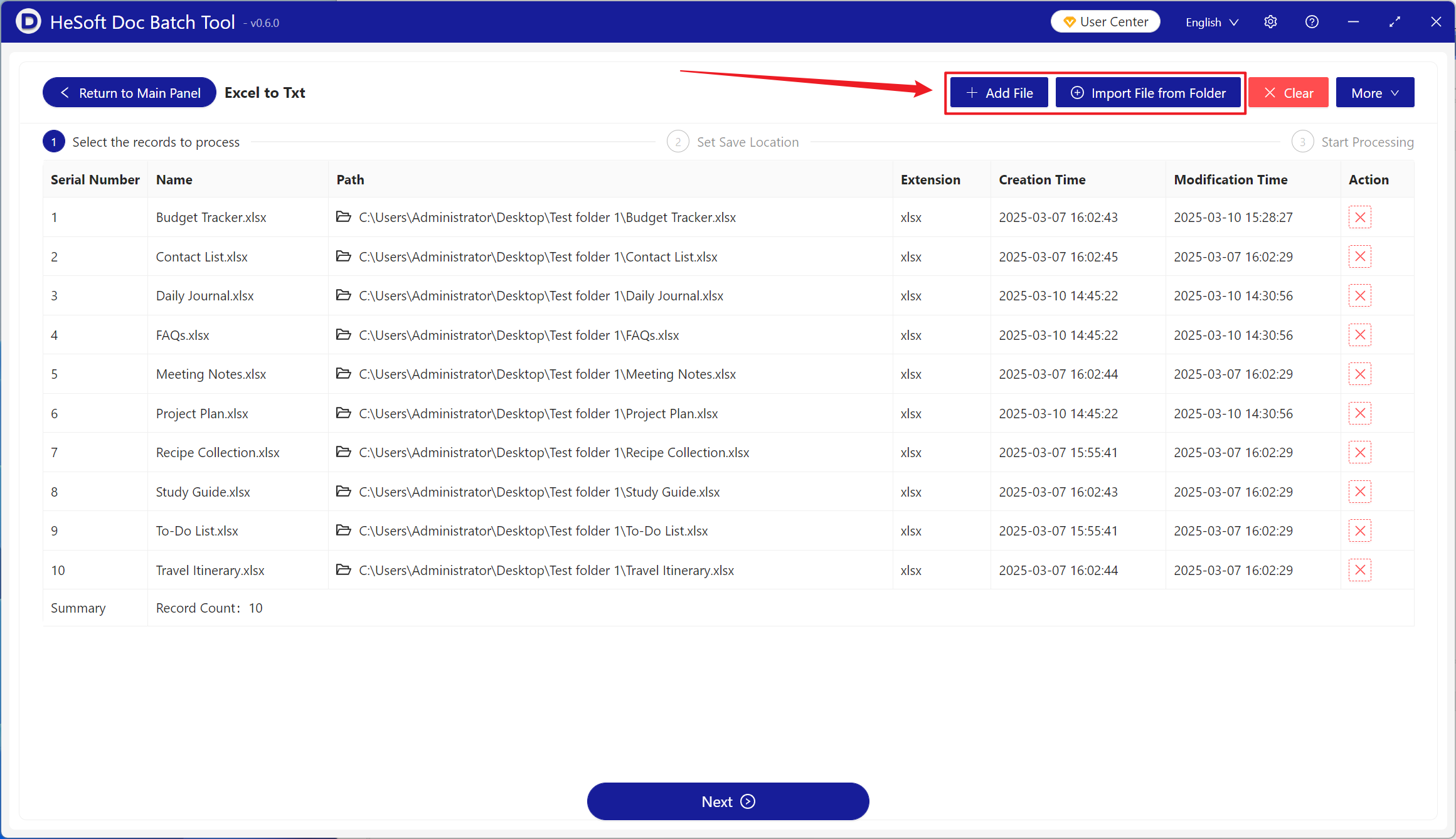
[Add Files] Add single or multiple Excel files that need to be converted to TXT Notepad files.
[Import Files from Folder] Import all Excel files in the selected folder.
You can view the imported files below.
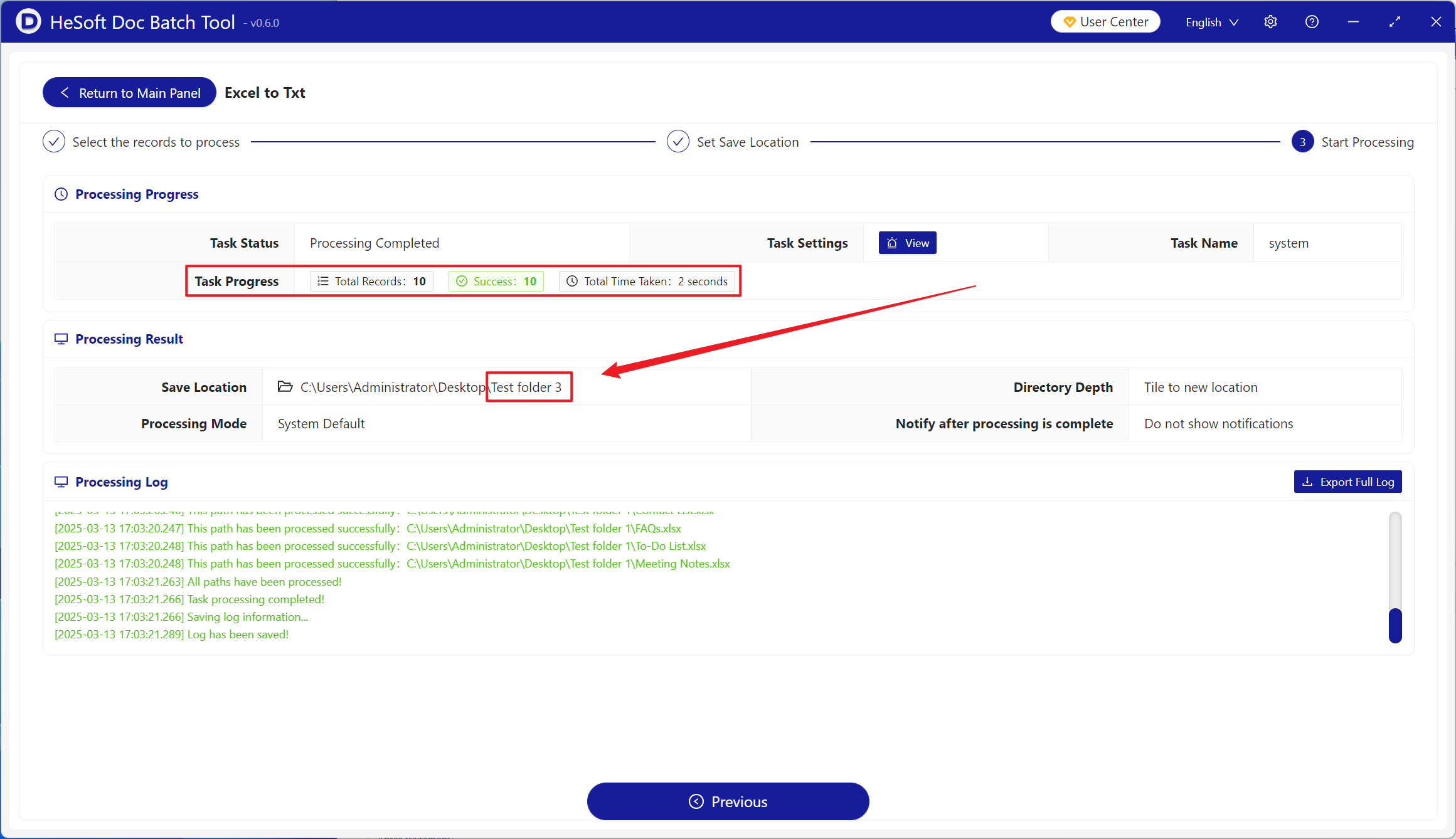
After processing is complete, click the save location to view the successfully converted TXT plain text files.