Quickly batch convert hundreds of TXT plain text files into Word documents
Translation:EnglishFrançaisDeutschEspañol日本語한국어,Update Time:2025-06-07 20:23:59
In formal reports, papers, or contracts where standardized formatting is required, Word documents support font and paragraph adjustments, mixed graphics and text, and multi-user collaboration annotations. When the content in a TXT notepad requires professional layout and the insertion of charts, converting to Docx format can overcome the limitations of plain text TXT files—such as lack of formatting and inability to support images and tables—while meeting submission requirements for .docx format in certain situations. Below explains how to batch convert a large number of TXT plain text files into Docx format files.
1. Use Cases
There are a large number of TXT Notepad files that need their content reformatted with added typography, different fonts, paragraphs, headings, or inserted images to improve readability and visualization. We can batch convert these files into Word documents for processing and editing.
2. Effect Preview
Before processing:

After processing:

3. Operation Steps
Open 【 HeSoft Doc Batch Tool 】, select 【Text Tools】 - 【Convert Text to Word】.

【Add Files】Add single or multiple TXT plain text files that need to be converted to Docx format.
【Import Files from Folder】Import all TXT plain text files from the selected folder.
You can view the imported files below.

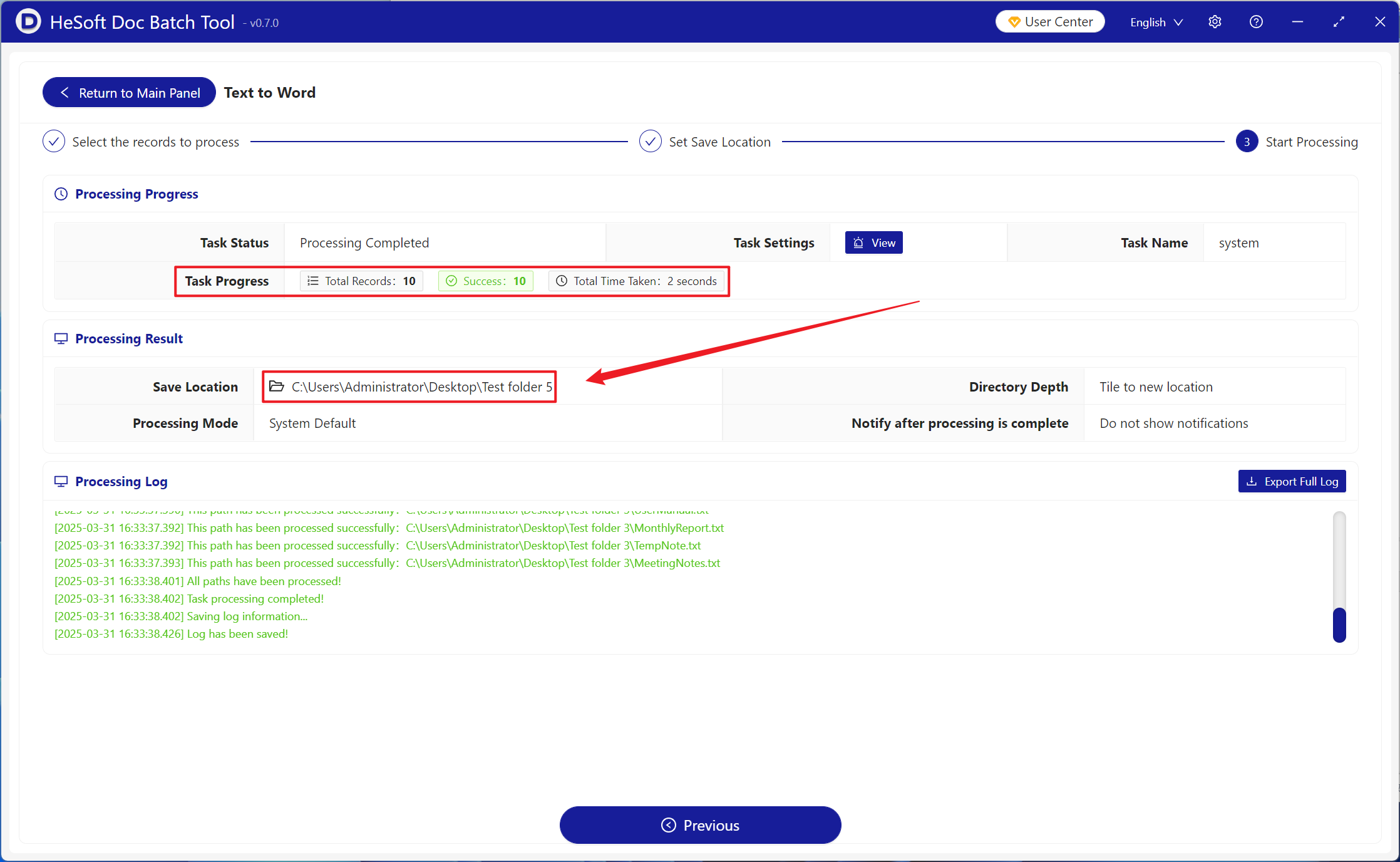
After processing is complete, click the save location to view the converted Docx format files.