Batch add the total number of pages to the end of the file name for a large number of PPT slides
Translation:EnglishFrançaisDeutschEspañol日本語한국어,Update Time:2025-06-07 20:23:46
When a project involves multiple versions or multiple files, a large number of PPT slides are often created, especially when the file names are similar. Marking the total number of pages in each slide file allows for quick differentiation. In addition, when quickly reviewing or sharing PPT or PPTX files, having the page count clearly displayed at the end of the file name enables the recipient to understand the file's scope at a glance, allowing them to better plan editing and reading time. Moreover, when slides need to be printed, indicating the total page count in advance and preparing the exact amount of paper can help avoid errors and waste. The following describes how to batch add total page count information to the rightmost side of the file names of hundreds of PPT and PPTX slide files, with support for Word, Excel, and PDF files as well.
1. Use Cases
When there are a large number of PPT slide files that need batch organizing or submission for work reports, material reviews, and other scenarios with page limit requirements, we can batch add total page count information to the end of these PPT file names, facilitating quick identification and compliance verification.
2. Preview
Before processing:

After processing:


3. Steps
Open 【 HeSoft Doc Batch Tool 】, select 【File Name】-【Add Total Page Count to File Name】.

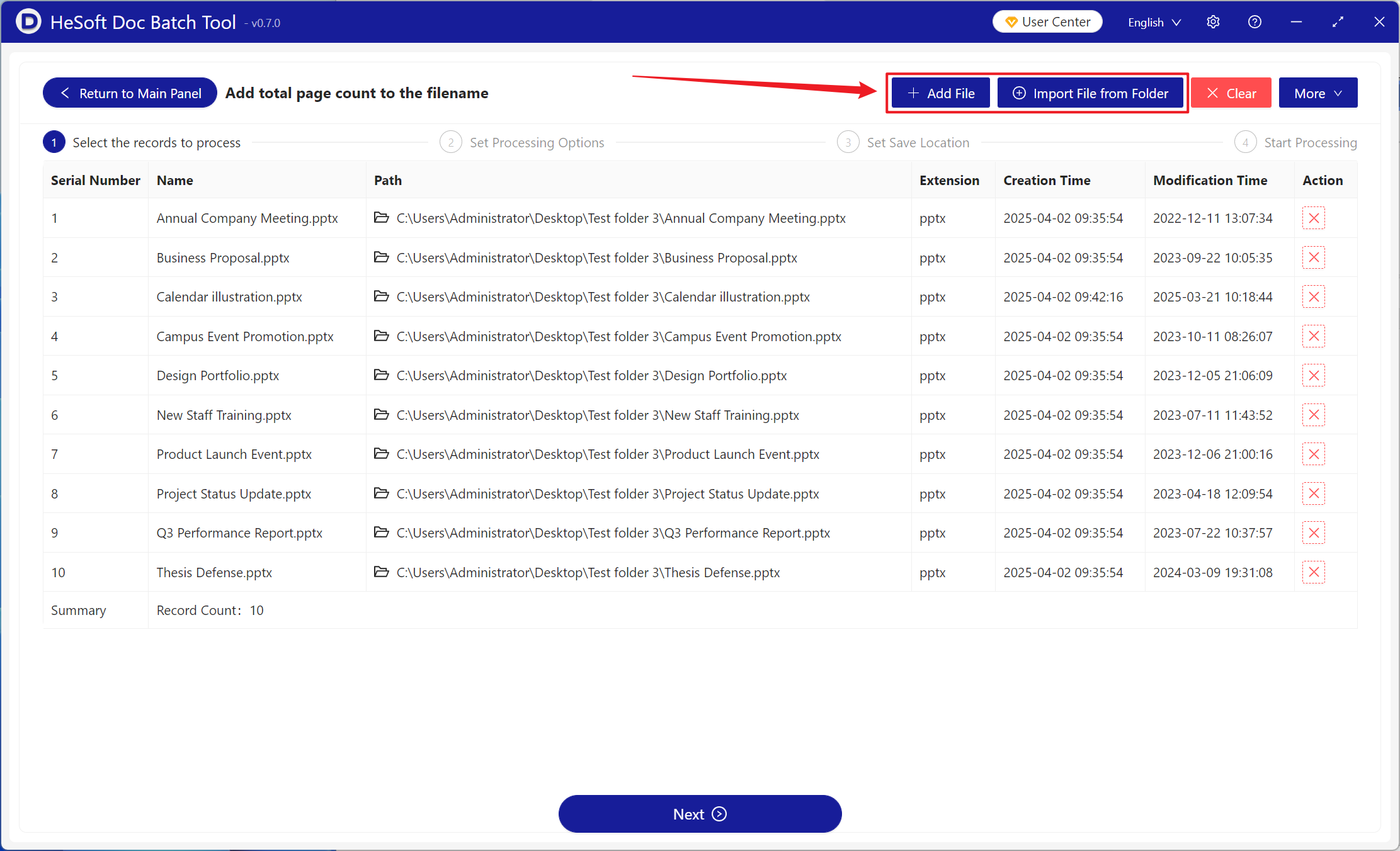
【Add Files】Add single or multiple PowerPoint slide files that need total page count added to the end of their file names.
【Import Files from Folder】Import a folder containing a large number of PowerPoint slide files that need total page count added to the end of their file names.
Below, you can view imported PPT, PPTX, and other format files.
【Position】Choosing the end position adds the total page count to the very end of the file name; conversely, choosing the start position adds it to the very beginning of the file name.
【Custom Left Text】Add custom content to the left of the added total page count.
【Custom Right Text】Add custom content to the right of the added total page count.

After waiting for the process to complete, click the path behind the save location to view the PowerPoint slide files with the total page count added.
