Sort multiple lines of text copied in the clipboard in ascending or descending order
Translation:EnglishFrançaisDeutschEspañol日本語한국어,Update Time:2025-06-07 20:19:55
When organizing messy copied data, sorting multiple lines of content in the clipboard can greatly improve efficiency. For example, when processing product price lists, sorting by price in ascending or descending order can quickly find the lowest and highest prices; when organizing customer lists, sorting by name makes it easier to distinguish; when dealing with multiple file names, sorting them in ascending or descending order also allows for a quick check of their naming conventions. Here’s how to directly sort copied content in ascending order, making messy data neat and organized.
1. Use Cases
When organizing copied name lists, numbers, or other information from the clipboard, sorting alphabetically or numerically makes it easier to search and manage; or when copying product prices or date data, ascending/descending order can quickly identify the lowest or highest values for statistical analysis.
2. Preview
Before processing:
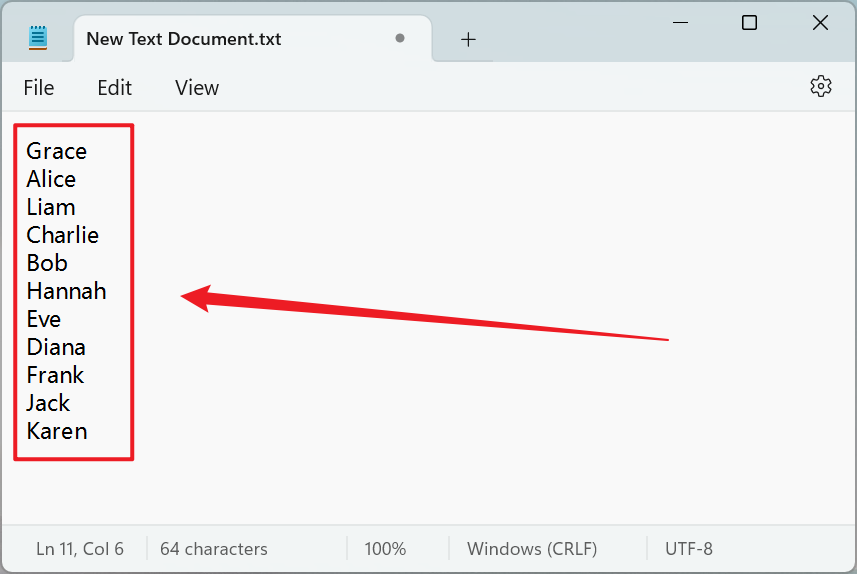
After processing:

3. Steps
Open 【 HeSoft Copy Paste Assistant 】, select the copied content, and press Ctrl + C + C to enter the operation interface directly.
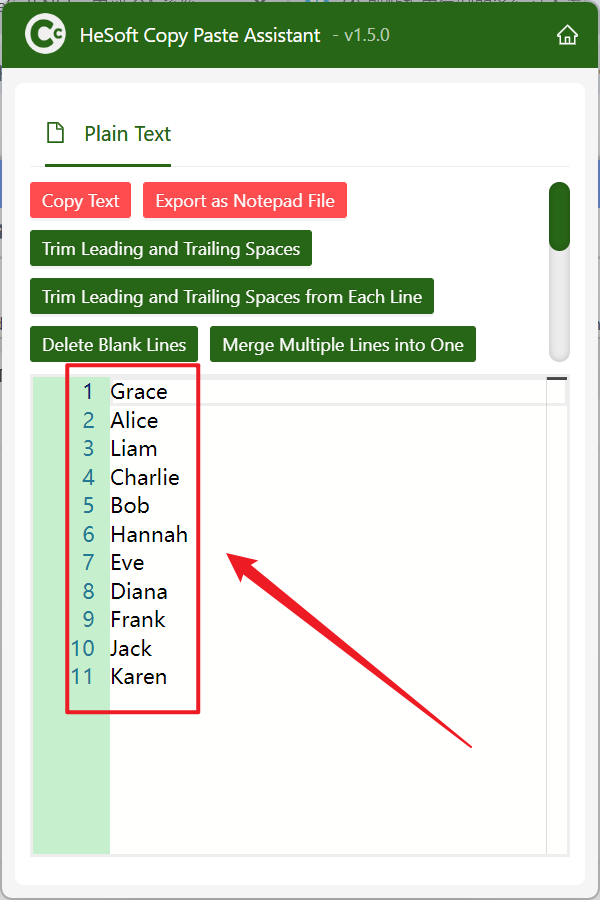
Click 【Sort Lines Ascending】 to arrange the text in ascending order.
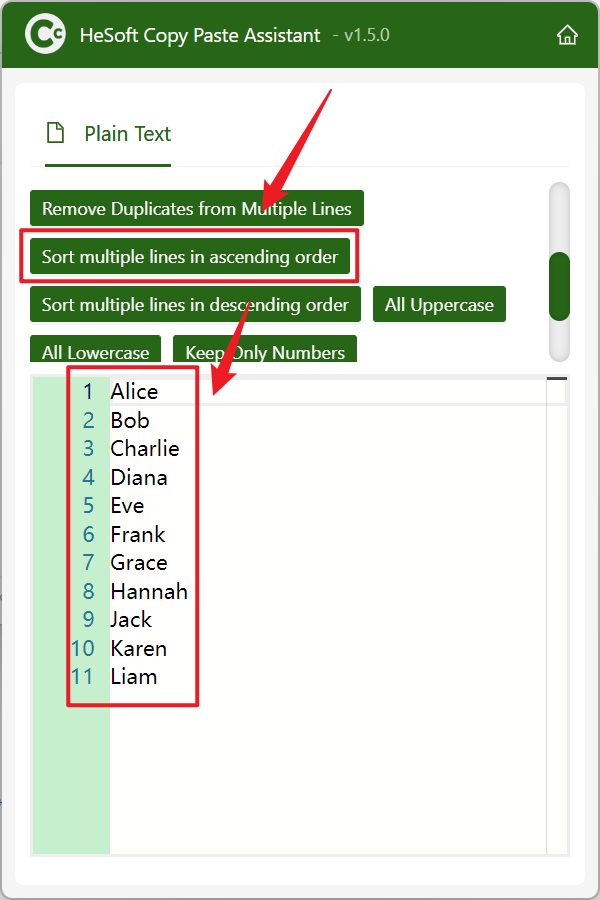
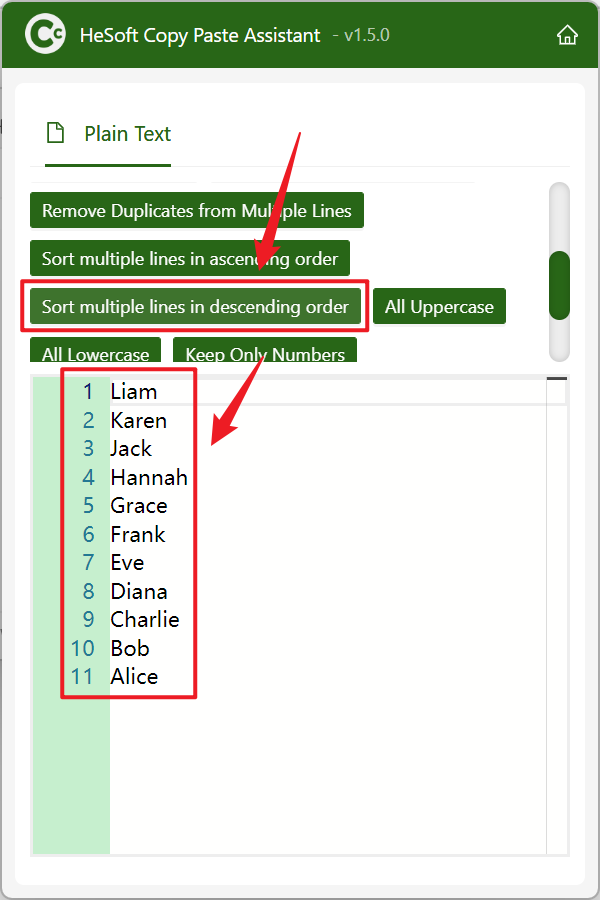
Click 【Sort Lines Descending】 to arrange the text in descending order.