How to batch organize and classify multiple files using the first Chinese character in the file name
Translation:EnglishFrançaisDeutschEspañol日本語한국어,Update Time:2025-06-07 20:23:26
When organizing various personnel files in a folder, you often need to batch categorize a large number of files with different names into the same folder based on the first Chinese character of the surname, making it easier to search and manage them. If there are too many chaotic numbers and formats of personnel files, moving them one by one into a designated folder starting with the surname significantly reduces operational efficiency. Below is an introduction to how to batch categorize a large number of files according to the first Chinese character in the file name.
1. Usage Scenario
Classify files based on the first Chinese character in the file name, and store them in a newly created folder named after that first Chinese character.
For example: 张三 PPT.pptx, 李四 PPT.pptx, 王五 PPT.pptx
After sorting and classifying these three files with different first Chinese characters, they will be saved respectively into three new folders named 张, 李, and 王.
2. Effect Preview
Before processing:

After processing:


3. Operation Steps
Open【 HeSoft Doc Batch Tool 】, select【File Organization】-【Classify files by file name】.

【Add Files】Add one or more files that need to be classified by the first Chinese character in the file name.
【Import files from folder】Import a folder containing a large number of files that need to be classified by the first Chinese character in the file name.
You can also drag files directly into the area below. Then click Next.

【Classification Method】Select classify by the first Chinese character.

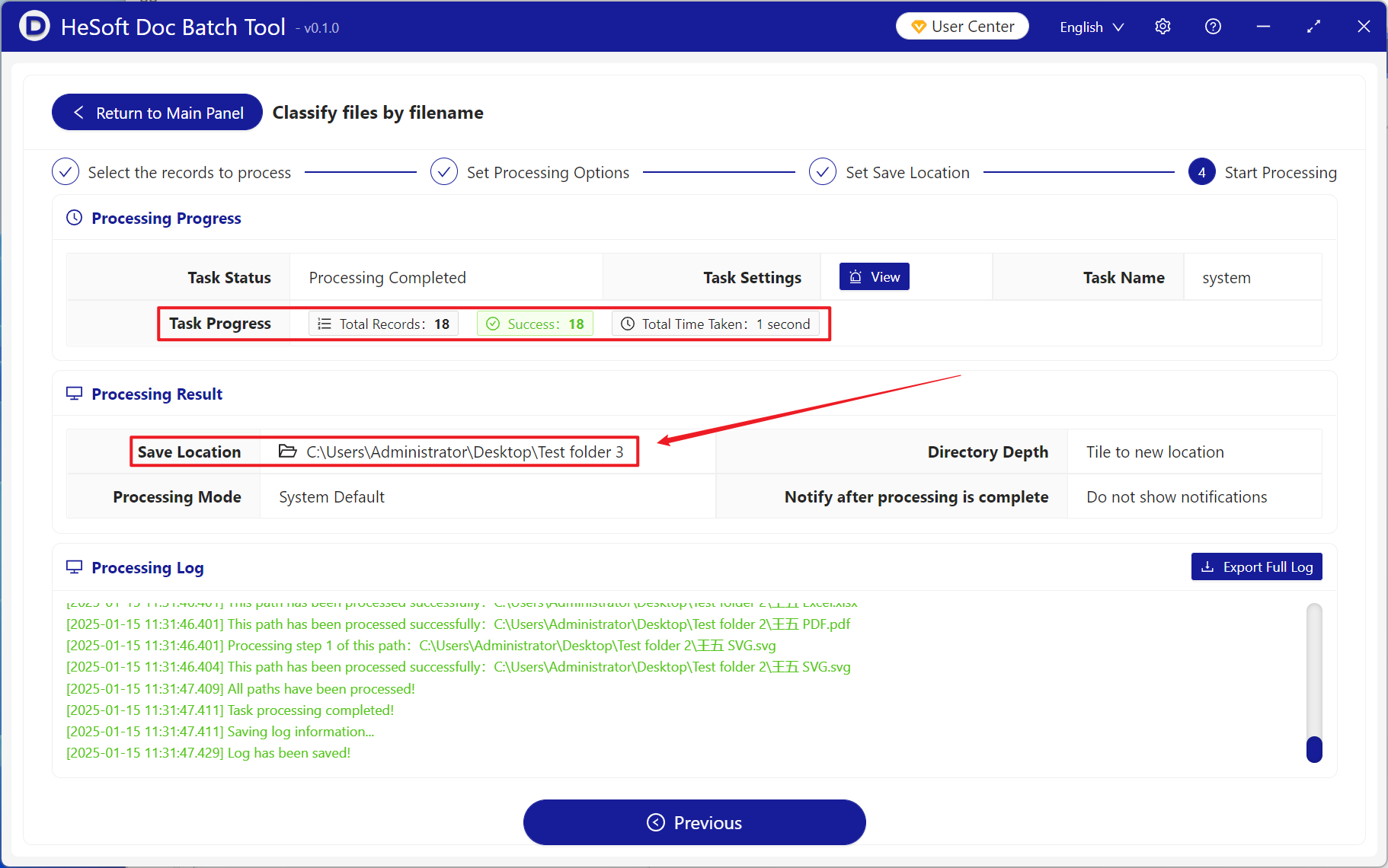
After processing is complete, click save location to view the classified folders.