In the process of using pictures and video files, it is inevitable that one file needs to be opened for viewing and playing. Picture files can be previewed in the form of thumbnails, but video files are not convenient for previewing and can only be opened for playing. If you encounter a large number of pictures and video files that need to be moved in batches, it is a difficult problem to find these pictures and video files that need to be processed first. It is very time-consuming and inefficient to open each file for viewing and playing. Finally, it is even more troublesome to move one by one to the target folder. The following describes how to view and play pictures and video files at the same time, and move the required files to the designated location on the computer in a unified batch.
1. Use Scenarios
there are a large number of pictures and video files in multiple folders in the computer. You need to find multiple target files as quickly as possible and move a large number of target files to the target location in batches.
2. Effect preview
before treatment:

after treatment:

3. Operation steps
open 【HeSoft Multi-function Media Album Viewer], click on the upper right corner:
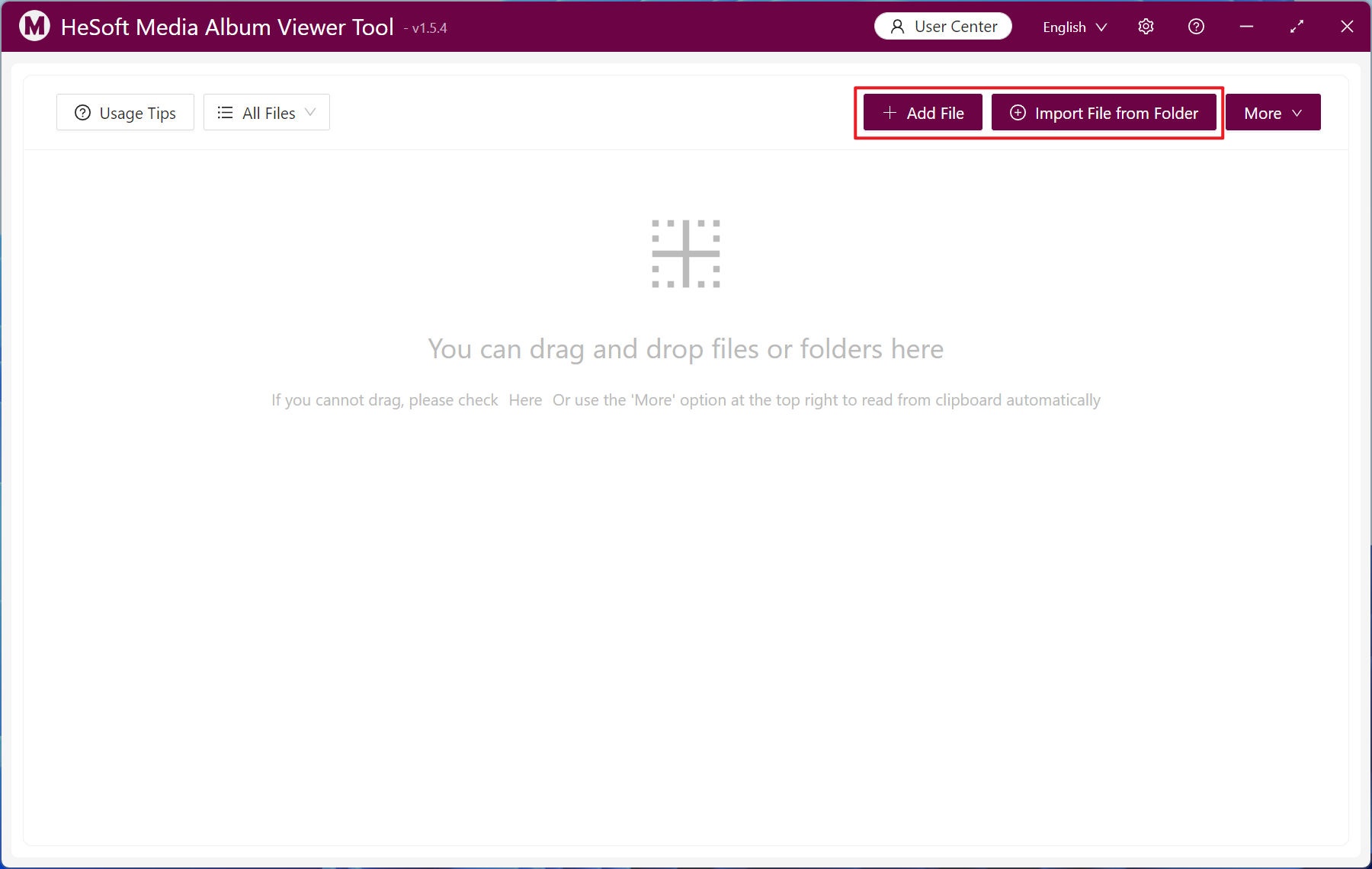
[Add File] Add single or multiple pictures and video files.
[Import files from folder] Import folders containing a large number of files in formats such as jpg, png, mp4, etc.
You can also drag files directly below.
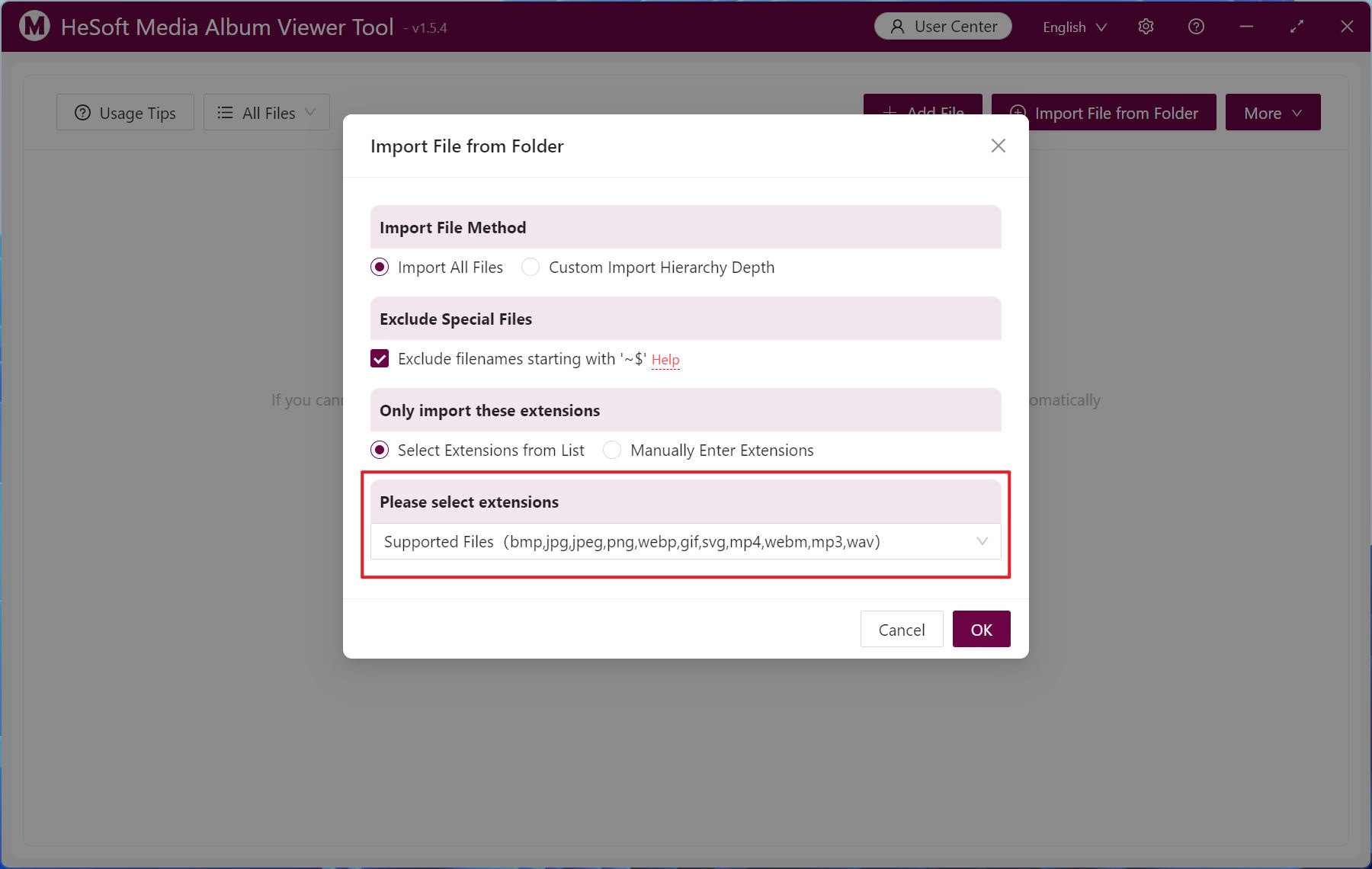
The following file extension formats are supported: bmp, jpg, jpeg, png, webp, gif, svg, mp4, webm, mp3, wav.
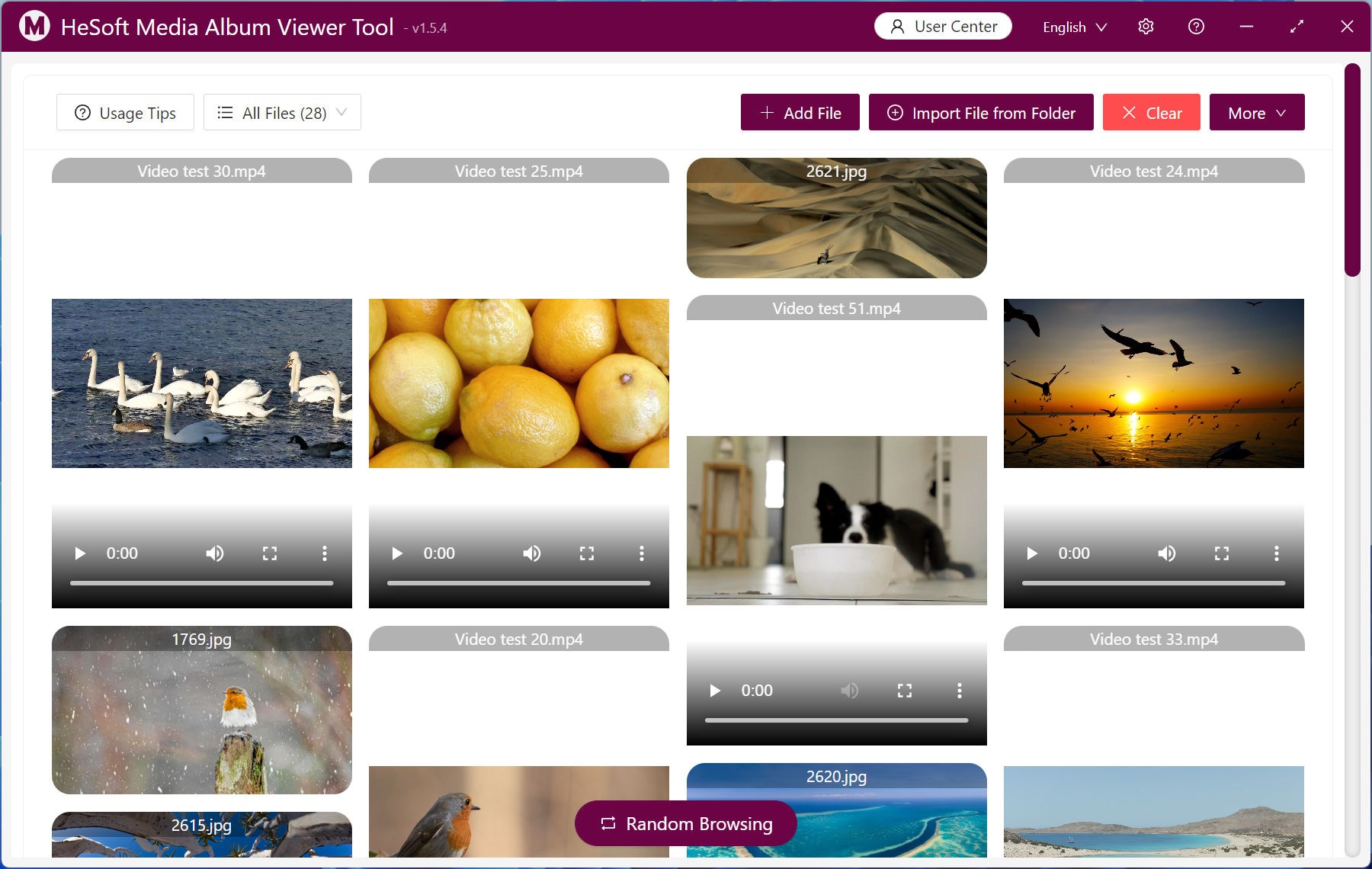
The pictures and videos after importing the file will be previewed in batch. Click [of the video file 【▶], you can play multiple videos at the same time.
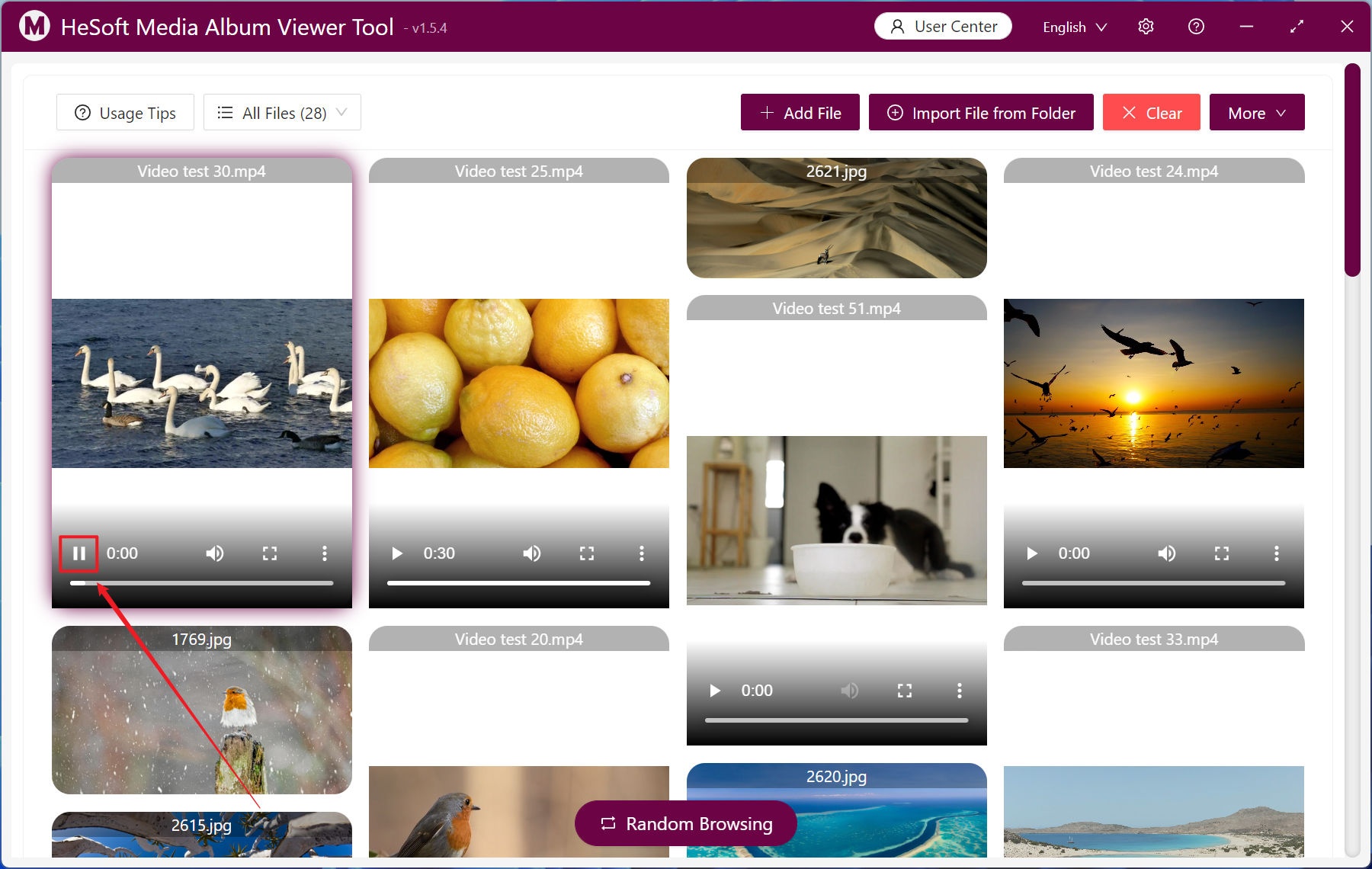
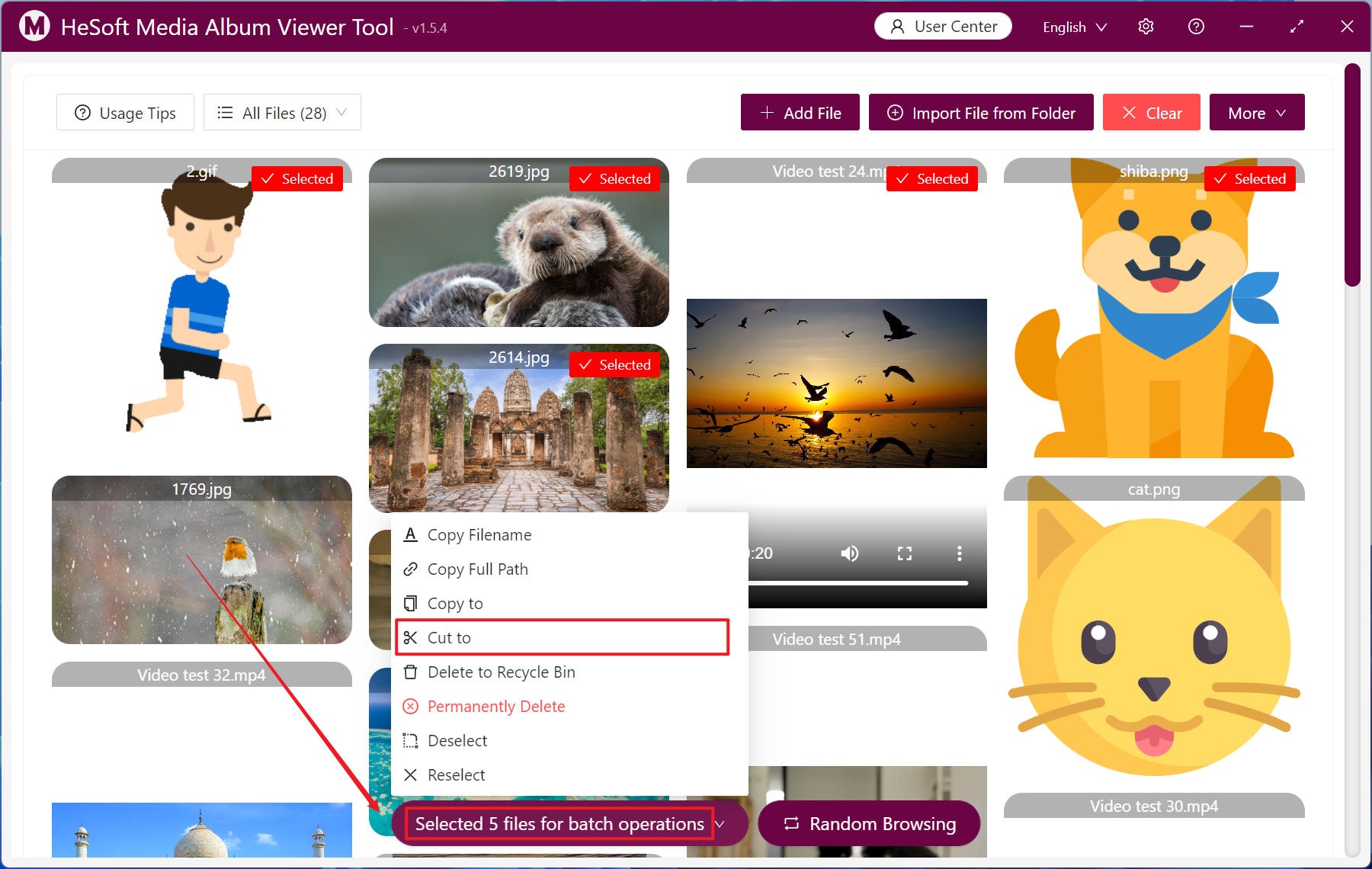
Right-click the file menu appears, click [clip to] to move the file to the specified folder.
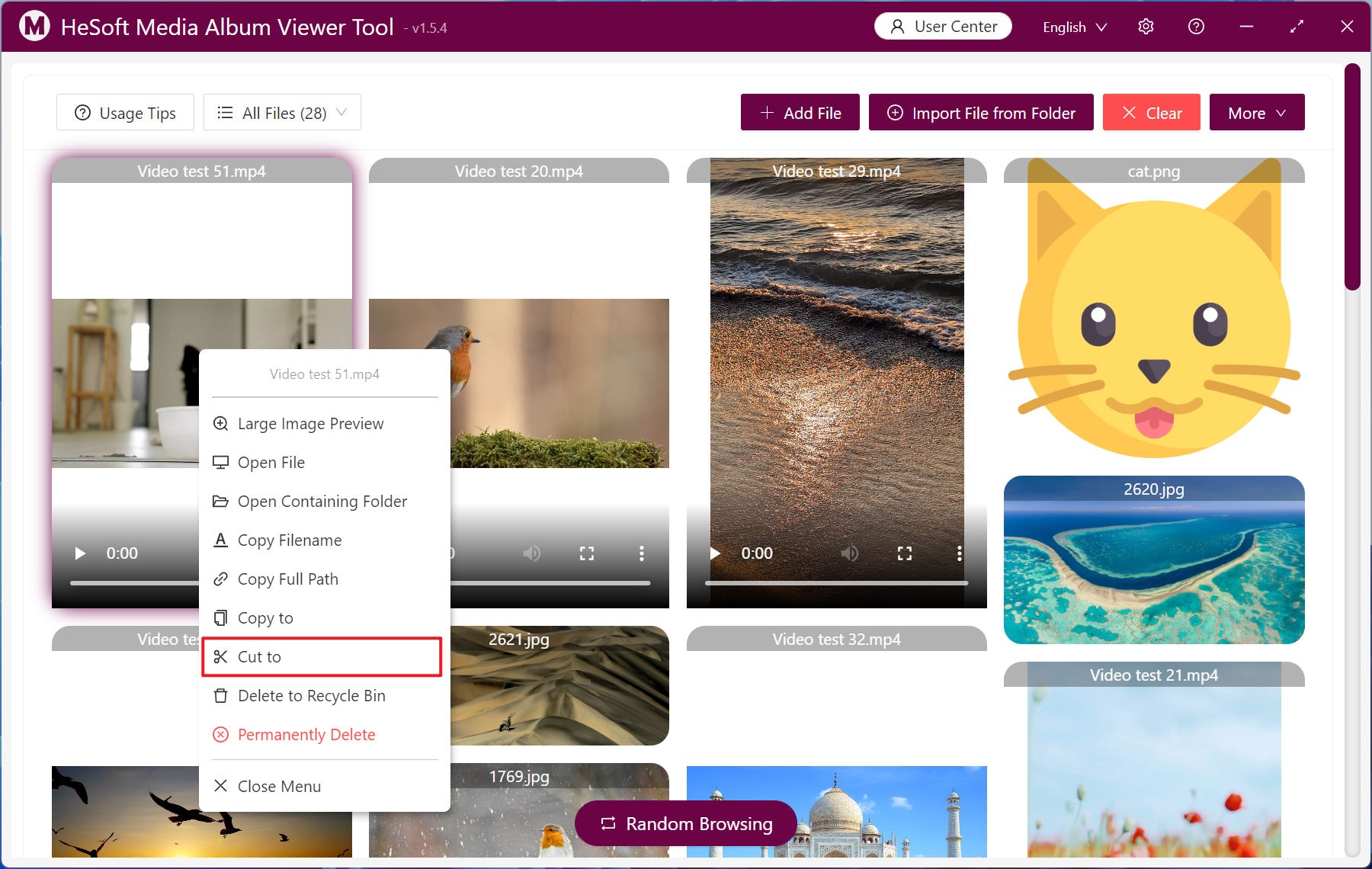
Select multiple files with the left key and click [Batch Operation] to move the selected files in a unified way.