Batch convert links in Excel tables to images, done in 3 quick steps!
Translation:EnglishFrançaisDeutschEspañol日本語한국어,Update Time:2025-08-04 11:45:18
In Excel spreadsheets, HTTP URL links reduce file size and enhance data transfer between worksheet files. When you need to visualize links in a spreadsheet, you need to convert these image URL links into actual image form. If multiple columns of cells contain URL image link addresses, how can you take just one column and convert the corresponding cells on the right into the linked images, while also preserving the original URL links? The following describes how to batch convert a single column of HTTP image URL links from multiple XLS and XLSX spreadsheet files, generating JPG images by overwriting the corresponding cells on the right, and keeping the converted image URL links unchanged.
1. Use Cases
Generate images from the HTTP URL links in any column of an Excel worksheet file by overwriting the cells to the right, while retaining the HTTP URL links in that column.
For example: Columns B, D, and F in the table all contain URL links. You need to generate images from the HTTP URL links in column D to the right of those links.
After the conversion, the HTTP URL links in column D remain unchanged, and the corresponding cell contents in column E are all overwritten and replaced with the images from the links in column D.
2. Preview
Before processing:

After processing:

3. Steps
Open【 HeSoft Doc Batch Tool 】, select 【Excel Tools】-【Convert Image URLs to Images in Excel】.

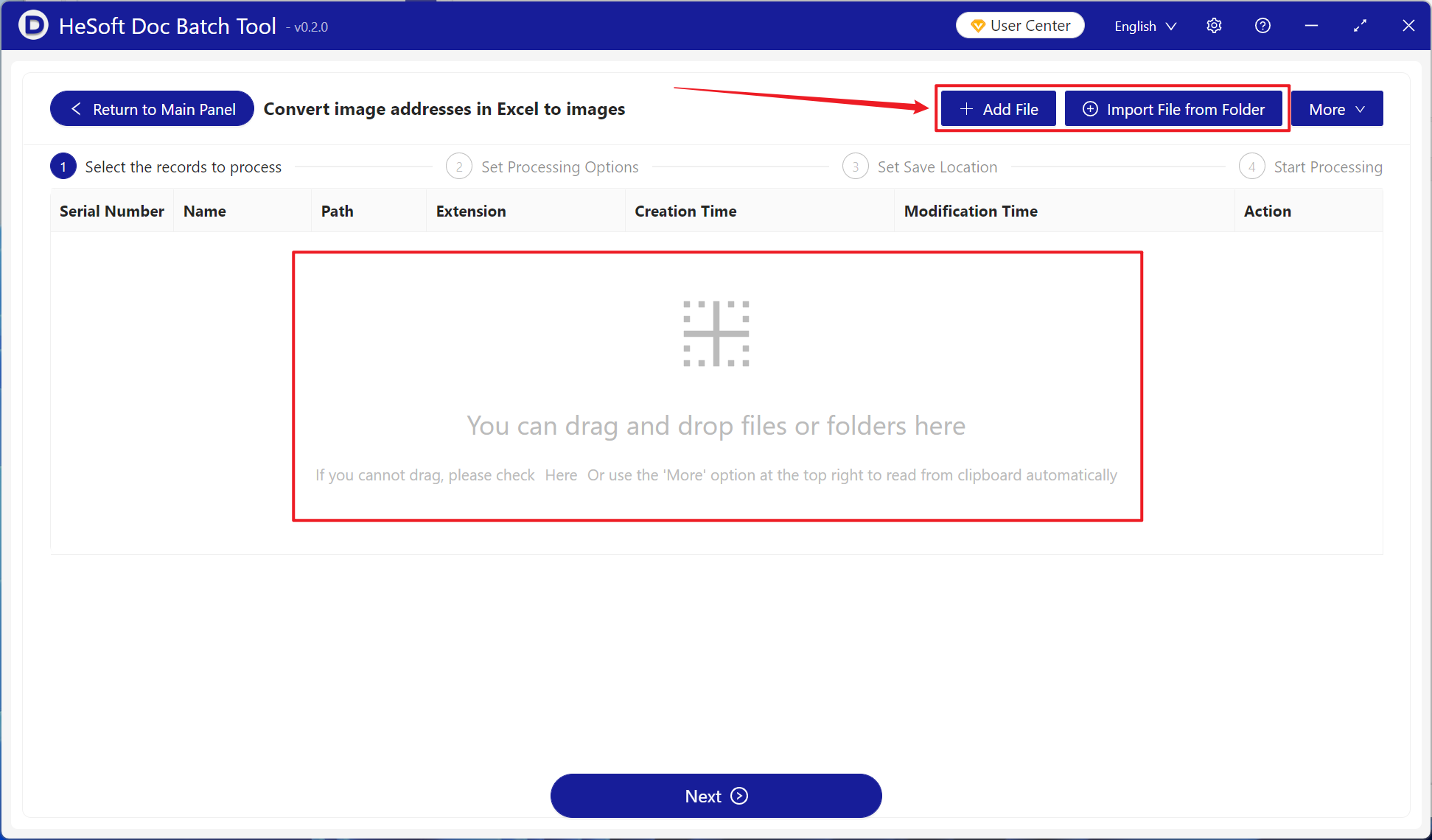
【Add File】: Add one or more xlsx files whose URL links need to be converted to images.
【Import Files from Folder】: Import a folder containing a large number of xlsx files whose URL links need to be converted to images.
You can also directly drag and drop files into the area below.
【Processing Range】: Select a fixed column, and choose the column where HTTP URL links need to be converted to images under the column name.
【Image Saving Position】: Select Overwrite Right Cell (overwriting left cells is also supported).
【Fixed Image Cell Width and Height】: Enter the width and height of the image based on your needs.

After processing is complete, click the save location to view the converted Excel spreadsheet file.
