Batch classify thousands of files by the first letter or Chinese character that appears in the file name
Translation:EnglishFrançaisDeutschEspañol日本語한국어,Update Time:2025-06-07 20:23:33
When you have a large number of files to manage efficiently, classifying them by the first letter or Chinese character that appears in the file name can greatly improve retrieval efficiency. This classification method is often used in scenarios where files need to be quickly located. For example, electronic materials in a library are categorized by the first letter of the book title, such as A. Entering A will group all books starting with A. If a file name contains a mix of Chinese and English and needs to be classified by the first Chinese character that appears, such as "张伟 B", the character "张" will be selected to classify the file. The following introduces how to batch classify hundreds or thousands of files by the first letter or Chinese character that appears in the file name, supporting Word, PowerPoint, Excel, PDF, and various other file formats.
1. Use Cases
When you need to categorize e-books, documents, or customer product files (e.g., Group A customers, Group B products) by the first occurring letter (A-Z) or Chinese character, we can batch classify them directly for quick retrieval and searching.
2. Effect Preview
Before processing:

After processing:


3. Operation Steps
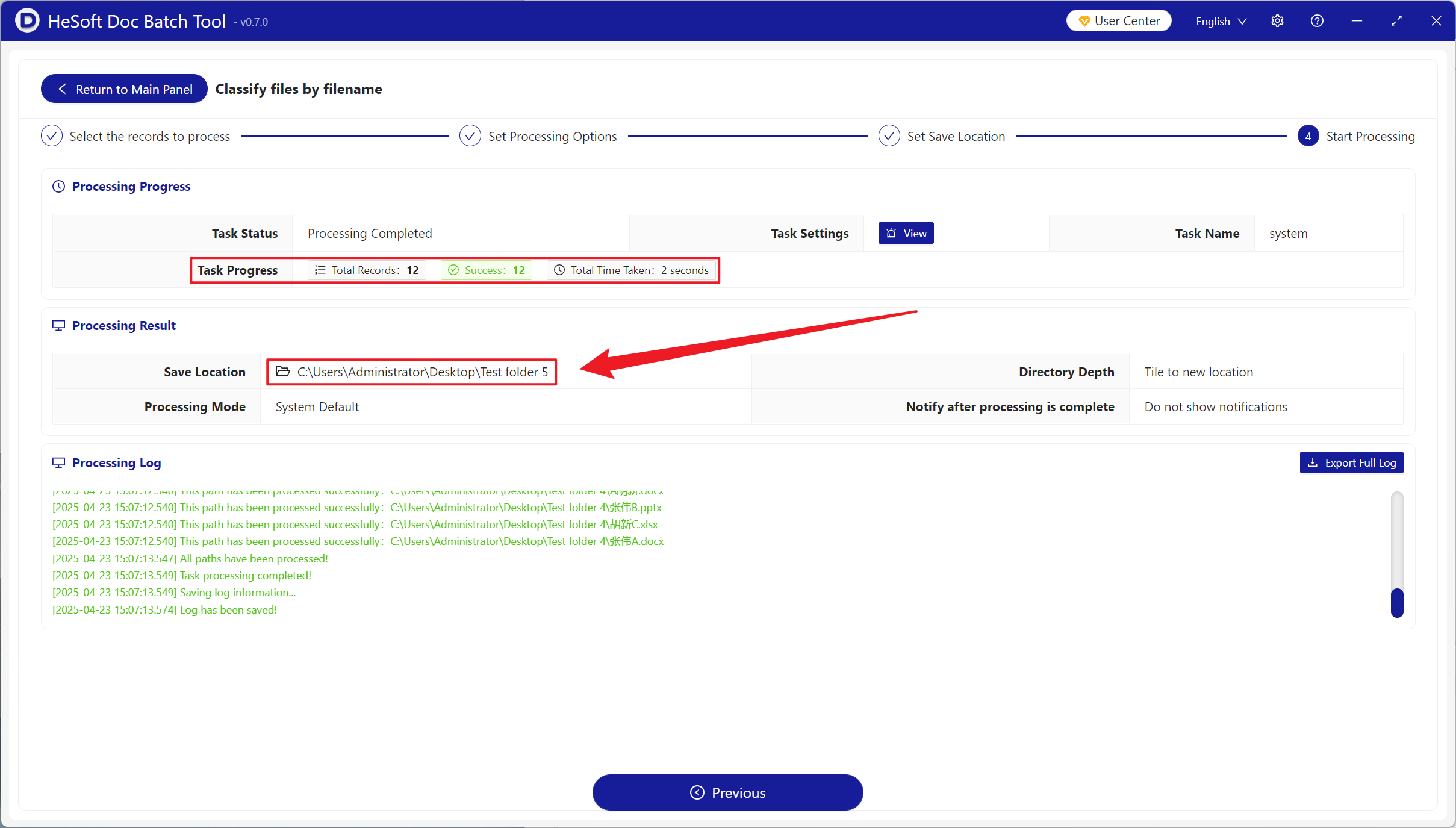
Open 【 HeSoft Doc Batch Tool 】, select 【File Management】-【Classify Files by Filename】.
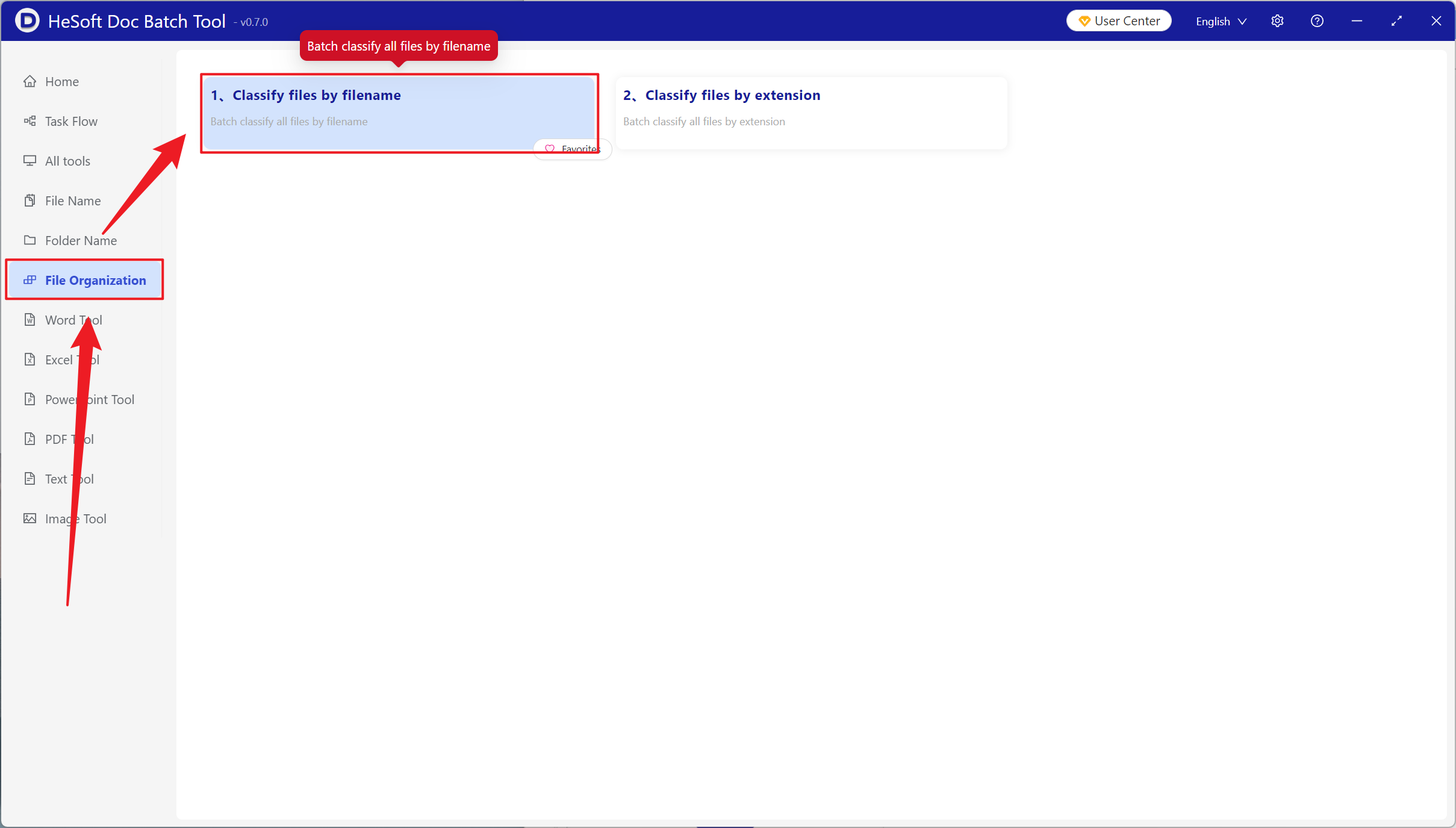
【Add Files】 to manually select and add files that need classification.
【Import Files from Folder】 to import all files from the selected folder.
View imported files below.
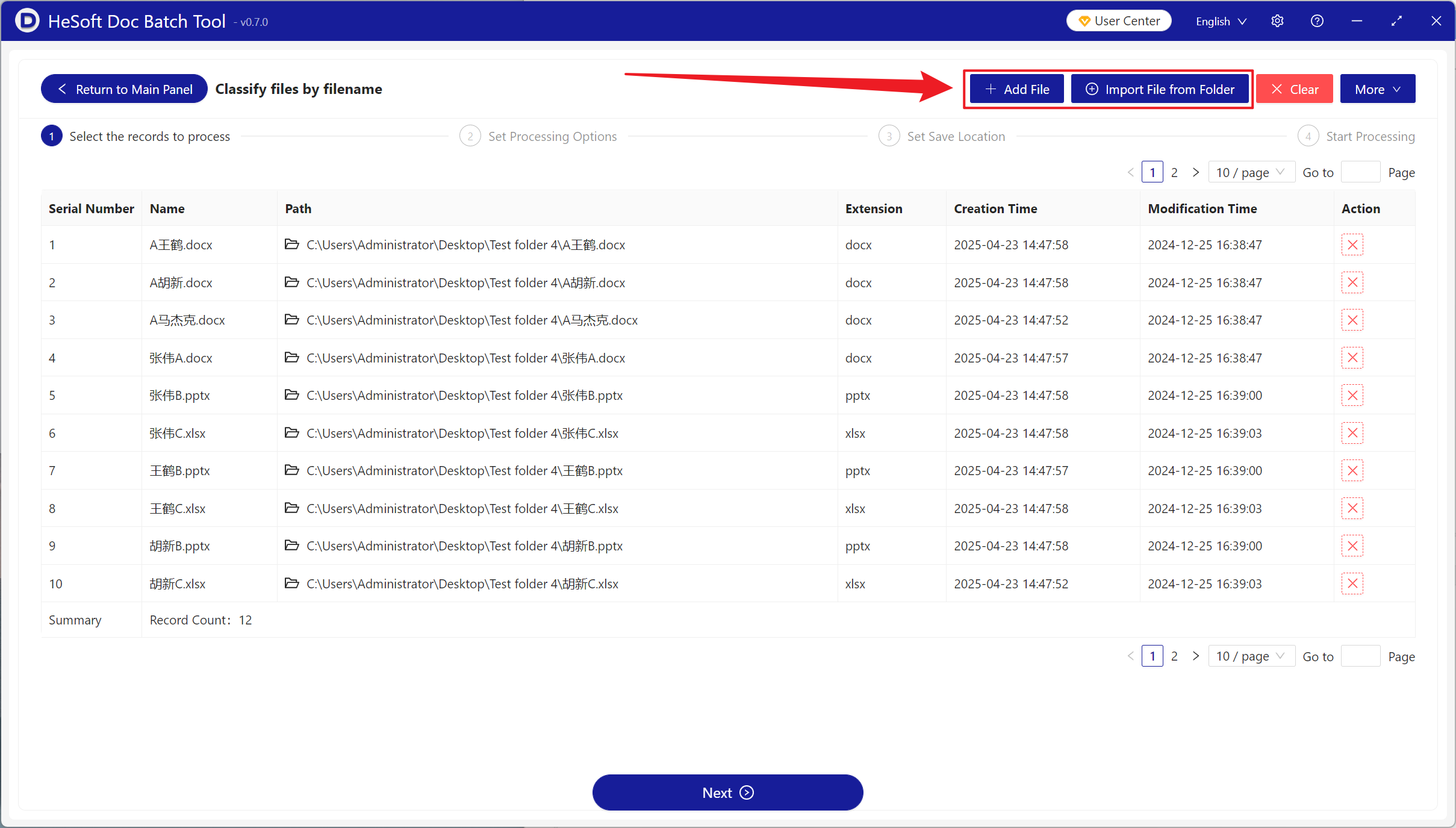
【Classification Method】 choose to classify by first English letter or Chinese character.
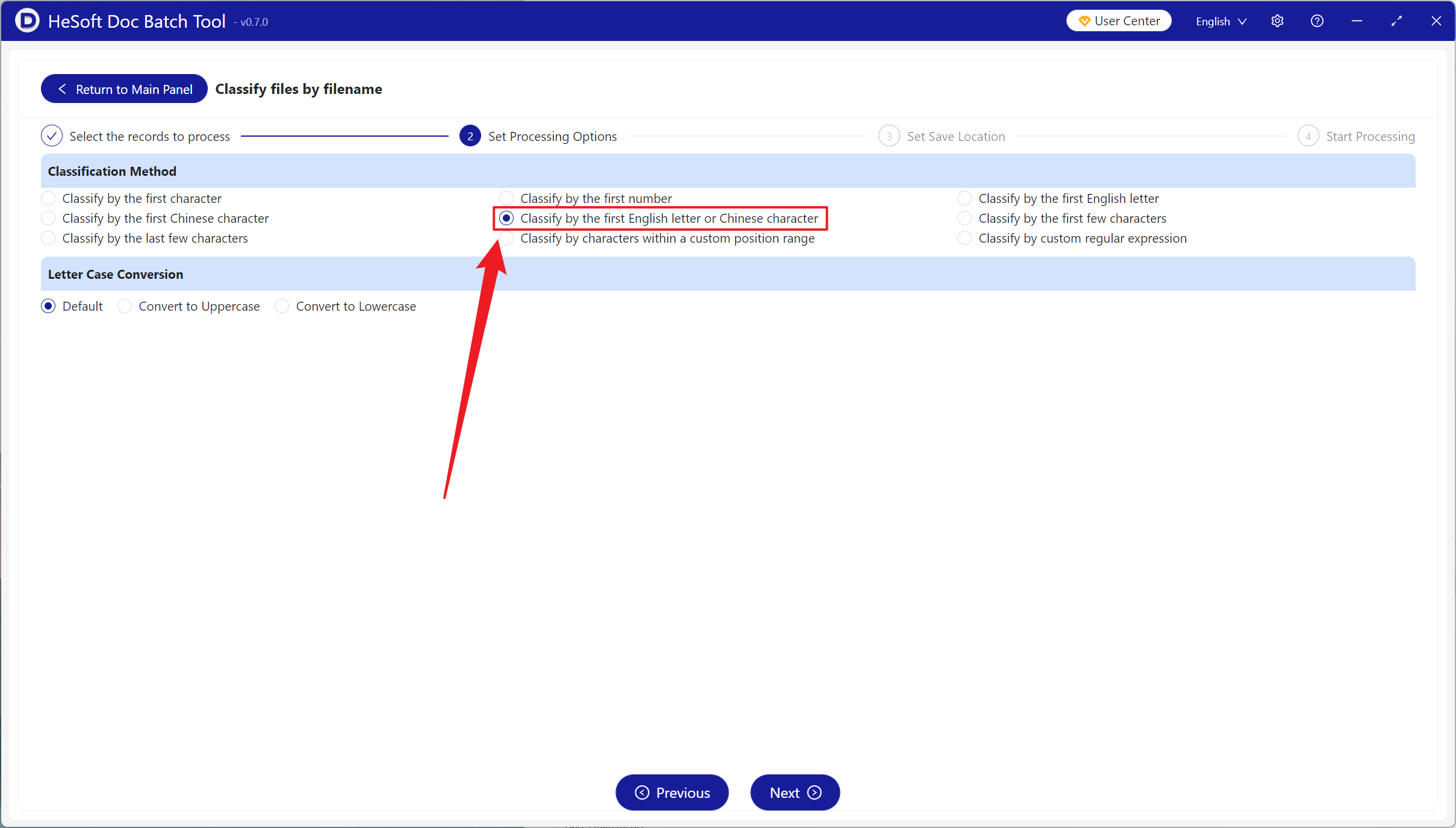
After processing is complete, click the path behind the save location to view the classified files.